
calibre
Kovid Goyal
The one stop solution to all your e-book needs
Copied! Paste it into a terminal and press Enter to install.
About
This is a community package of calibre, maintained independently and unaffiliated with the calibre project. It repackages the official upstream Linux binary bundle unmodified, and follows upstream releases automatically.
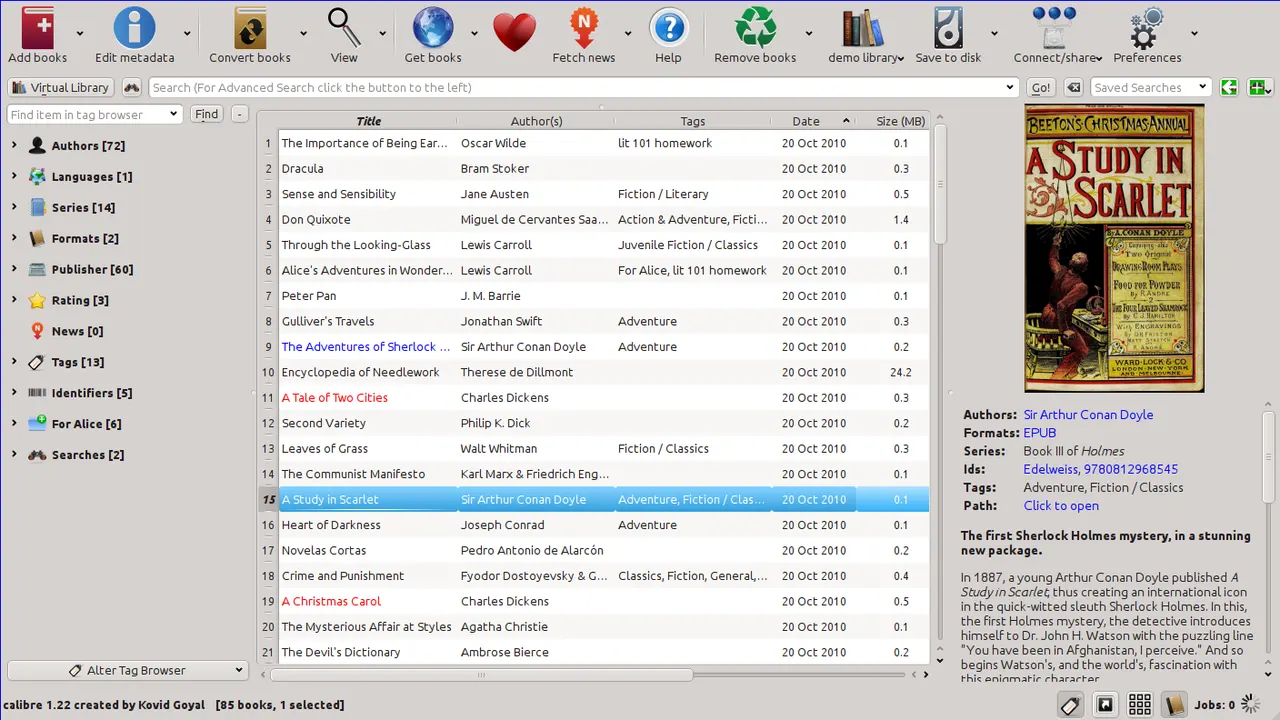
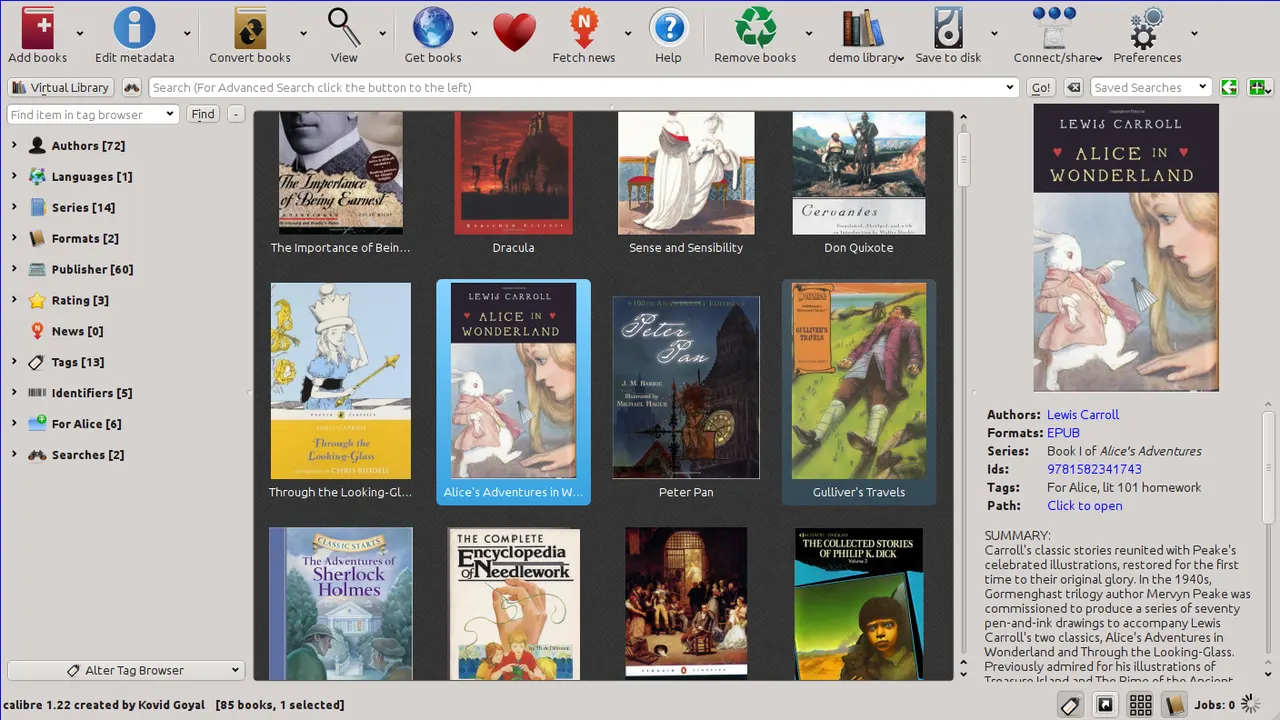
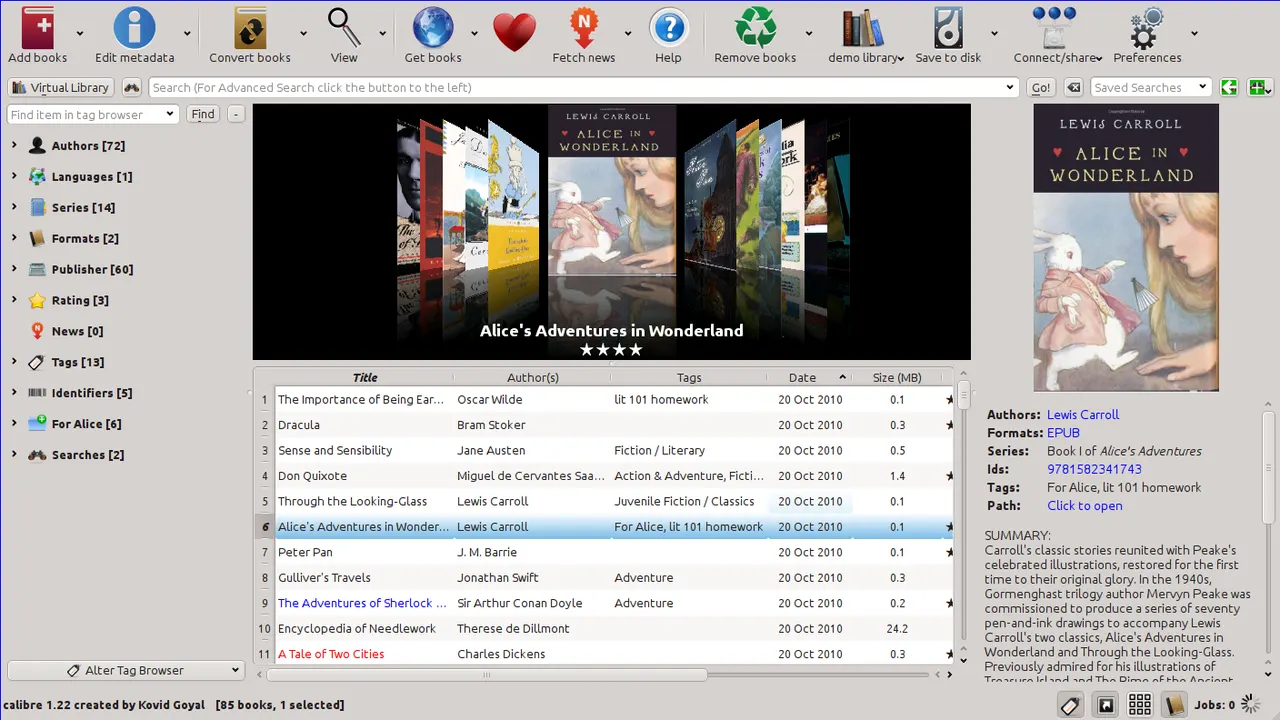
calibre is a free and open-source e-book library manager. You can use it to catalog your books, fetch metadata for them automatically, convert them from and to all the various e-book formats, send them to your e-book reader devices, read the books on your computer, edit the books in a dedicated e-book editor and even make them available over the network with the built-in Content server. You can also download news and periodicals in e-book format from over a thousand different news and magazine websites.
- Library management: organise a collection of any size with custom columns, tags, saved searches and virtual libraries.
- Format conversion between EPUB, AZW3, MOBI, PDF, DOCX, FB2, HTMLZ, TXT and more, with a full-text search index over the whole library.
- E-book viewer with annotations, highlights, bookmarks, dictionary lookup and Read aloud text-to-speech.
- E-book editor for EPUB and AZW3, with live preview, spell check, a report of errors and automated cleanup tools.
- Content server: read and manage the library from a browser or another device on the network.
- News download: build periodicals from over a thousand recipes and read them like any other book.
The E-book viewer and the E-book editor are exported as their own launchers. calibre's command-line tools are available too, for example flatpak run --command=ebook-convert com.calibre_ebook.calibre book.epub book.azw3 and the same for calibredb, ebook-meta, ebook-polish, calibre-server, fetch-ebook-metadata and calibre-debug.
Permissions: this package grants your home directory, because that is where a calibre library lives — it is created at ~/Calibre Library on first run, holds the book files themselves, and records their paths absolutely, so it needs persistent access rather than one file at a time through the portal. Access outside your home directory is not granted. A few optional capabilities are not granted by default; enable the ones you need with flatpak override:
- Send books to an e-reader over USB or MTP (Kindle, Kobo, PocketBook, ...):
flatpak override --user --device=all --system-talk-name=org.freedesktop.UDisks2 com.calibre_ebook.calibre - Keep the library on an external drive or another mount point:
flatpak override --user --filesystem=/run/media/$USER com.calibre_ebook.calibre(use the path your system mounts removable media under)
What's New
v9.13.0 · 2026-08-07Details
- Developer
- Kovid Goyal
- License
- GPL-3.0-only
- Version
- 9.13.0 · 2026-08-07
- Website
- Homepage
- Support
- Help & support
- Source
- calibre
- Packaging
- flatpark/registry
Permissions
3 to review-
Network access
Can reach the internet and local network
-
Home folder
-
Files: xdg-config/kdeglobals:ro
-
Inter-process communication
Shares the IPC namespace with the host
-
X11 (fallback)
-
Audio (PulseAudio)
-
Talk to org.freedesktop.Notifications
-
Talk to org.kde.StatusNotifierWatcher
-
Wayland display
-
GPU acceleration