

Subtitle Edit
Nikolaj Olsson
Free, open source subtitle editor with waveform and video preview
Copied! Paste it into a terminal and press Enter to install.
About
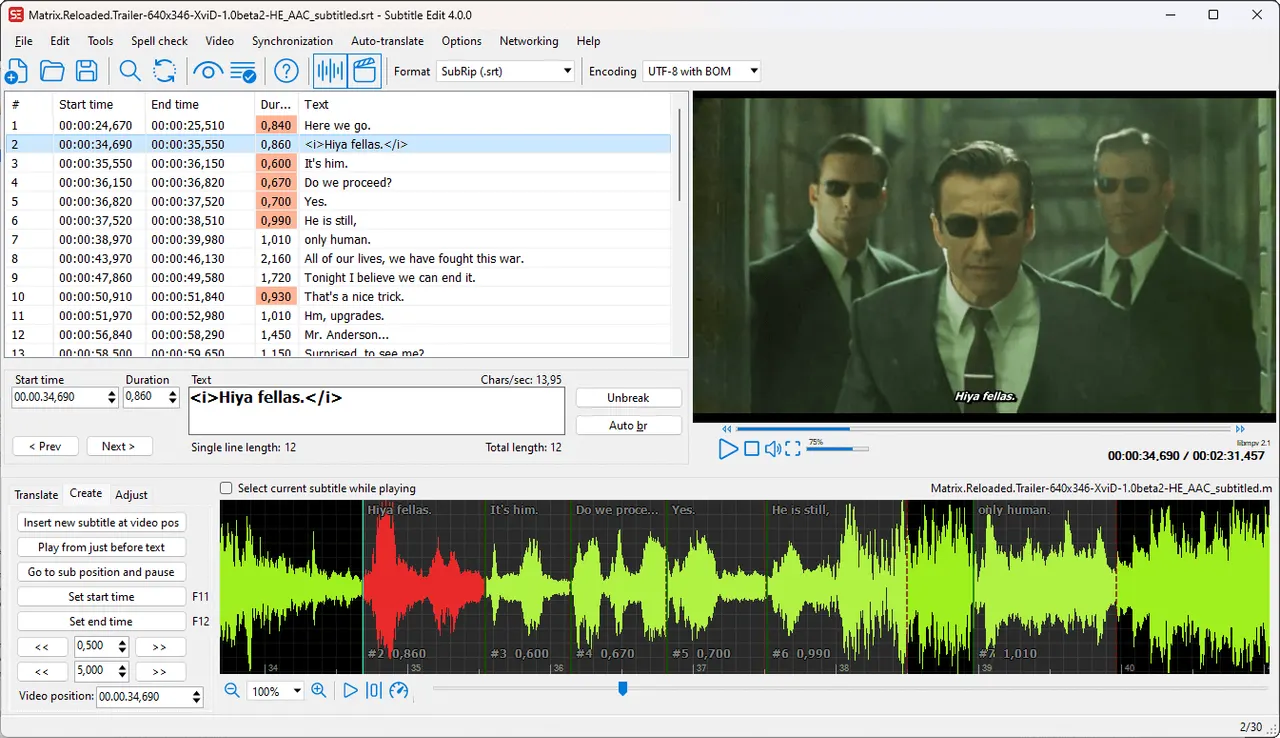
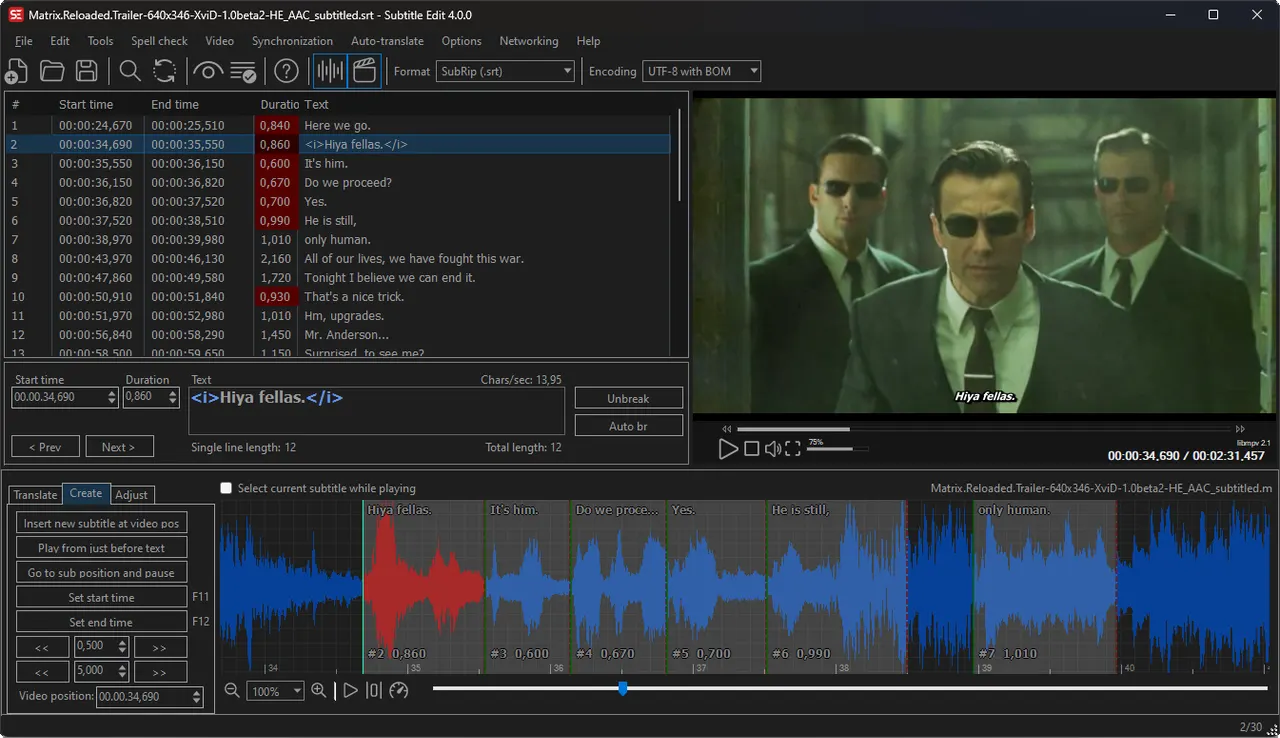
Subtitle Edit is a free and open source subtitle editor. It supports hundreds of subtitle formats and provides editing tools including:
- Create, edit, and convert subtitles in hundreds of formats (SRT, ASS, SSA, VTT, STL, and more)
- Sync subtitles to video using waveform or spectrogram view
- Spell checking with Hunspell dictionaries
- Auto-translation via popular online services
- Speech-to-text (Whisper, Azure, Google, etc.)
- Text-to-speech synthesis
- OCR support for image-based subtitle formats (e.g. SUP/Blu-ray)
- Batch conversion and fix common errors tools
- Video playback with waveform/spectrogram synchronization
This package repackages the official Linux x86_64 build published by the Subtitle Edit project, unmodified. libmpv (video preview) and ffmpeg (waveform extraction) are built into the sandbox, because the upstream tarball does not carry them.
This app is granted broad filesystem access by default, matching the upstream project's own Flatpak packaging: your full home directory, plus external drives and network shares mounted under /mnt, /media, or /run/media. Video and subtitle files are commonly stored outside the standard XDG folders (secondary drives, NAS shares, sync folders), and routing that access through the document portal instead would strand auto-renamed saves as hidden temp files and add overhead to video playback.
What's New
v5.1.0 · 2026-07-29Subtitle Edit 5.1.0. See the upstream release notes for details.
Details
- Developer
- Nikolaj Olsson
- License
- MIT
- Version
- 5.1.0 · 2026-07-29
- Website
- Homepage
- Source
- Subtitle Edit
- Packaging
- flatpark/registry
Permissions
7 to review-
X11 windowing system
Legacy display protocol; can observe input to other X11 windows
-
Home folder
-
Files: /mnt
-
Files: /media
-
Files: /run/media
-
Files: xdg-run/gvfs
-
Network access
Can reach the internet and local network
-
Inter-process communication
Shares the IPC namespace with the host
-
Audio (PulseAudio)
-
Wayland display
-
GPU acceleration