

HMCL
HMCL Team
Multi-functional, cross-platform Minecraft launcher
Copied! Paste it into a terminal and press Enter to install.
About
This is a community package of HMCL (Hello Minecraft! Launcher), maintained independently and unaffiliated with Mojang or Microsoft.
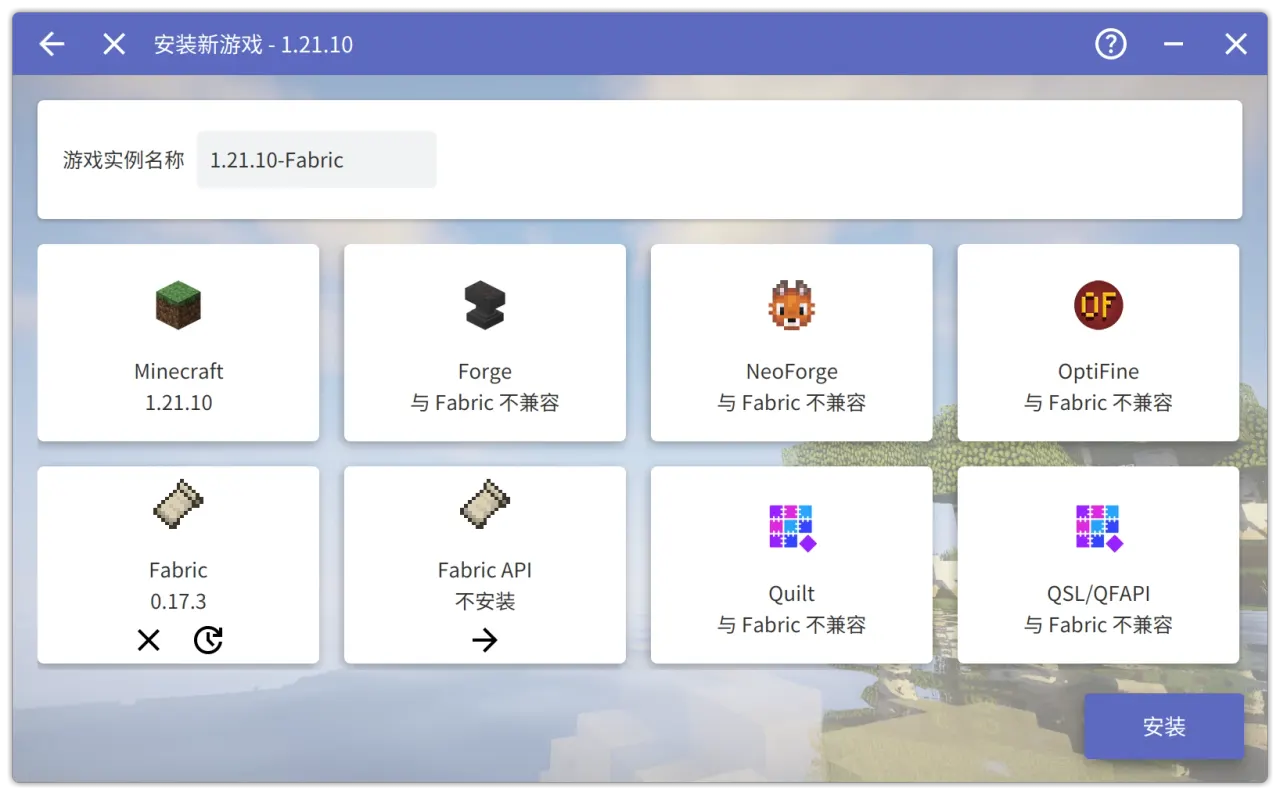
HMCL is a popular, cross-platform Minecraft launcher: it installs and manages game versions, mod loaders (Forge, NeoForge, Fabric, Quilt, LiteLoader, OptiFine), modpacks, mods and resource packs, supports Microsoft and offline accounts, and handles Java automatically.
How this package works: a self-contained Java runtime is bundled to run the launcher. On first launch HMCL downloads the JavaFX UI components and, when you install a game version, the matching Minecraft Java runtime — so the first run needs a network connection. Everything HMCL downloads, plus your games and configuration, stays inside the sandbox under your home directory.
By default the game directory lives in the sandbox (~/.local/share/hmcl). To use a Minecraft directory you keep elsewhere, enable the optional capability with "flatpak override":
- Use an existing game directory anywhere under your home: flatpak override --user --filesystem=home net.huangyuhui.hmcl
Details
- Developer
- HMCL Team
- License
- GPL-3.0-or-later
- Version
- 3.15.2 · 2026-06-25
- Website
- Homepage
- Source
- HMCL
- Packaging
- flatpark/registry
Permissions
3 to review-
All devices (incl. cameras, USB)
-
Network access
Can reach the internet and local network
-
X11 windowing system
Legacy display protocol; can observe input to other X11 windows
-
Inter-process communication
Shares the IPC namespace with the host
-
Audio (PulseAudio)
-
Wayland display