
CodeBurn
AgentSeal
Track AI coding token usage and cost across your tools
Copied! Paste it into a terminal and press Enter to install.
About
This is a community package of CodeBurn, maintained independently and unaffiliated with the project or its authors. It repackages the official upstream Linux build unmodified.
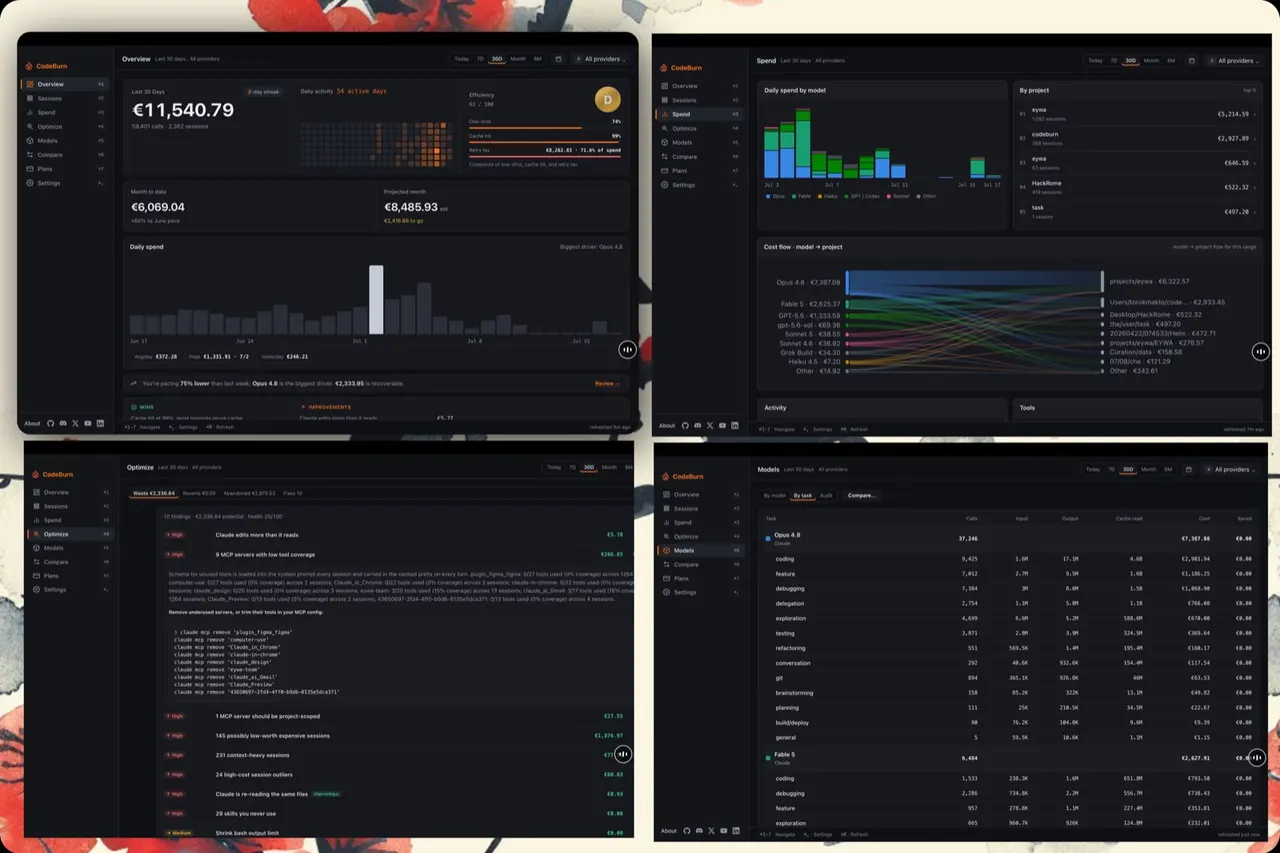
CodeBurn reads the session logs your AI coding tools already write to disk and turns them into a spend report: what each model, project, session and tool call actually cost, how much of it was cache, and where the waste is. Nothing is sent anywhere to do it — the parsing happens locally, and only public price tables are fetched.
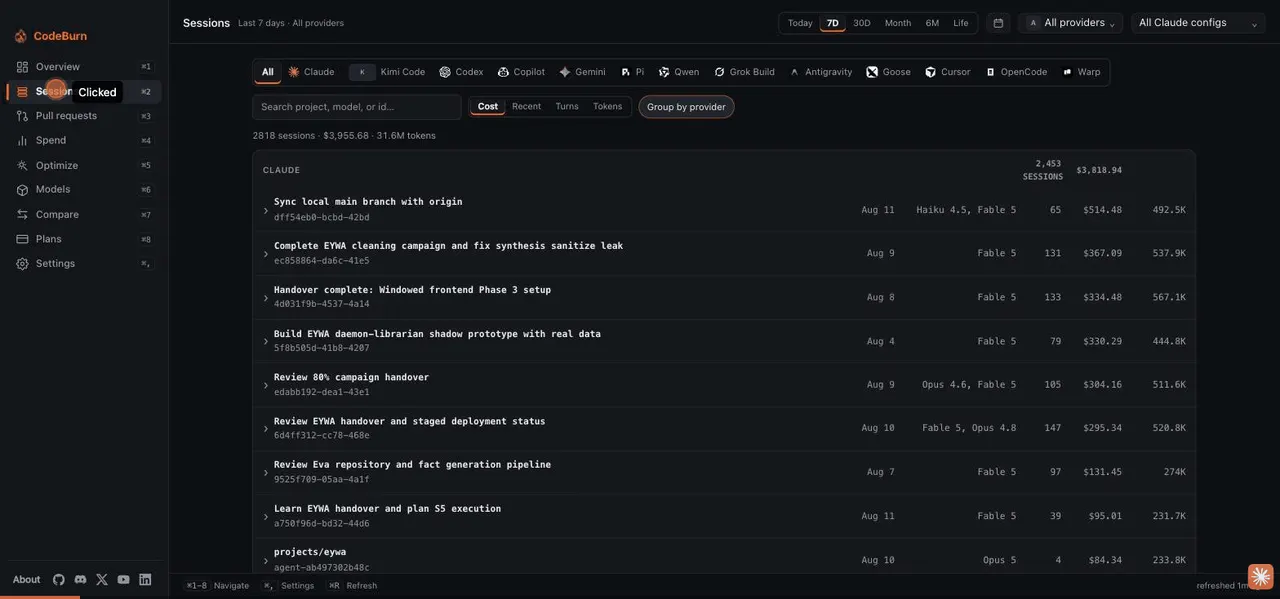
- One dashboard across every tool it can see: Claude Code, Codex, Cursor, GitHub Copilot, Gemini CLI, OpenCode, Zed, Cline and more.
- Spend by day, model, project and session, with a month-to-date figure and a projection.
- Optimize view: cache misses, re-read files, context-heavy sessions, unused MCP servers and other recoverable spend.
- Model comparison by task, and per-session detail down to the individual call.
- Prices come from the public LiteLLM table and exchange rates from Frankfurter, both cached locally; costs can be shown in any of 162 currencies.
The upstream build is self-contained: the CLI that does the reading and pricing ships inside it and runs on the app's own Electron binary in Node mode, so this package needs no Node.js, Python or agent CLI on the host and is granted no access to host commands.
Sandbox: display, GPU and network, its own settings directory, and read-only access to the data directories of the tools listed below — nothing else. The app can neither write to another tool's directory nor see the rest of your home.
Read-only by default: ~/.claude, ~/.codex, ~/.gemini, ~/.copilot, ~/.config/github-copilot, ~/.cursor, ~/.config/Cursor, ~/.config/Code and ~/.config/VSCodium global storage, ~/.cline, ~/.local/share/zed, ~/.local/share/opencode, ~/.openclaw, ~/.qwen, ~/.forge, ~/.pi and ~/.omp.
CodeBurn supports many more tools than that. Any one of them reports no sessions until you grant its directory — upstream's provider table names the directory each tool uses:
flatpak override --user --filesystem=~/.kimi:ro org.agentseal.CodeBurn
To let it see every tool at once instead, including ones added in future releases, grant your home directory read-only:
flatpak override --user --filesystem=home:ro org.agentseal.CodeBurn
A few tools (Goose, Crush, Kilo Code) locate their store through XDG_DATA_HOME, which Flatpak points inside the sandbox, so a grant alone does not reach them; OpenCode has its own OPENCODE_DATA_DIR setting, which this package sets for you.
Undo any of this with:
flatpak override --user --reset org.agentseal.CodeBurn
What's New
v0.9.20 · 2026-08-10Details
- Developer
- AgentSeal
- License
- MIT
- Version
- 0.9.20 · 2026-08-10
- Website
- Homepage
- Support
- Help & support
- Source
- CodeBurn
- Packaging
- flatpark/registry
Permissions
19 to review-
Network access
Can reach the internet and local network
-
Files: ~/.config/codeburn:create
-
Files: ~/.claude:ro
-
Files: ~/.codex:ro
-
Files: ~/.gemini:ro
-
Files: ~/.copilot:ro
-
Files: ~/.config/github-copilot:ro
-
Files: ~/.cursor:ro
-
Files: ~/.config/Cursor/User/globalStorage:ro
-
Files: ~/.config/Code/User/globalStorage:ro
-
Files: ~/.config/VSCodium/User/globalStorage:ro
-
Files: ~/.cline:ro
-
Files: ~/.local/share/zed:ro
-
Files: ~/.local/share/opencode:ro
-
Files: ~/.openclaw:ro
-
Files: ~/.qwen:ro
-
Files: ~/.forge:ro
-
Files: ~/.pi:ro
-
Files: ~/.omp:ro
-
Inter-process communication
Shares the IPC namespace with the host
-
X11 (fallback)
-
unset-env: ELECTRON_RUN_AS_NODE
-
Wayland display
-
GPU acceleration