

AeroFTP
Developer-approvedAle (axpdev)
Multi-protocol file client for FTP, FTPS, SFTP, WebDAV, S3 and cloud storage
Copied! Paste it into a terminal and press Enter to install.
About
This is a FlatPark community package of AeroFTP, co-maintained with AeroFTP's developer. It repackages the official upstream Linux build unmodified.
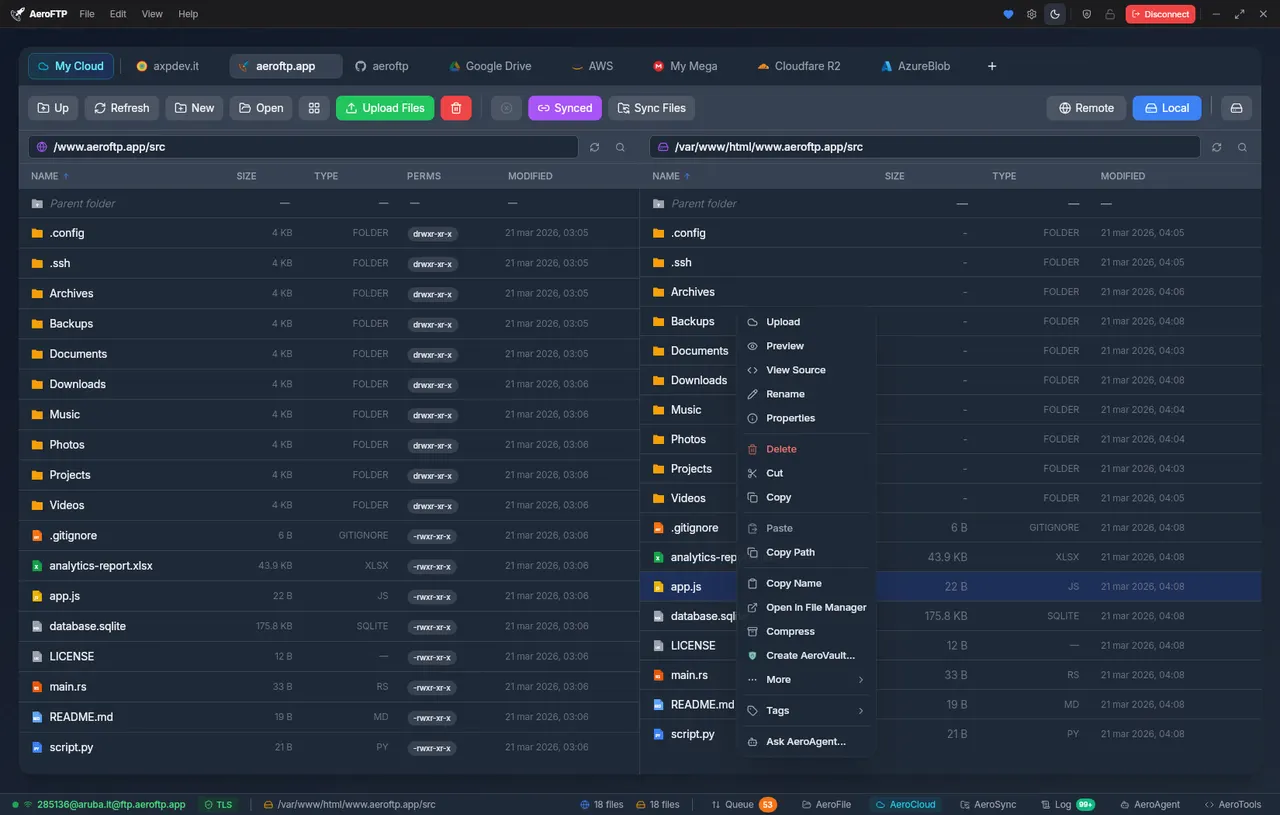
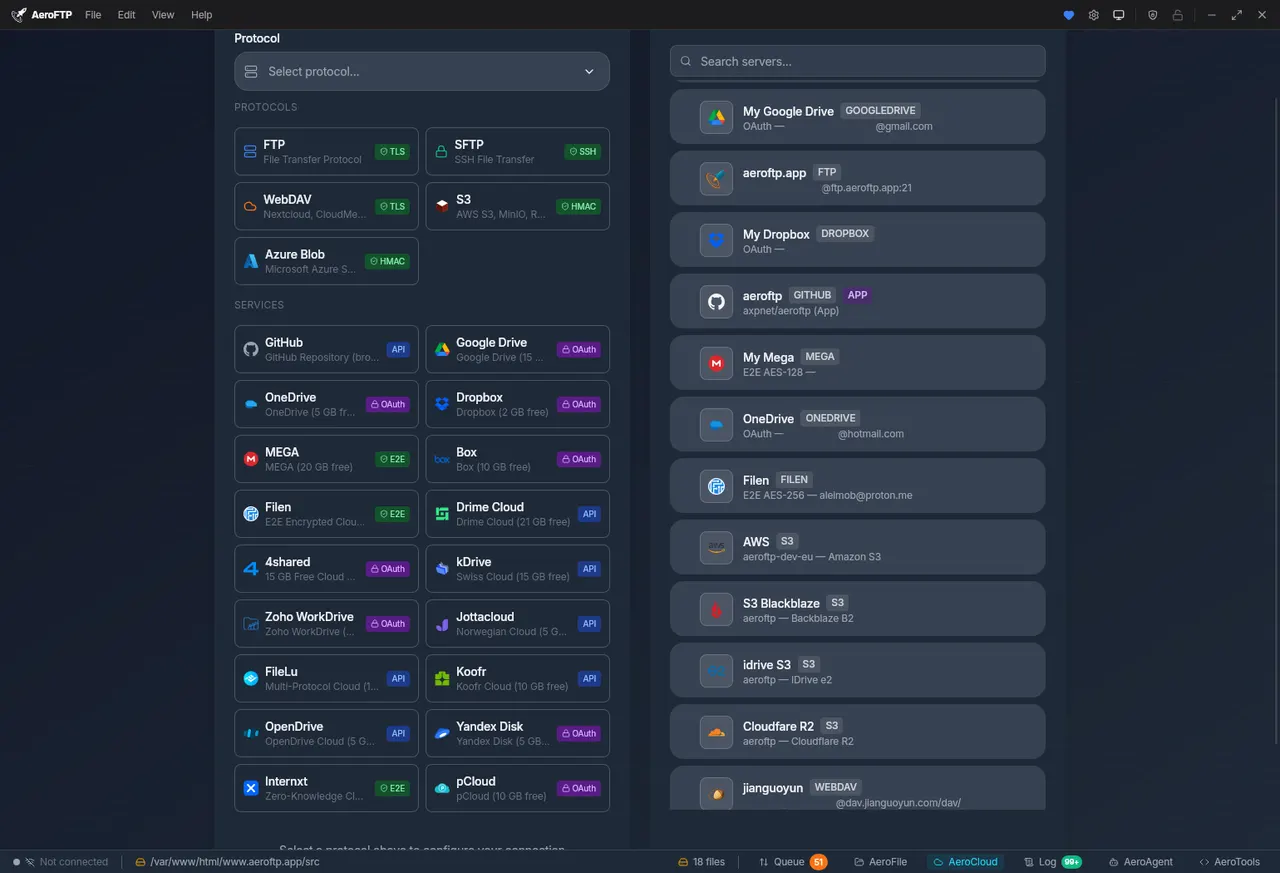
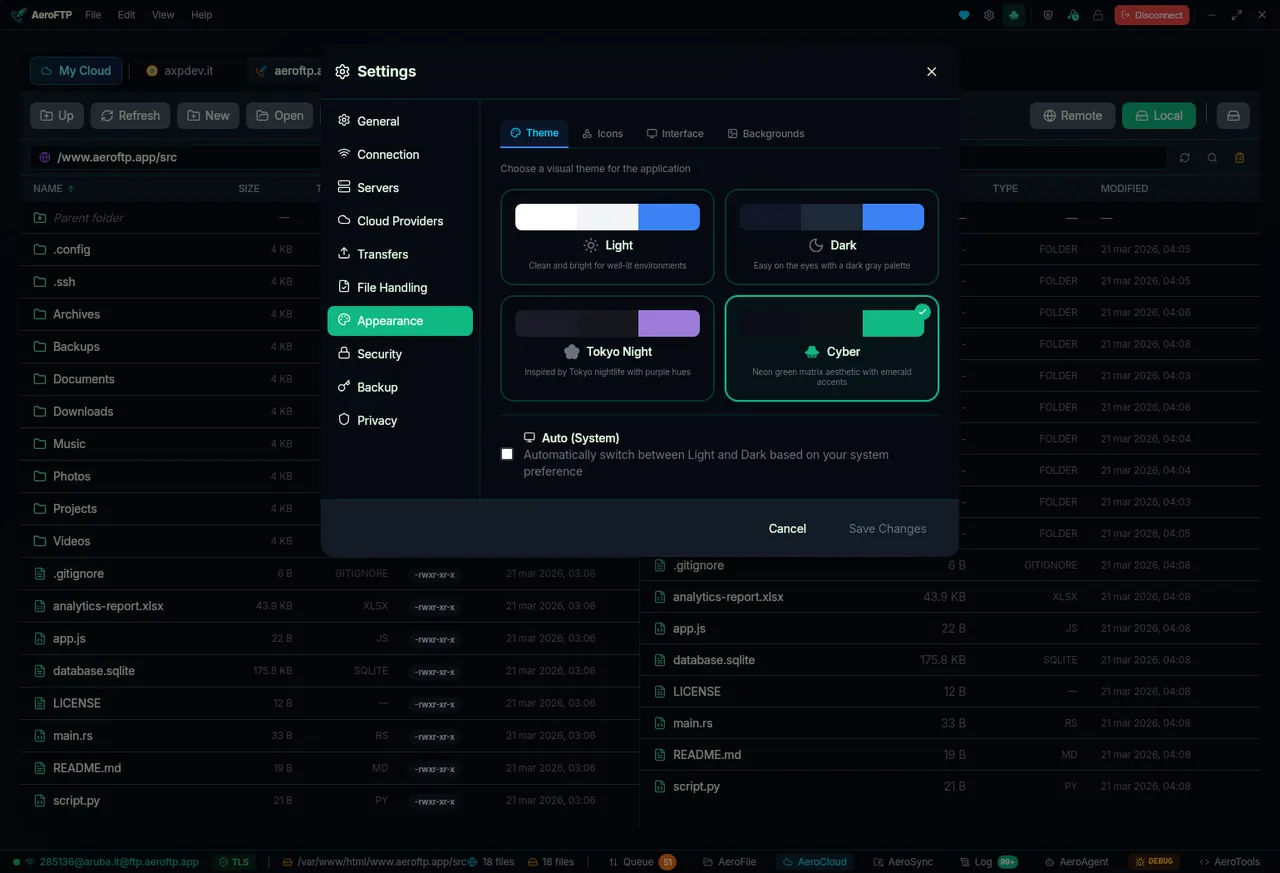
AeroFTP is a desktop file client for FTP, FTPS, SFTP, WebDAV, S3-compatible storage and cloud providers such as Google Drive, Dropbox, OneDrive, MEGA, Box, pCloud, Azure Blob Storage, Koofr and Yandex Disk, with local and remote side by side in one window.
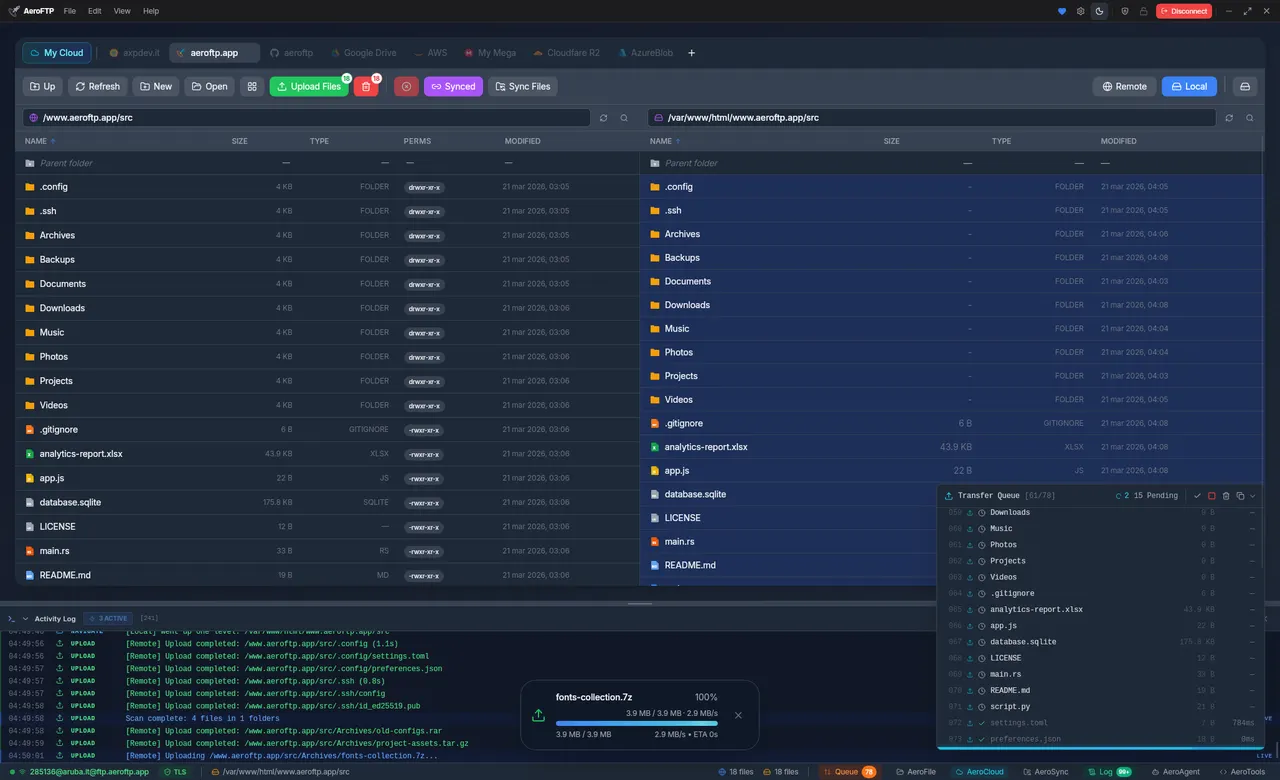
- Dual-pane browser with one tab per connection, a transfer queue, and previews for text, images, audio and video.
- Sync between a local folder and a remote one, batch rename, and an archive browser for ZIP, 7z, TAR and RAR.
- Saved credentials in an encrypted local vault with an optional master password, or in the system keyring.
- AeroVault encrypted containers, and Cryptomator vaults (format 8).
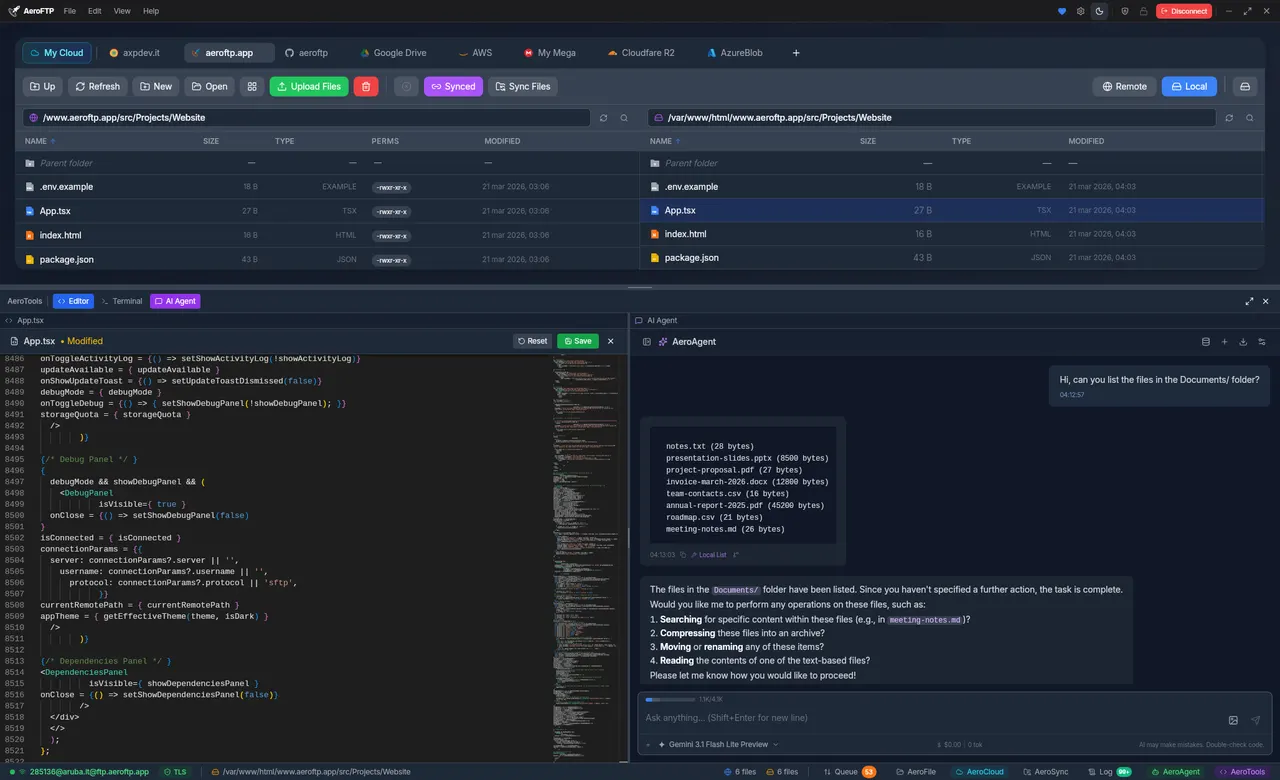
- A code editor, a terminal with SSH remote shells, and an optional AI assistant that works with many providers, local Ollama included.
- Export connection profiles to rclone, WinSCP and FileZilla.
Permissions: besides display, GPU, audio, network, a tray icon and the system keyring, this package grants your home directory and the removable-media mounts (/media, /run/media). AeroFTP's local pane browses folders directly, which the file-chooser portal cannot provide, so without these the pane would only see the sandbox's own directory. In practice this means AeroFTP can read and write everything in your home directory.
To keep it to fewer folders, remove the home grant and add the ones you use, for example: flatpak override --user --nofilesystem=home --filesystem=~/Documents --filesystem=~/Downloads com.aeroftp.AeroFTP. Undo it with flatpak override --user --reset com.aeroftp.AeroFTP.
Differences from the upstream .deb: the in-app updater is not included, because it installs a .deb or .rpm through pkexec, which a Flatpak install cannot do; updates arrive through Flatpak instead. The Nautilus extension is not included either, since it would have to live in the host's Nautilus. Commands run from the built-in terminal or the AI assistant run inside the sandbox, with the tools the runtime provides rather than those installed on your system; SSH sessions to remote servers are unaffected.
Details
- Developer
- Ale (axpdev)
- License
- GPL-3.0-or-later
- Runtime
- GNOME 51
- Architectures
- x86_64
- Version
- 4.2.4 · 2026-10-20
- Website
- Homepage
- Source
- AeroFTP
- Packaging
- flatpark/registry
Permissions
5 to reviewNetwork access
Can reach the internet and local network
Files: xdg-run/tray-icon:create
Home folder
Files: /media
Files: /run/media
Inter-process communication
Shares the IPC namespace with the host
X11 (fallback)
Audio (PulseAudio)
Talk to org.kde.StatusNotifierWatcher
Talk to org.freedesktop.secrets
Owns service app.aeroftp.AeroFTP.SingleInstance
Wayland display
GPU acceleration
Packaging
AdaptedAdds components the runtime lacks
Shipped next to the app: ayatana