

DaVinci Resolve
night199ukProprietary
Professional editing, colour, visual effects and audio post-production
Copied! Paste it into a terminal and press Enter to install.
About
This is not an official Blackmagic Design package, and Blackmagic Design does not support it. The app in this package is resolve-flatpak, an open-source installer and launcher written by night199uk to make DaVinci Resolve easy to install and use on Linux. Problems with installing or starting DaVinci Resolve through it go to resolve-flatpak's issue tracker, not to Blackmagic.
On first launch the installer downloads Blackmagic's official Linux installer, unpacks it into the app's own private folder, and starts it; later launches check for a newer release and update in place. Blackmagic's build is unpacked unmodified — nothing about Resolve itself is patched or rebuilt. As Resolve is a large download, the first launch takes a while.
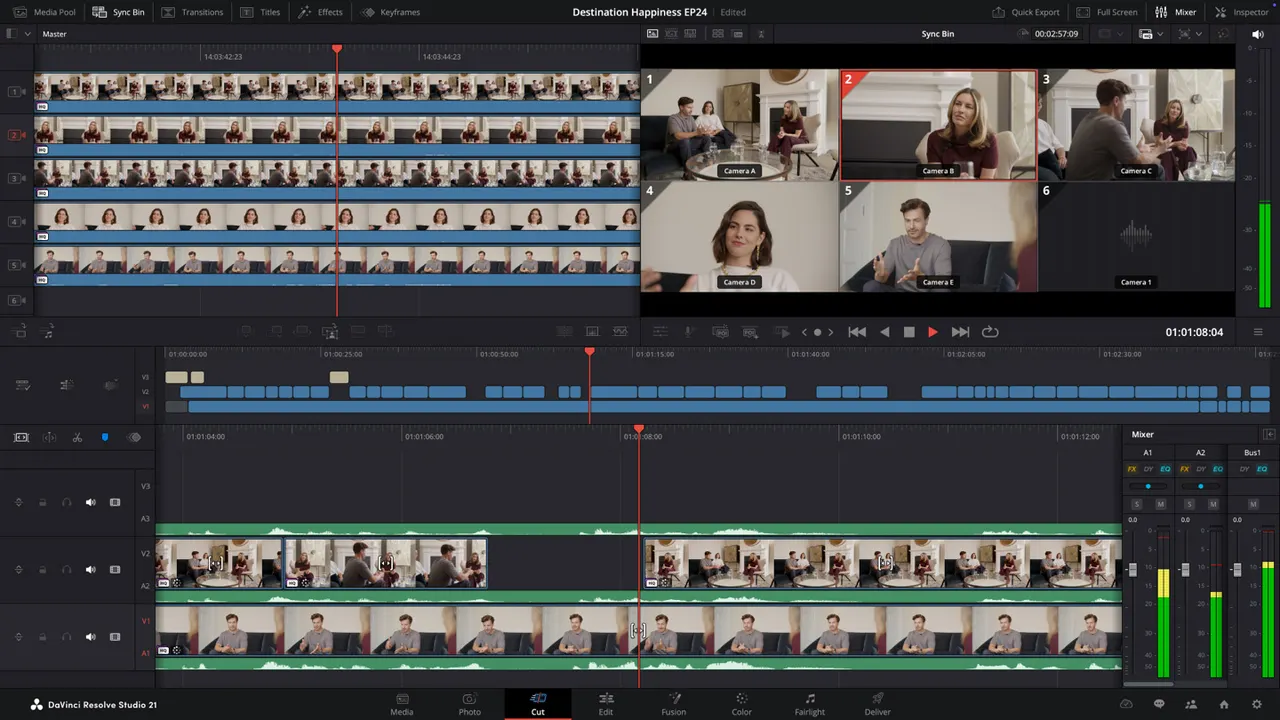
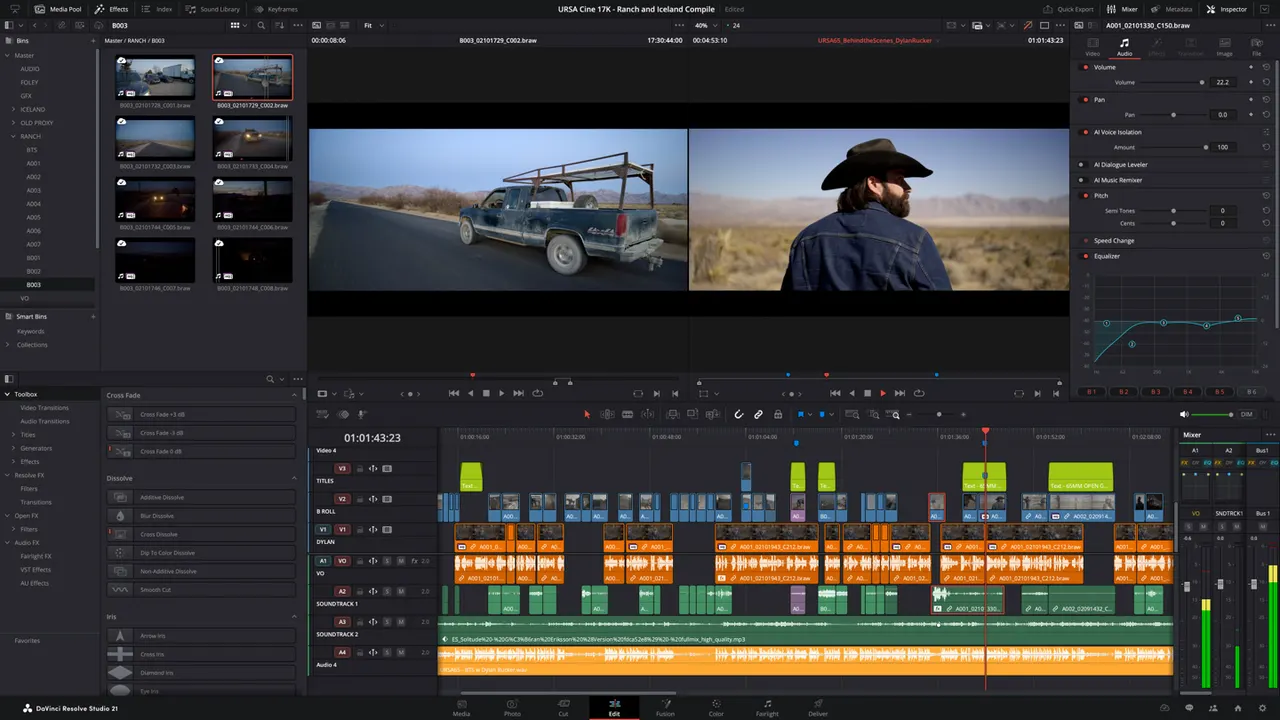
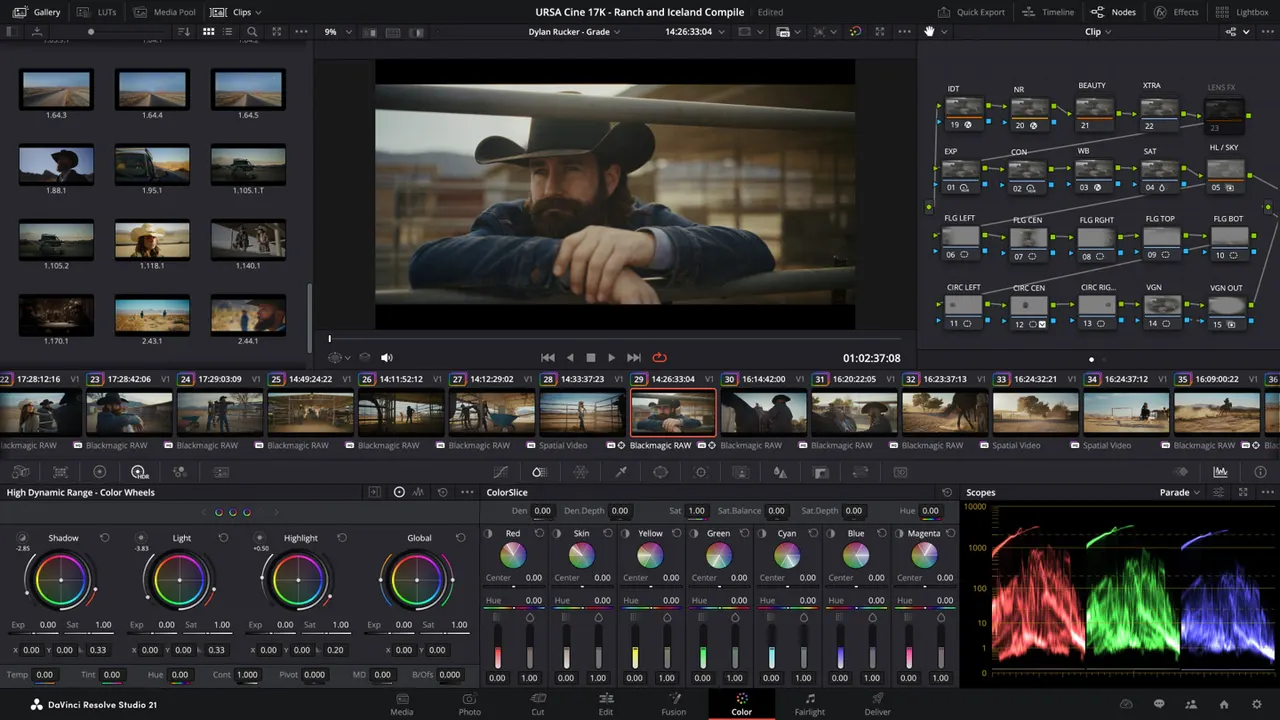
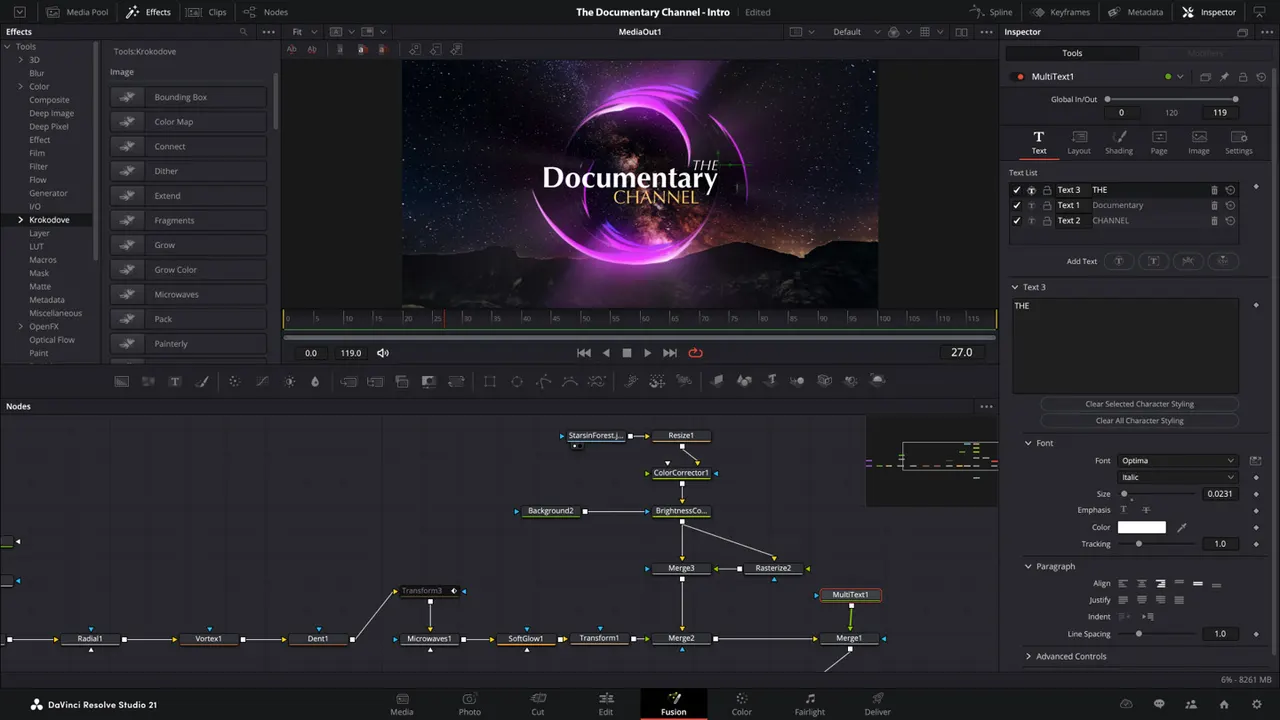
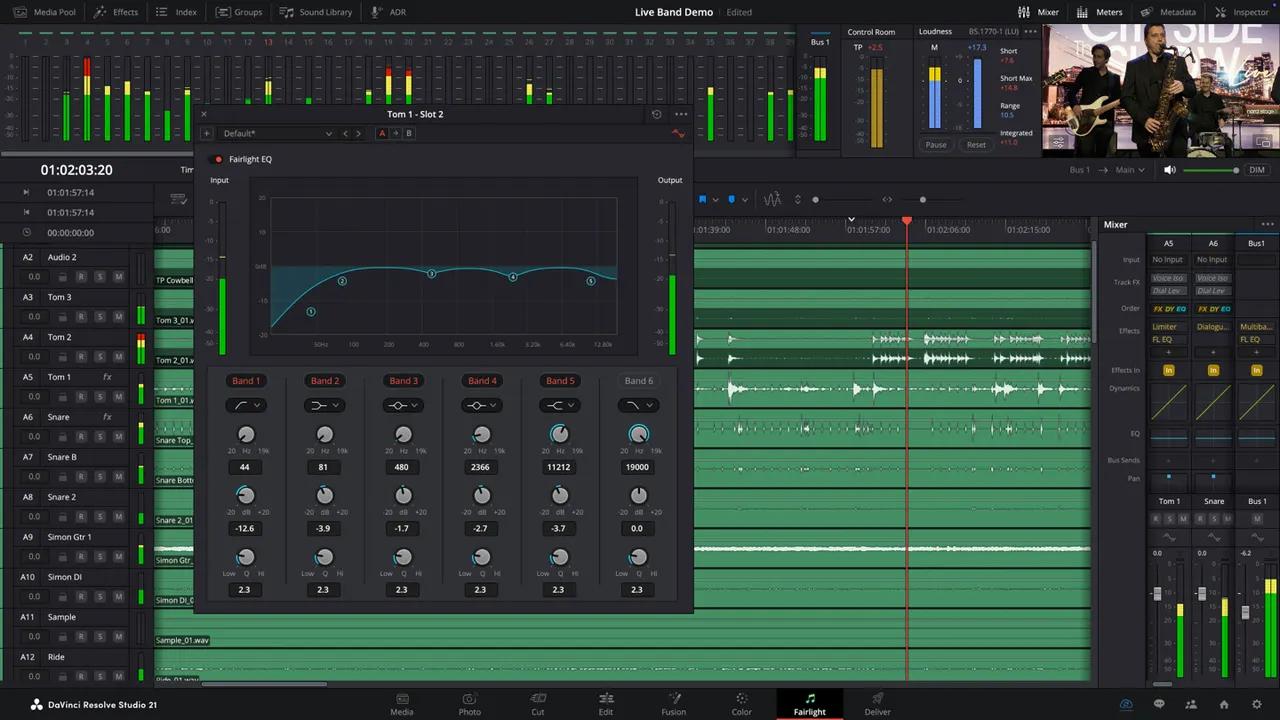
DaVinci Resolve combines editing, visual effects, colour correction and audio post-production in one application, with Fairlight audio and the Fusion node-based compositor built in. This is the free edition; DaVinci Resolve Studio is a separate package.
Permissions: this package grants read-write access to Documents, Downloads, Music, Pictures, Videos and the Desktop, because a project references media by path and reopening it needs those paths reachable. Network access downloads and installs Resolve and backs its online licence and update checks. GPU access, with the RUSTICL OpenCL fallback, is used for rendering. Settings and the installed Resolve live inside the app's own folder.
A few optional capabilities are not granted by default; enable the ones you need with "flatpak override":
- Media on an external drive:
flatpak override --user --filesystem=/run/media com.blackmagic.Resolve - Blackmagic USB control panels and licence keys:
flatpak override --user --device=usb com.blackmagic.Resolve - Network shares mounted through GVfs:
flatpak override --user --filesystem=xdg-run/gvfs com.blackmagic.Resolve
Details
- Developer
- night199uk
- License
- Proprietary
- Runtime
- Freedesktop 26.08
- Architectures
- x86_64
- Version
- 0.0.8 · 2026-10-22
- Website
- Homepage
- Support
- Help & support
- Source
- DaVinci Resolve
- Packaging
- flatpark/registry
Permissions
8 to reviewX11 windowing system
Legacy display protocol; can observe input to other X11 windows
Network access
Can reach the internet and local network
Files: xdg-desktop
Files: xdg-documents
Files: xdg-download
Files: xdg-music
Files: xdg-pictures
Files: xdg-videos
Inter-process communication
Shares the IPC namespace with the host
Audio (PulseAudio)
Persistent storage: .local/share/DaVinciResolve
Persistent storage: Videos/CacheClip
Persistent storage: Videos/.gallery
Persistent storage: Documents/BlackmagicDesign
GPU acceleration
Packaging
ModifiedRuns the vendor's installer at first launch
This package's app downloads Blackmagic's official DaVinci Resolve installer and unpacks it into the app's own private folder on first launch, then keeps it up to date. Resolve itself is unpacked unmodified and nothing is injected into it.
Adds components the runtime lacks
Shipped next to the app: libglu1-mesa