

Photon Studio
Tenzen StudioProprietary
Offline photo editor with layers, masks, retouching and PSD support
Copied! Paste it into a terminal and press Enter to install.
About
This is a community package of Photon Studio, maintained independently. It repackages the official upstream Linux build unmodified.
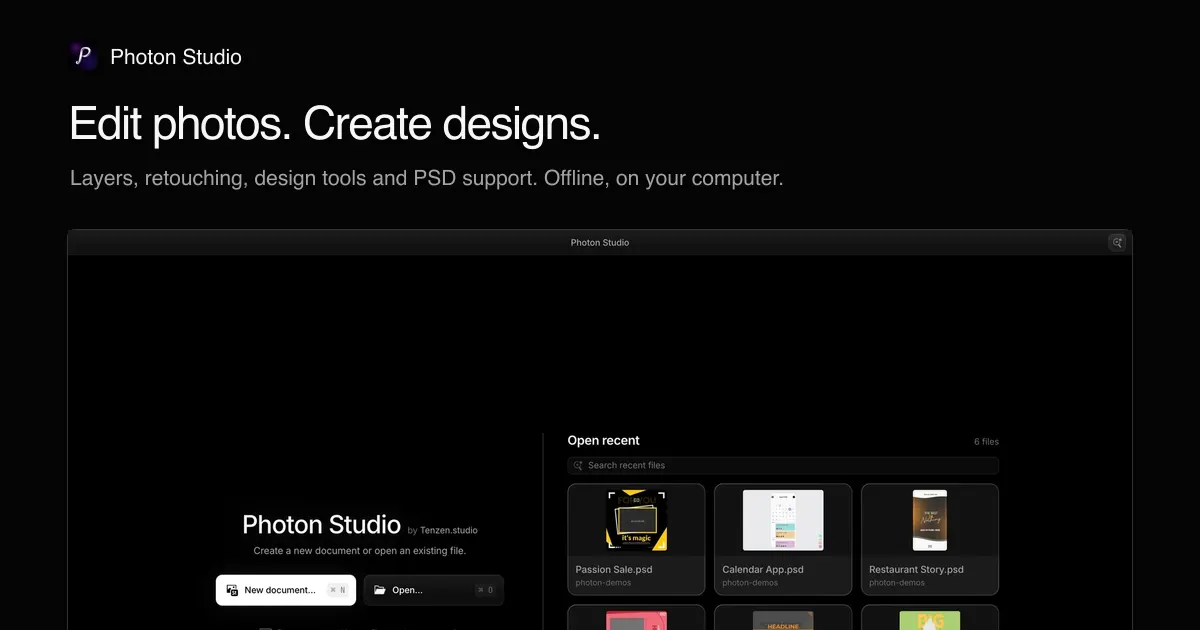
Photon Studio is a free desktop photo editor. Edit photos, create layered designs, and open or save Photoshop documents. Everything runs on your computer: there is no account and no upload step, and even subject selection and background removal run locally.
- Layers, groups, masks, adjustment layers, smart objects and layer effects
- Retouching with healing tools and Liquify
- Text and vector shapes for design work
- Open and save PSD and PSB files
- Camera RAW, HEIF, AVIF and JPEG XL support
- Curves with a live preview, and a command search for every tool
This package can read and write your Pictures, Documents and Downloads folders, where Photon saves new documents by default. A Photon document is a folder rather than a single file, and edits to RAW photos are kept in a settings file next to the photo, so saving outside those folders needs a broader permission. To let Photon save anywhere in your home folder, as upstream's own Flatpak bundle does:
- flatpak override --user --filesystem=home com.tenzen.photon
Updates arrive through this remote. The in-app update notice links to upstream's download page and can be ignored.
Details
- Developer
- Tenzen Studio
- License
- Proprietary
- Runtime
- Freedesktop 26.08
- Architectures
- x86_64
- Version
- 0.1.53 · 2026-10-14
- Website
- Homepage
- Source
- Photon Studio
- Packaging
- flatpark/registry
Permissions
4 to reviewNetwork access
Can reach the internet and local network
Files: xdg-pictures
Files: xdg-documents
Files: xdg-download
Inter-process communication
Shares the IPC namespace with the host
X11 (fallback)
Persistent storage: .photon
unset-env: ELECTRON_RUN_AS_NODE
Wayland display
GPU acceleration
Packaging
UnmodifiedRuns the vendor's build as shipped — nothing added or changed.
What the levels mean →