

Rayburst
Developer-approvedAnInsomniacy
Download manager for HTTP, FTP, BitTorrent, ED2K and HLS/DASH media
Copied! Paste it into a terminal and press Enter to install.
About
This is a community package of Rayburst, maintained independently and unaffiliated with the Rayburst project. It repackages the official upstream Linux build unmodified.
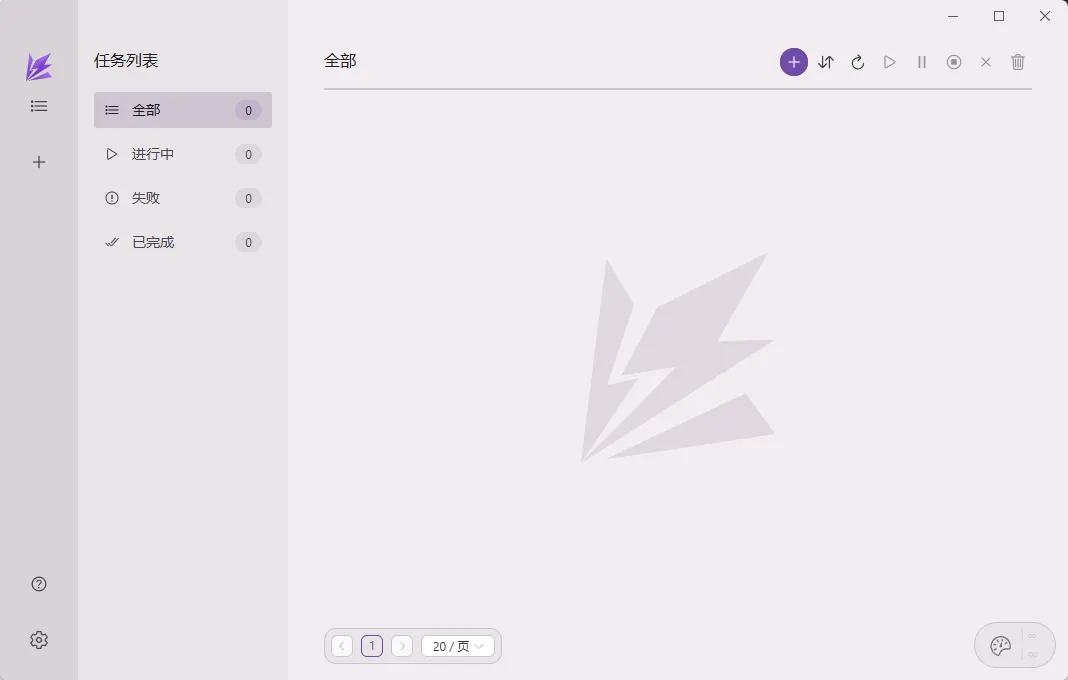
Rayburst is a desktop download manager built with Tauri and Vue, driving Aria2 Next — a maintained aria2 fork — as its engine. It is a separate, ground-up rewrite inspired by the original Motrix, written by a different author, and it keeps its own settings and task database.
Rayburst is the new name of Motrix Next, from 4.0 on. Moving over from the former MotrixNext package (com.motrix.next) is a fresh installation, as upstream notes: nothing carries over.
Upstream states that moving from Motrix Next is a fresh installation: the application identifier and data directories changed, and previous settings, task state and history are not imported automatically. Installing this package alongside MotrixNext is fine — they are separate applications with separate sandboxes — but finish or back up active downloads in the old one first.
- HTTP, HTTPS, SFTP, ED2K, BitTorrent, Magnet and .torrent downloads.
- Native HLS and DASH media downloads with track and subtitle selection, live recording, and MP4, Matroska or WebVTT output.
- Multi-threaded transfers with a task queue and SQLite-backed history.
- BitTorrent selective download, DHT, peer exchange and GeoIP peer flags.
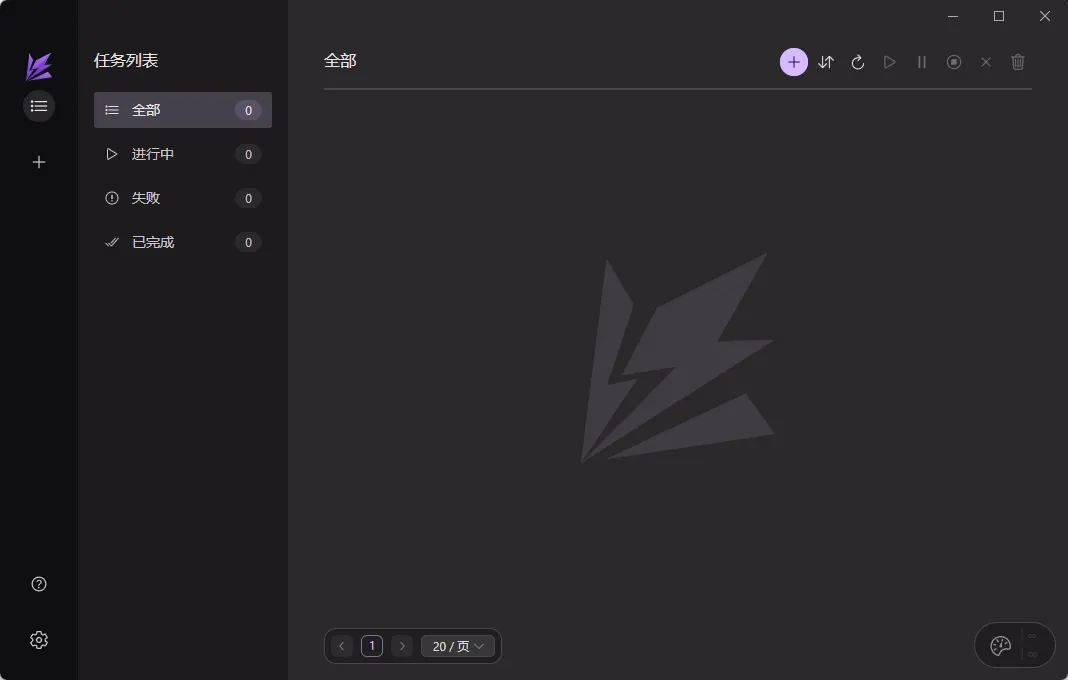
- System tray, light and dark themes, and translations for 25 languages.
Permissions: this package keeps a tight sandbox by default — display, GPU, network, notifications, a tray icon, and your Downloads folder. Saving to any other directory goes through the desktop portal's file chooser. To grant a specific folder permanently, run flatpak override --user --filesystem=~/Media dev.aninsomniacy.rayburst, substituting your own path; --filesystem=home grants the whole home directory.
Browser integration: the Rayburst Connect extension talks to the app over its Extension API, using the address and secret the app shows in its settings, and that works from this package — the sandbox shares the host's network. What this package does not set up is the browser native-messaging host, whose job is to launch Rayburst on demand: registering it would mean writing into your browser's own configuration directory on the host, which this sandbox deliberately cannot reach. Start Rayburst yourself and the extension connects.
Rendering: this package pins WebKitGTK's accelerated path on. The app's window is transparent, and on this runtime an unaccelerated web view leaves it see-through, so the app's own "hardware rendering" setting is overridden here and changing it has no effect. If the accelerated path does not suit your hardware, take it back with flatpak override --user --env=WEBKIT_DISABLE_COMPOSITING_MODE=1 dev.aninsomniacy.rayburst.
The in-app updater is not usable here: it replaces the application binary in place, which a read-only Flatpak install does not allow. Updates arrive through Flatpak instead. Proxy auto-detection reads the host's GNOME proxy settings, which are not visible inside the sandbox, so set a proxy explicitly in the app's own network settings if you need one.
Details
- Developer
- AnInsomniacy
- License
- MIT
- Runtime
- GNOME 51
- Architectures
- x86_64
- Version
- 4.1.1 · 2026-10-25
- Website
- Homepage
- Source
- Rayburst
- Packaging
- flatpark/registry
Permissions
3 to reviewNetwork access
Can reach the internet and local network
Files: xdg-download
Files: xdg-run/tray-icon:create
Inter-process communication
Shares the IPC namespace with the host
X11 (fallback)
Talk to org.freedesktop.Notifications
Talk to org.kde.StatusNotifierWatcher
Talk to org.freedesktop.FileManager1
Wayland display
GPU acceleration
Packaging
AdaptedAdds components the runtime lacks
Shipped next to the app: ayatana