
Imladris
Developer-approvedAntonio De Gaetano
Scientific notebook studio and Markdown IDE with local AI
Copied! Paste it into a terminal and press Enter to install.
About
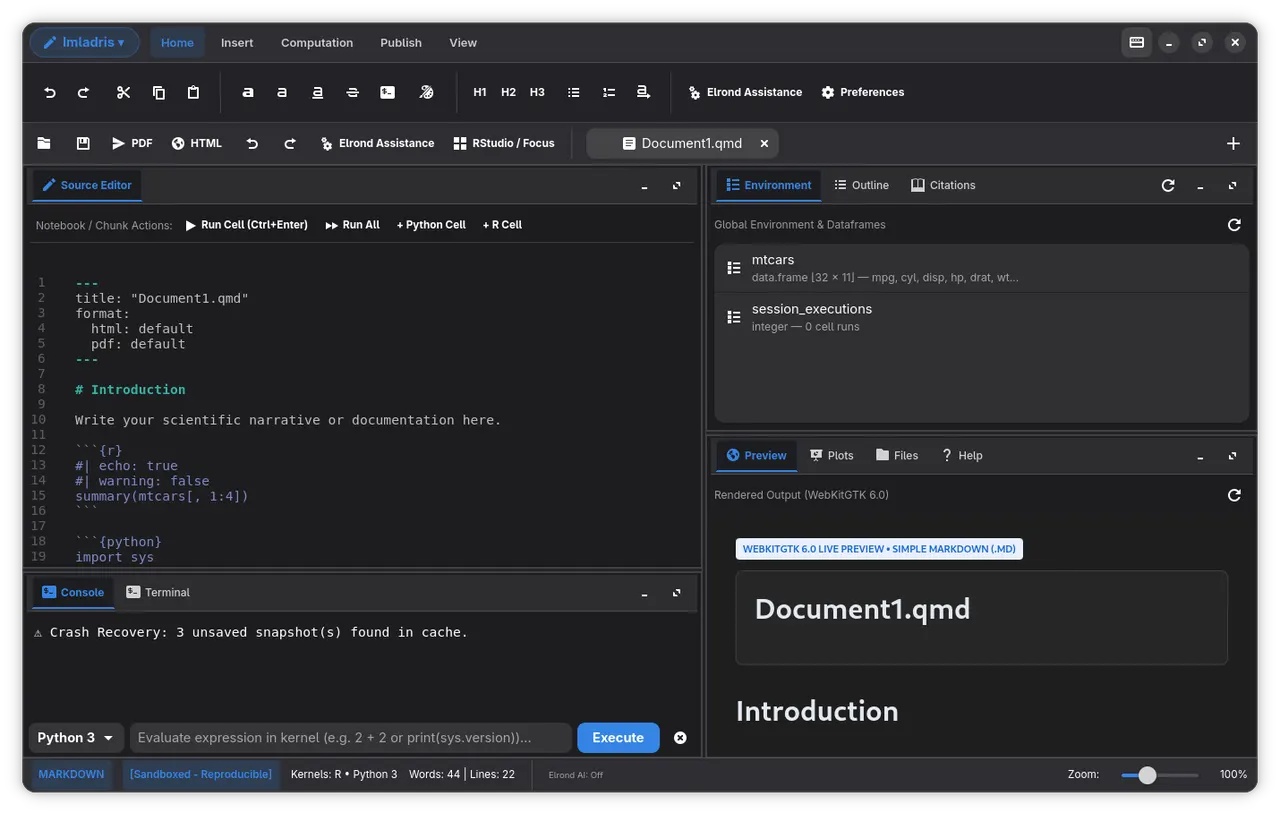
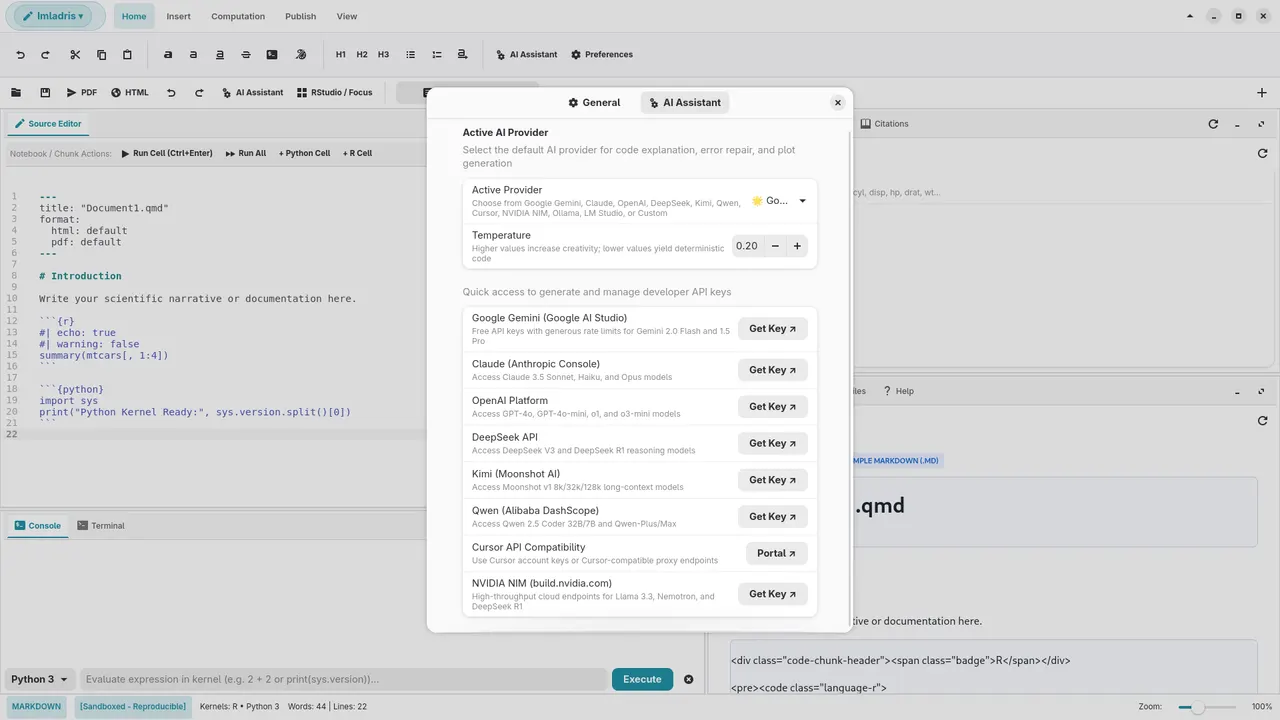
Imladris is a native Linux polyglot document studio and scientific Markdown editor built with Vala, GTK4, Libadwaita, GtkSourceView 5, and WebKitGTK 6.0. Featuring an adaptive ribbon interface, Imladris provides a distraction-free writing environment for technical authors, data scientists, and researchers.
Whether editing Quarto research reports, R Markdown statistical documents, or Jupyter notebooks, Imladris renders mathematical formulas, tables, and charts in real time.
- Categorized Launch Modal: 9 creation targets across multi-file projects (Standard and Sandboxed) and standalone simple files
- Sandbox Dependency Engine: Isolated environments with renv for R and venv for Python
- The .mallorn Exchange Format: 1:1 bidirectional compatibility with RStudio projects and portable single-file bundles
- OpenDocument Export Pipeline: Headless export to ODT and ODP presentations
- Adaptive Modern Ribbon: High-density GTK4 and Libadwaita tabs for Home, Insert, Computation, Publish, and View with linked controls and quick collapse (Ctrl+F1)
- Real-Time Live Preview: WebKitGTK 6.0 preview with KaTeX mathematics, Mermaid diagrams, and syntax highlighting
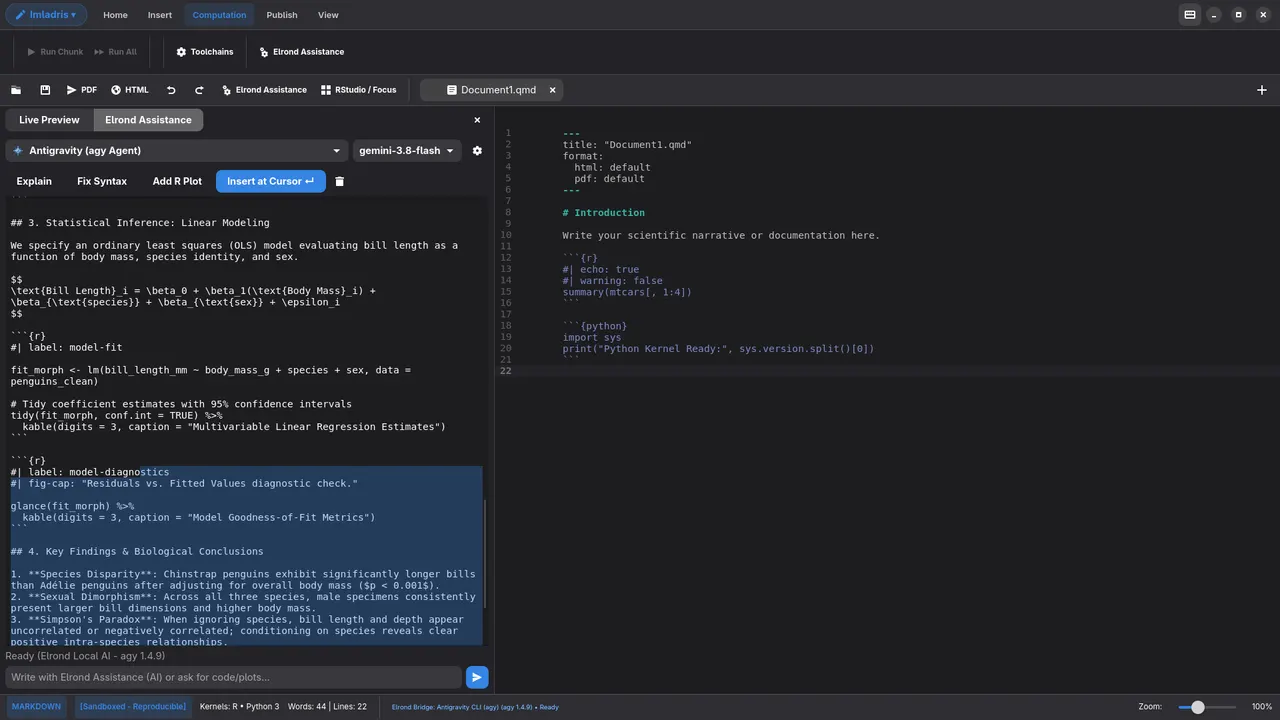
- Dual AI Co-Author: In-editor writing assistant with support for local offline models and cloud LLMs
- Model Context Protocol (MCP): Built-in MCP server integration for agentic document analysis and data retrieval
Permissions: this package can read and write your whole home directory, so notebooks and projects can live anywhere, and it can reach the network for AI providers, package repositories and Shiny apps. It can also run programs on your computer outside the sandbox through flatpak-spawn, so that notebook chunks and consoles can use the R, Python, Quarto and Julia installed on your system. Code run that way has your normal user privileges. The live preview also runs with WebKit's own web-content sandbox turned off.
If you only use the toolchain Imladris manages itself, or per-project environments, you can remove the host access with flatpak override --user --no-talk-name=org.freedesktop.Flatpak io.github.Antux912012.Imladris. Tools installed on your system will then no longer be found.
Note: This application is independently developed and is not affiliated with or endorsed by Posit, RStudio, or Project Jupyter.
Details
- Developer
- Antonio De Gaetano
- License
- GPL-3.0-or-later
- Runtime
- GNOME 51
- Architectures
- x86_64
- Version
- 0.17.0 · 2026-11-09
- Website
- Homepage
- Source
- Imladris
- Packaging
- flatpark/registry
Permissions
3 to reviewNetwork access
Can reach the internet and local network
Home folder
Talk to org.freedesktop.Flatpak
Can run commands on the host via flatpak-spawn
Inter-process communication
Shares the IPC namespace with the host
X11 (fallback)
Wayland display
GPU acceleration
Packaging
Reduced isolationRuns commands on your system
Imladris runs host language engines (R, Quarto, Python) via flatpak-spawn to execute notebook chunks and manage external packages with the user's host environment.
Turns off the app's own sandbox
Imladris itself sets WEBKIT_DISABLE_SANDBOX_THIS_IS_DANGEROUS=1 at startup, so the WebKit process that renders the live preview runs without WebKit's own sandbox.