
Leaf
Developer-approvedLeaf contributors
Create and edit documents in GNOME
Copied! Paste it into a terminal and press Enter to install.
About
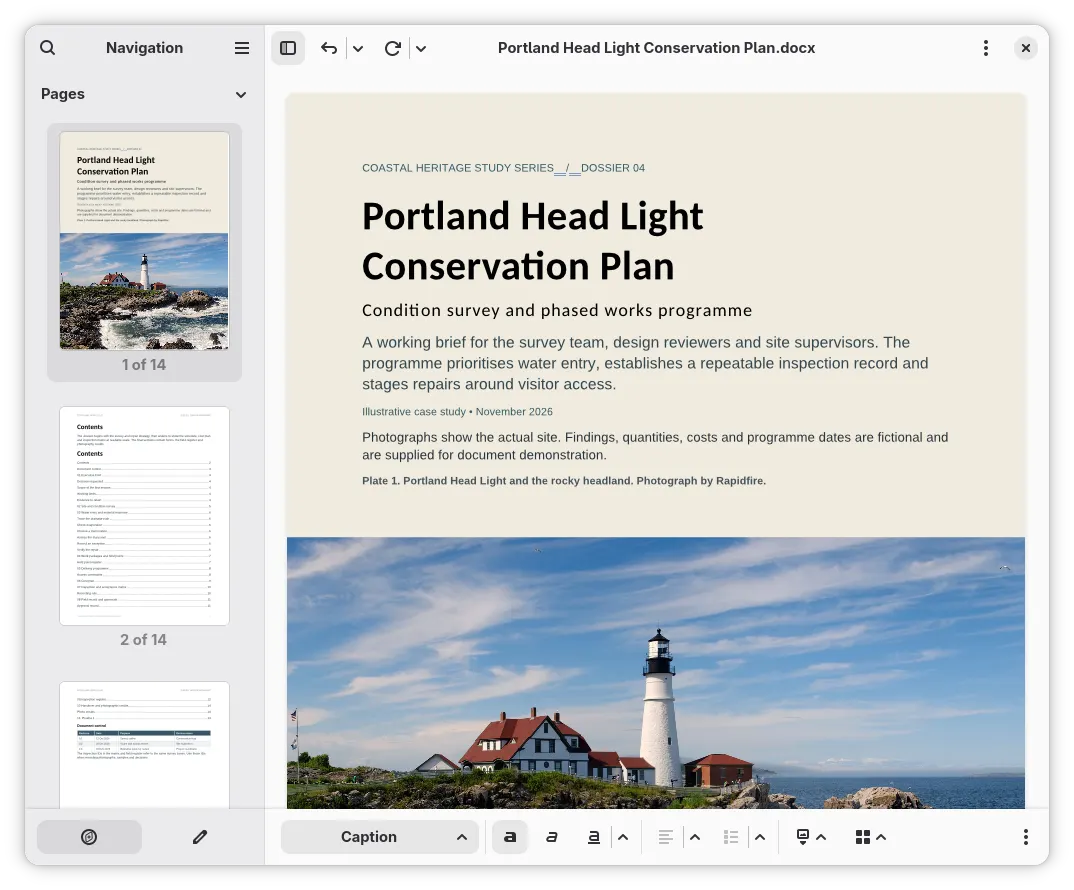
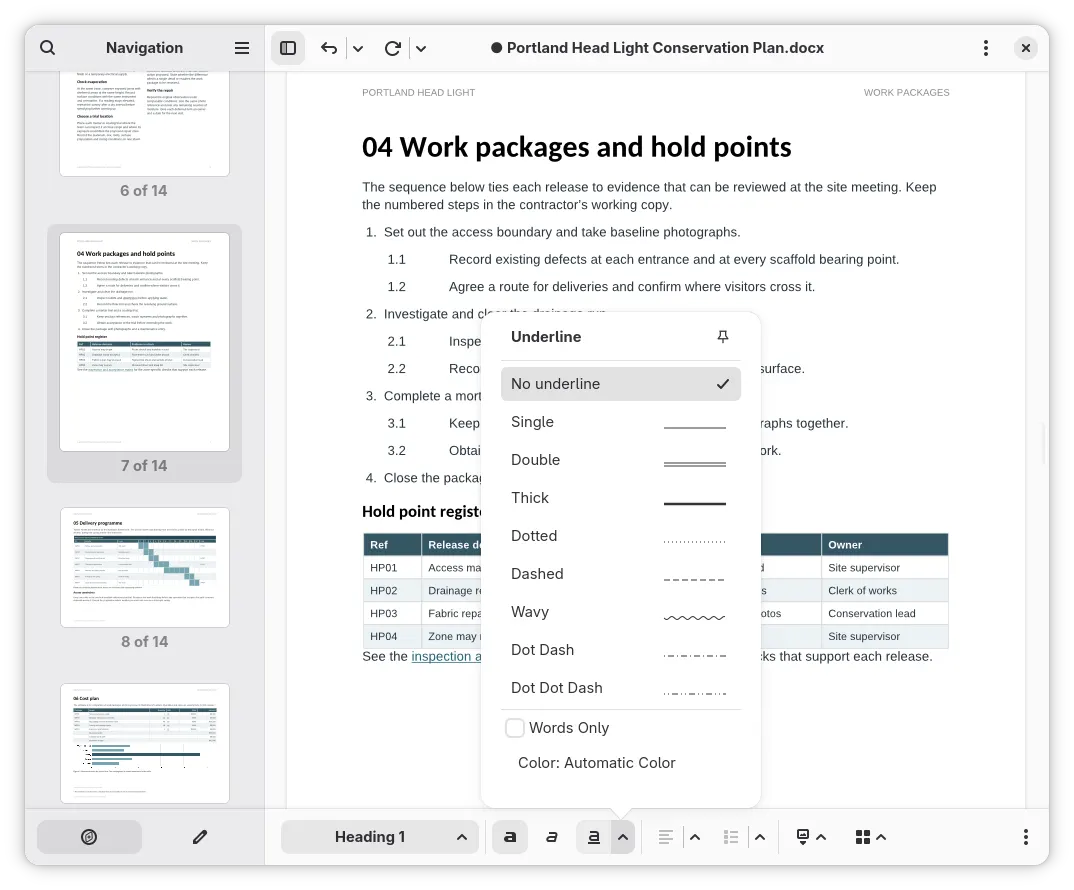
Leaf brings advanced word processing to a simple, native GNOME interface. Create richly formatted reports, navigate long documents and review changes, with everyday tools close at hand and detailed options when you need them.
- Create and edit DOCX and ODT documents with styles, tables, images and columns.
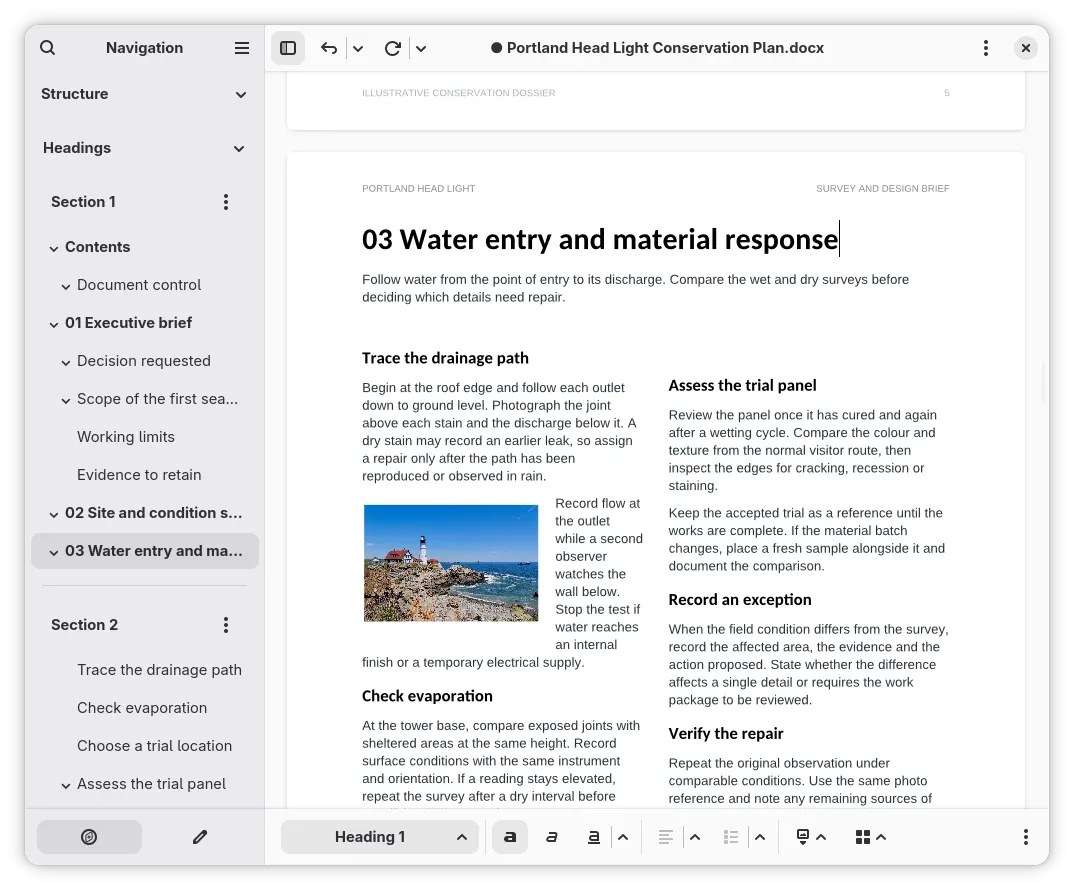
- Find your way through long documents with page thumbnails, headings and bookmarks.
- Add footnotes, and build automatic contents, numbered captions and cross-references in DOCX.
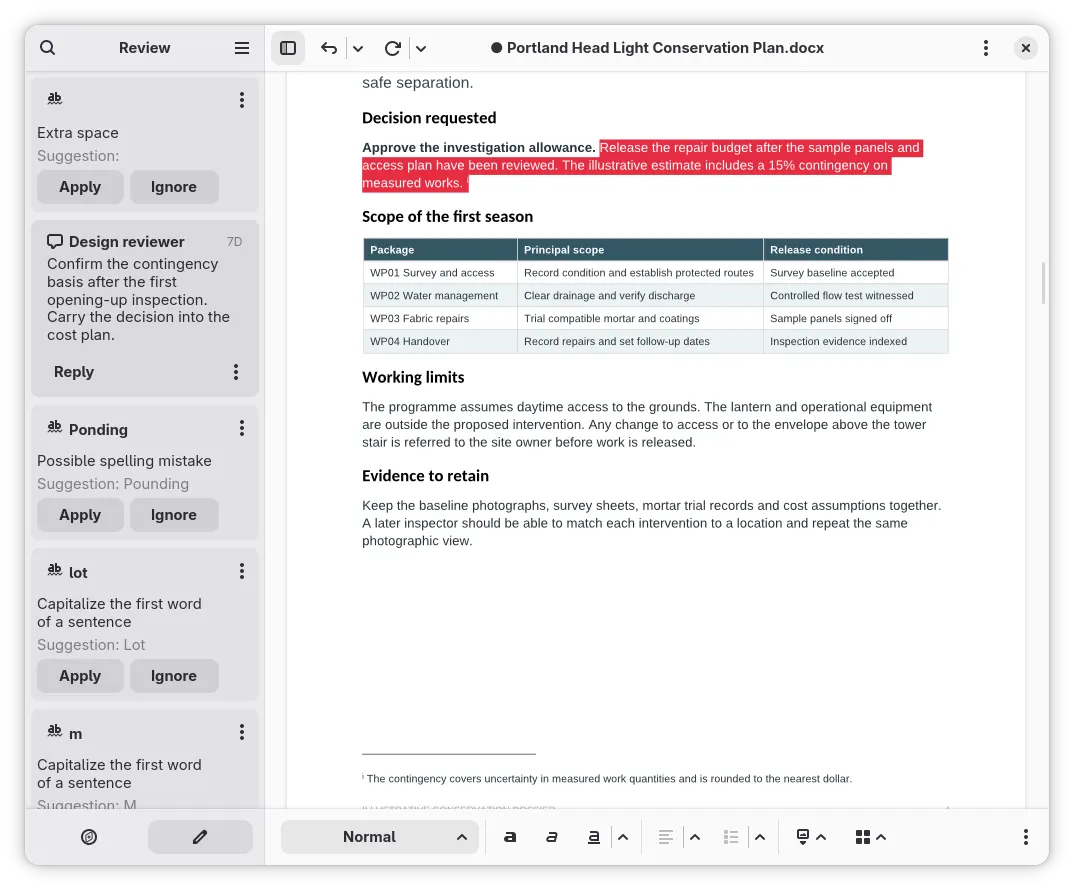
- Review spelling, grammar, comments and tracked changes in a dedicated sidebar.
- Choose the tools on your toolbar, work across tabs and start from your own templates.
- Use autosave and recovery, then export to PDF or print.
Leaf is in alpha. Test with copies of important documents: compatibility is still being improved, and some advanced features require DOCX. Leaf blocks ODT saves when it detects structures it cannot yet preserve.
Leaf uses the existing WordCraft document engine. Much of Leaf’s native interface, tests and packaging was produced through vibe coding with ChatGPT/Codex; the icon also used AI assistance.
This package installs the official upstream build unmodified: upstream publishes the application tree from their own Flatpak build as a release asset, and it is unpacked here at install time, not rebuilt. It follows their releases automatically, and is listed with the approval of Leaf's developer.
Permissions: Leaf runs with no network access and no static access to your files. Opening, saving and exporting go through the file-chooser portal, which grants exactly the file you pick, and settings are kept in the app's own directory under ~/.var/app/io.github.frandavid100.leaf. If you would rather give it a directory outright, enable it with flatpak override:
- Read and write documents in Documents without the portal:
flatpak override --user --filesystem=xdg-documents io.github.frandavid100.leaf
Details
- Developer
- Leaf contributors
- License
- GPL-3.0-or-later
- Runtime
- GNOME 51
- Architectures
- x86_64
- Version
- 0.1.0-alpha.45 · 2026-11-11
- Website
- Homepage
- Support
- Help & support
- Source
- Leaf
- Packaging
- flatpark/registry
Permissions
MinimalInter-process communication
Shares the IPC namespace with the host
X11 (fallback)
Wayland display
GPU acceleration
Packaging
UnmodifiedRuns the vendor's build as shipped — nothing added or changed.
What the levels mean →