

YetEase Music
Developer-approvedGloridust
Third-party NetEase Cloud Music client with a Rust core
Copied! Paste it into a terminal and press Enter to install.
About
This is a community package of YetEase Music, maintained independently and unaffiliated with the YetEase Music project. It repackages the official upstream Linux release build unmodified.
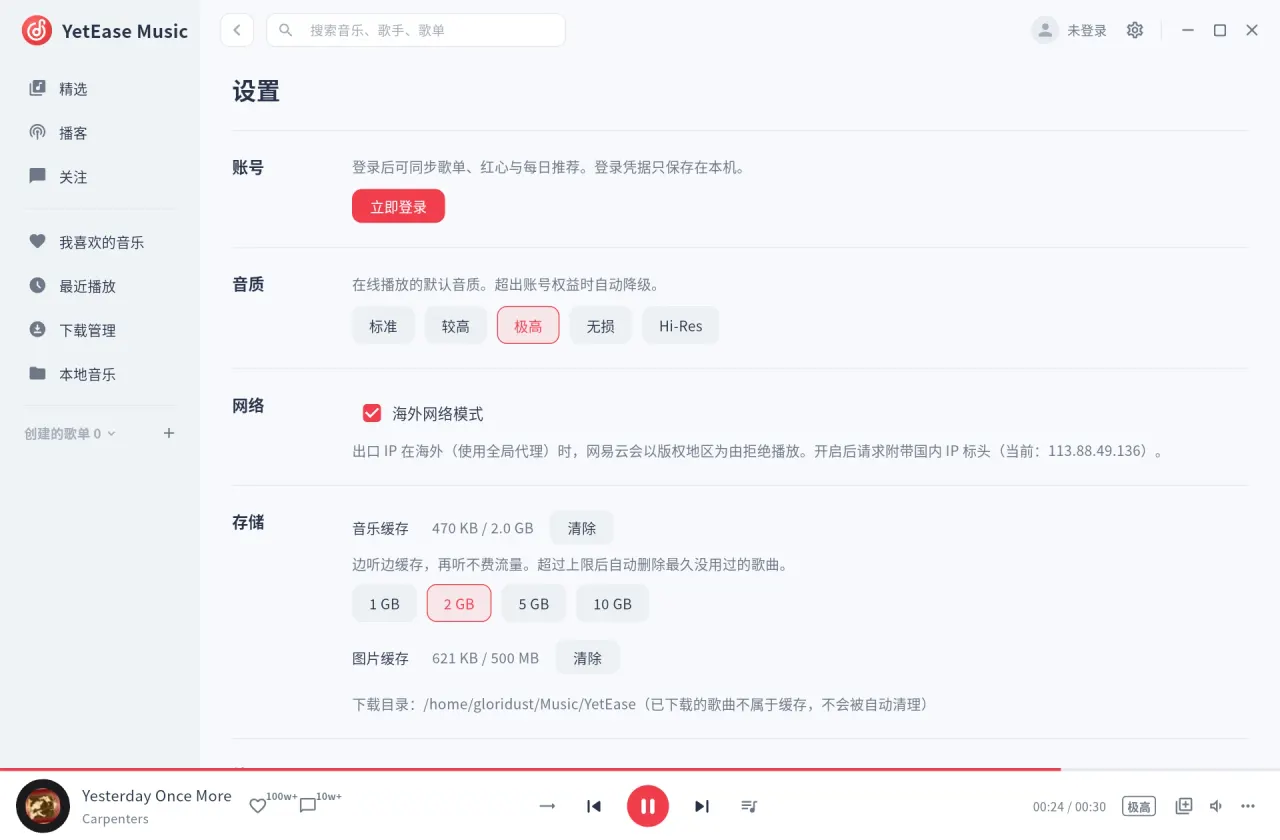
YetEase Music is an unofficial client for NetEase Cloud Music, with a Flutter interface over a native Rust core that handles decoding, caching, networking and lyrics. It talks to NetEase's own API directly, with no third-party server in between, and has no ads or telemetry. It is not affiliated with NetEase.
- QR-code login and sync of your playlists.
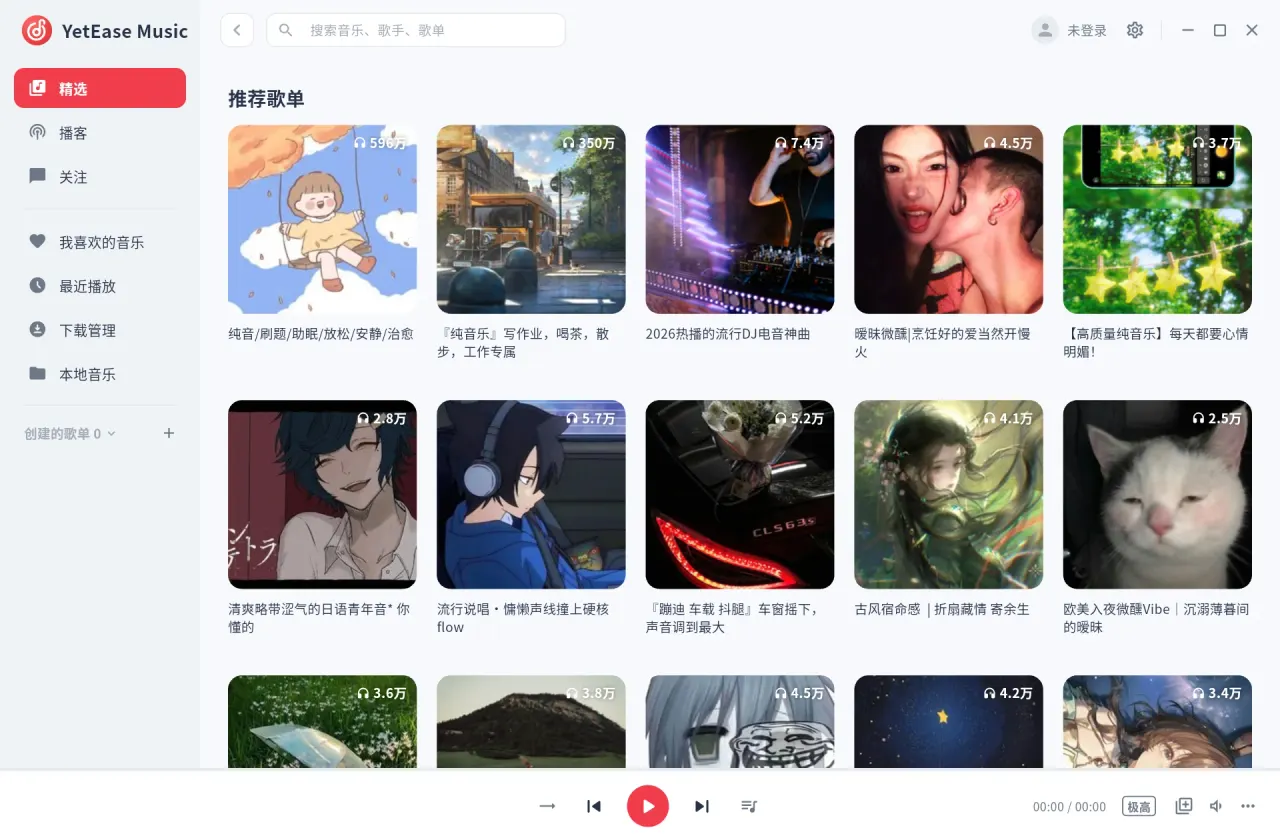
- Recommended playlists and daily recommendations.
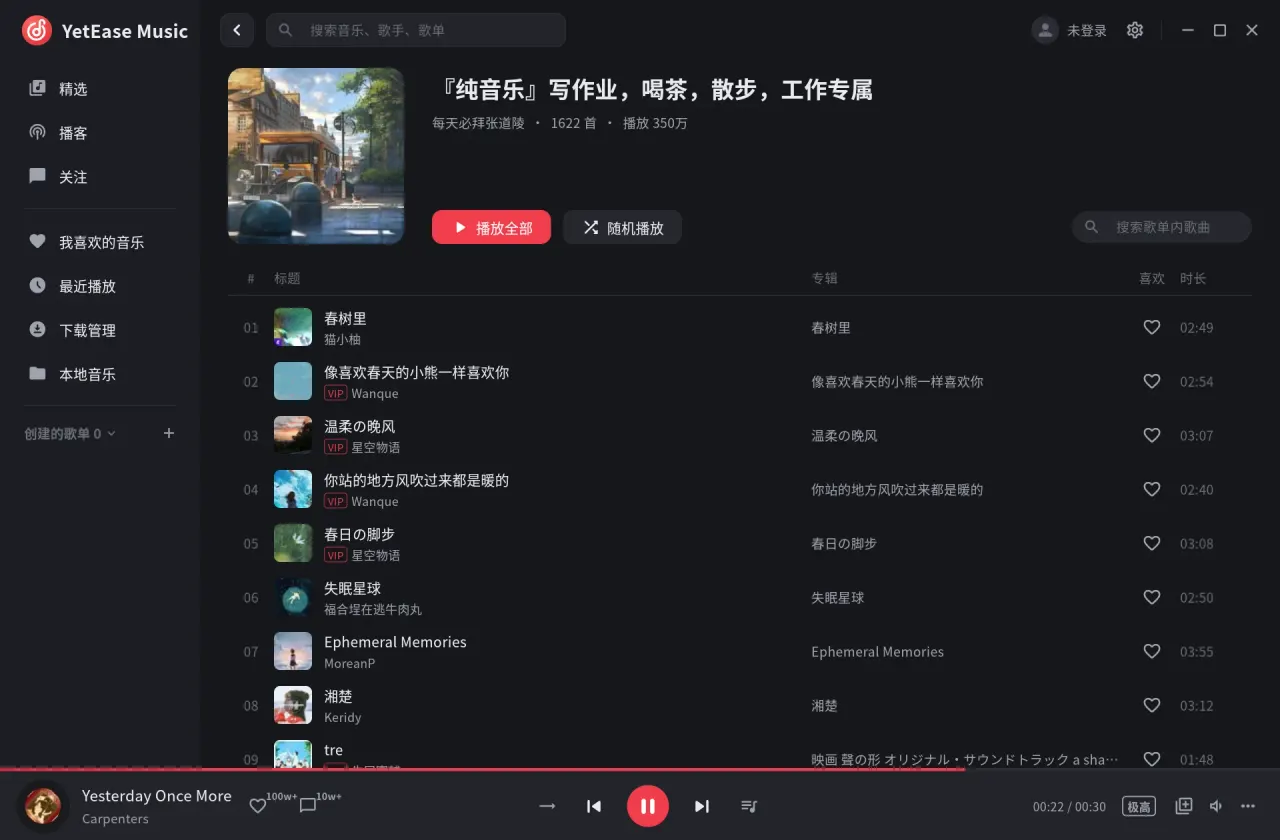
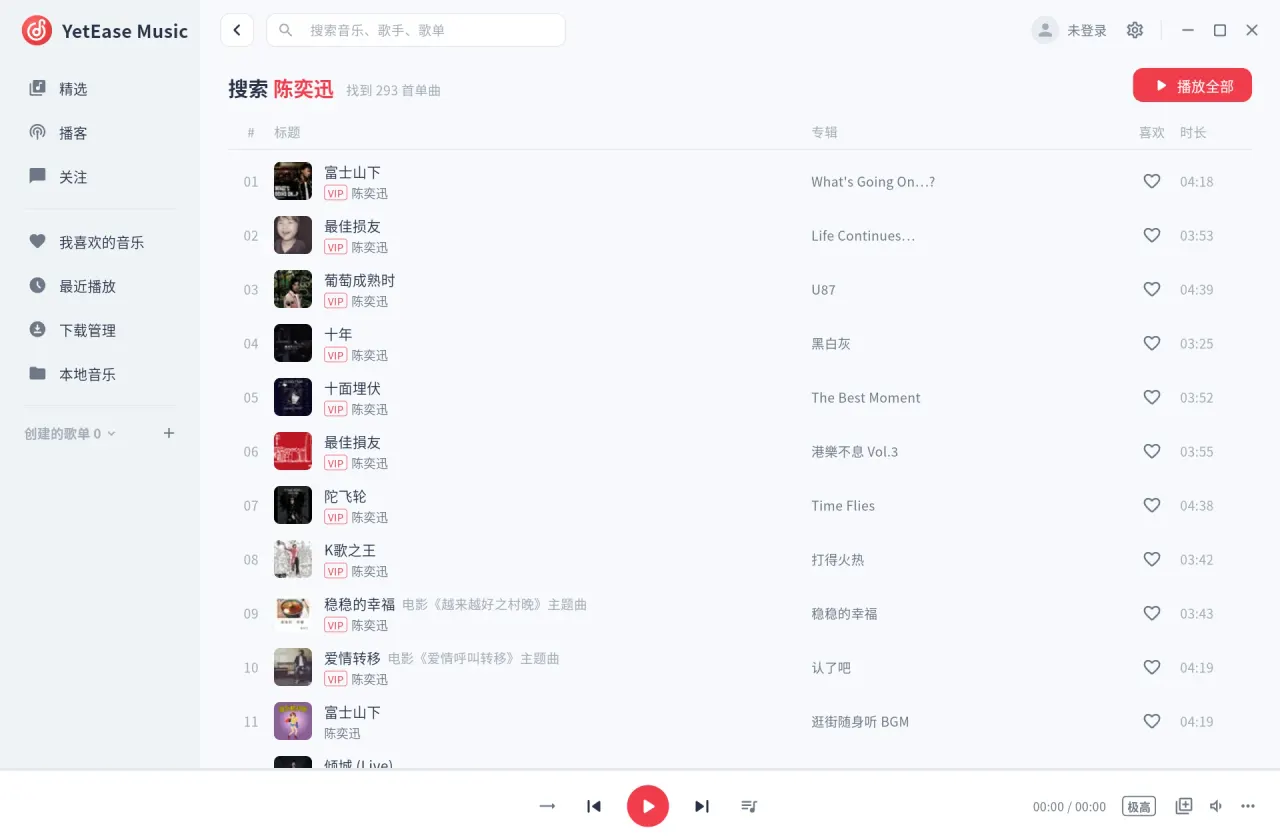
- Playlist details with in-playlist search and shuffle; song search.
- Play queue, play next, and four playback modes.
- Stream while downloading: played tracks are kept as an offline cache, in quality levels up to Hi-Res.
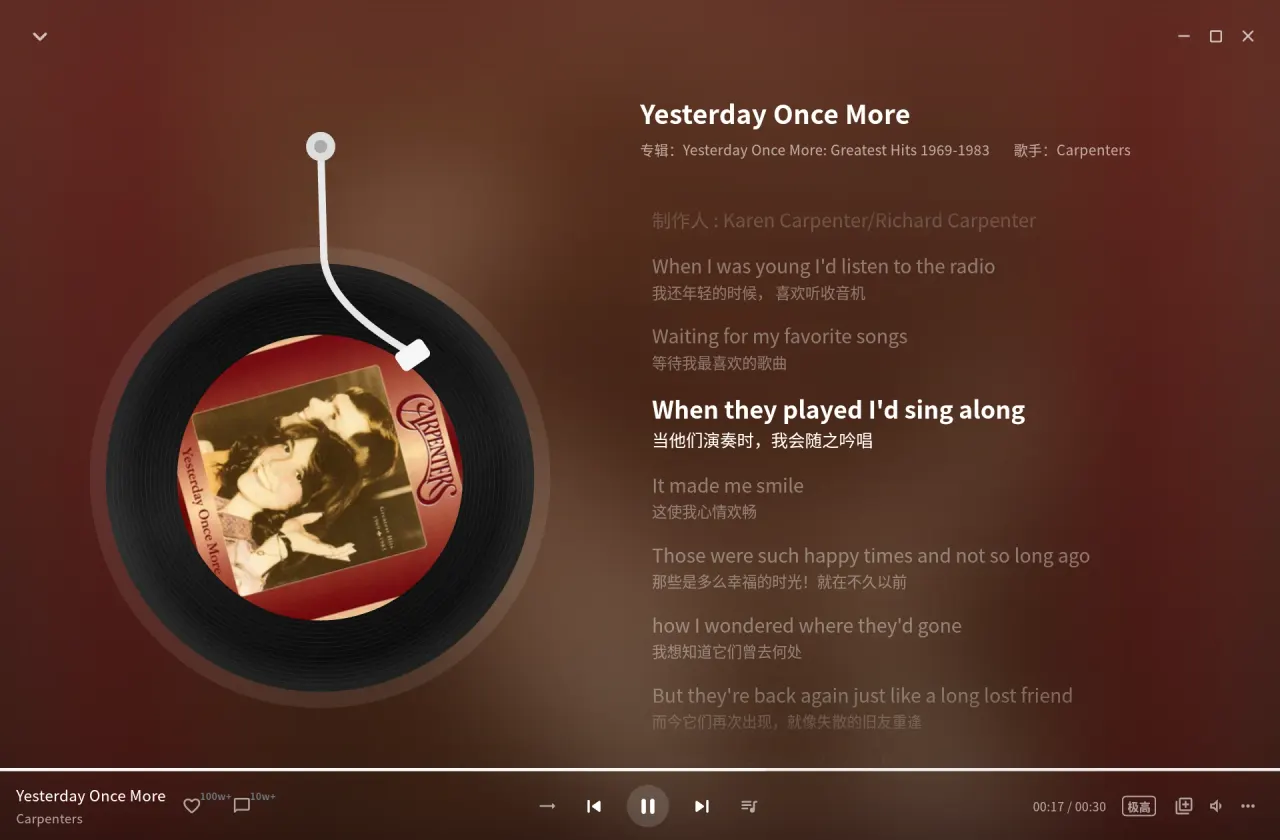
- Line-synced lyrics with translations; click a line to seek.
- A tray icon with playback controls; closing the window keeps the music playing (Settings → Window). GNOME needs the AppIndicator extension to show it.
- Light and dark themes and adjustable interface scaling.
- An overseas network mode for playback outside mainland China or behind a global proxy.
Only NetEase's own audio sources are used. Without a login, or without a VIP account, VIP tracks play only as previews.
Permissions: this package grants display, GPU, audio, network access, MPRIS media controls, a tray icon and your XDG music directory, which the local-music page scans and where downloads are saved (~/Music/YetEase). The login session, settings, logs and the audio cache stay inside the sandbox under ~/.var/app/io.github.gloridust.YetEaseMusic. No home or host filesystem access is granted.
- Scan a local music folder elsewhere:
flatpak override --user --filesystem=/path/to/music:ro io.github.gloridust.YetEaseMusic - Save downloads outside the music directory (set the same path in the app's settings):
flatpak override --user --filesystem=/path/to/downloads io.github.gloridust.YetEaseMusic
Details
- Developer
- Gloridust
- License
- MIT
- Runtime
- Freedesktop 26.08
- Architectures
- x86_64
- Version
- 0.2.10 · 2026-10-30
- Website
- Homepage
- Source
- YetEase Music
- Packaging
- flatpark/registry
Permissions
2 to reviewNetwork access
Can reach the internet and local network
Files: xdg-music
Inter-process communication
Shares the IPC namespace with the host
X11 (fallback)
Audio (PulseAudio)
Owns service org.mpris.MediaPlayer2.yetease
Talk to org.kde.StatusNotifierWatcher
Owns service org.kde.*
Wayland display
GPU acceleration
Packaging
UnmodifiedRuns the vendor's build as shipped — nothing added or changed.
What the levels mean →