
Cockpit Tools
jlcodes99Proprietary
Manage and switch accounts for AI coding assistants and IDEs
Copied! Paste it into a terminal and press Enter to install.
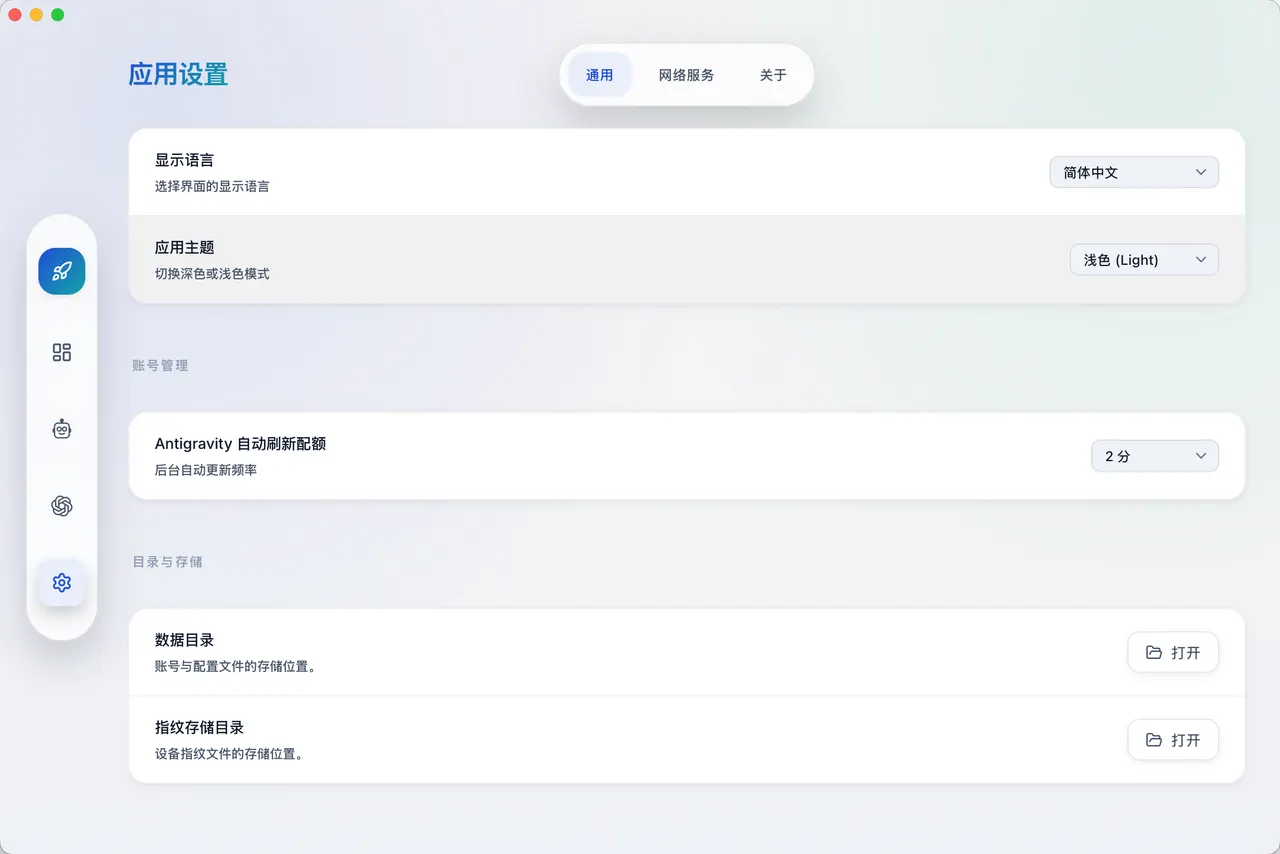
About
This is a community package of Cockpit Tools, maintained independently.
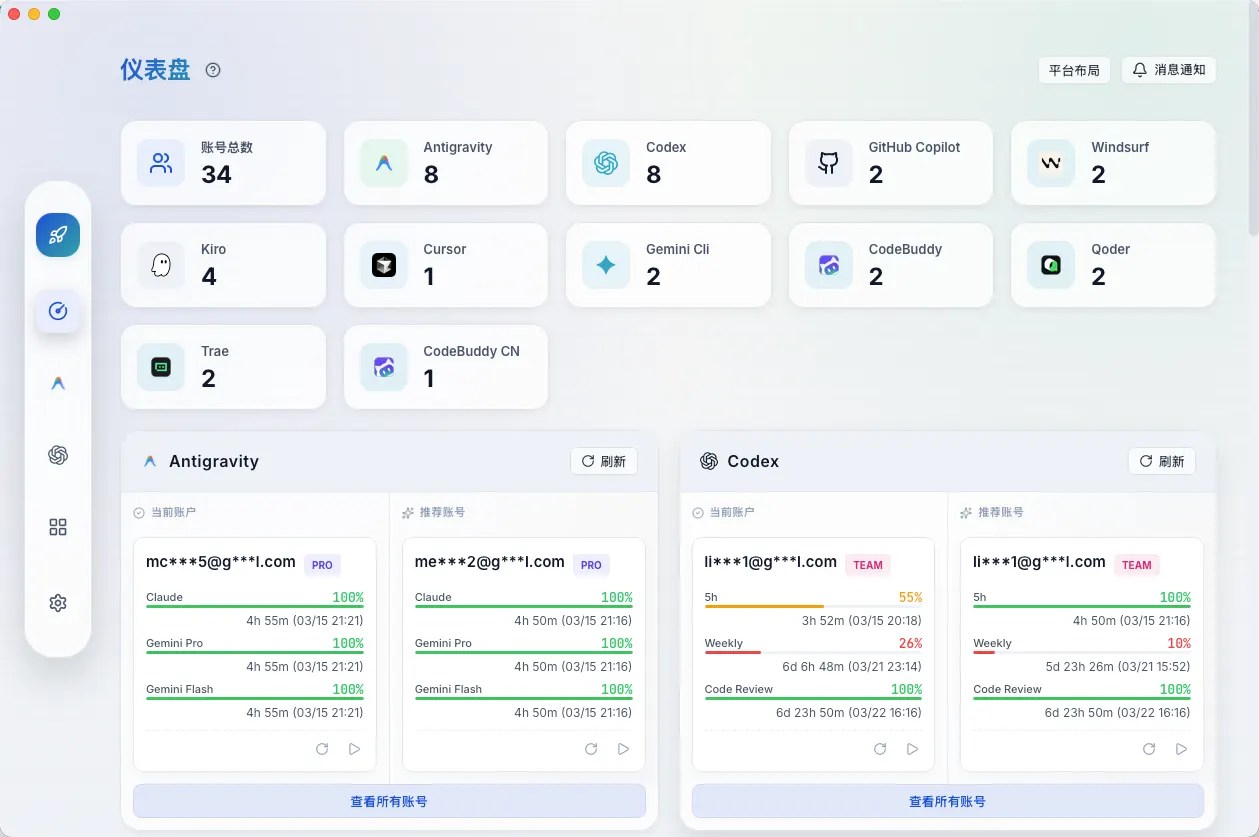
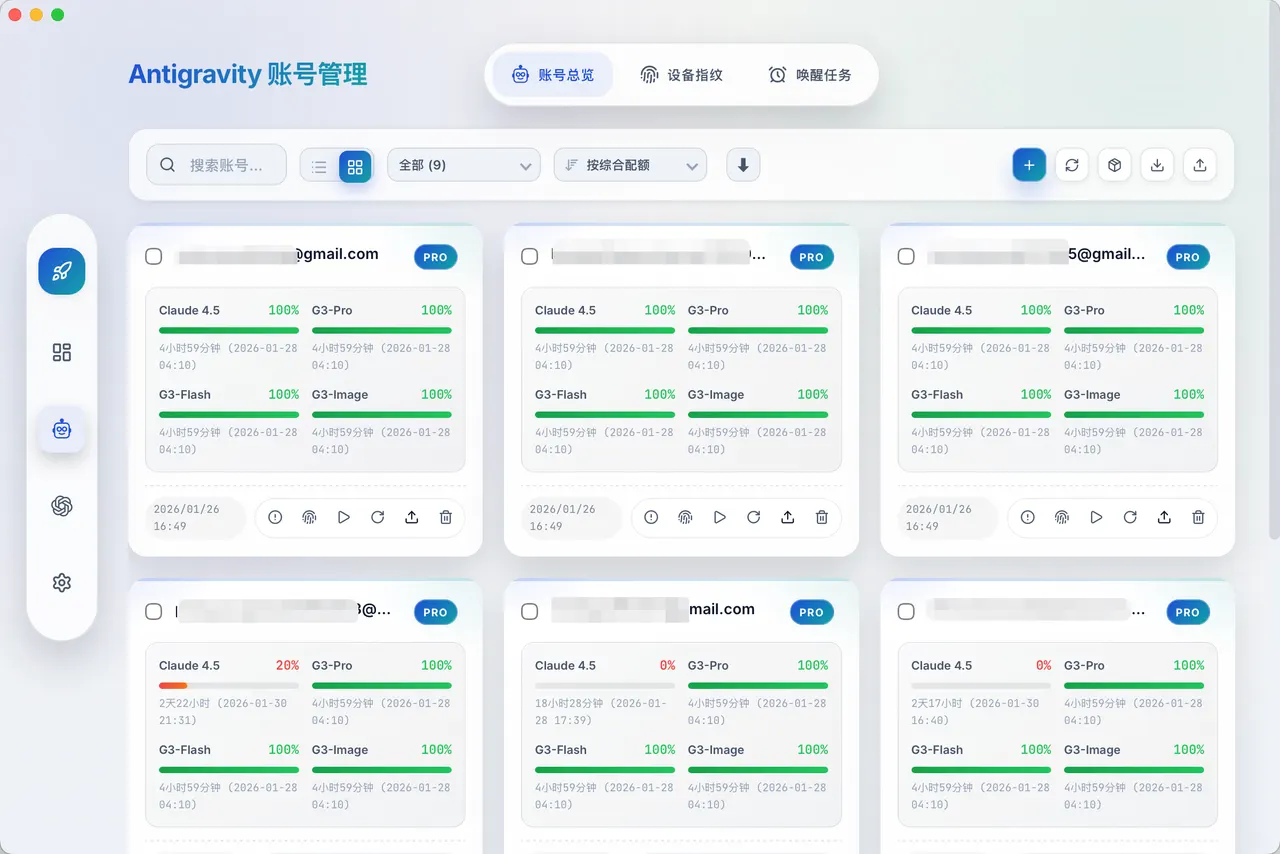
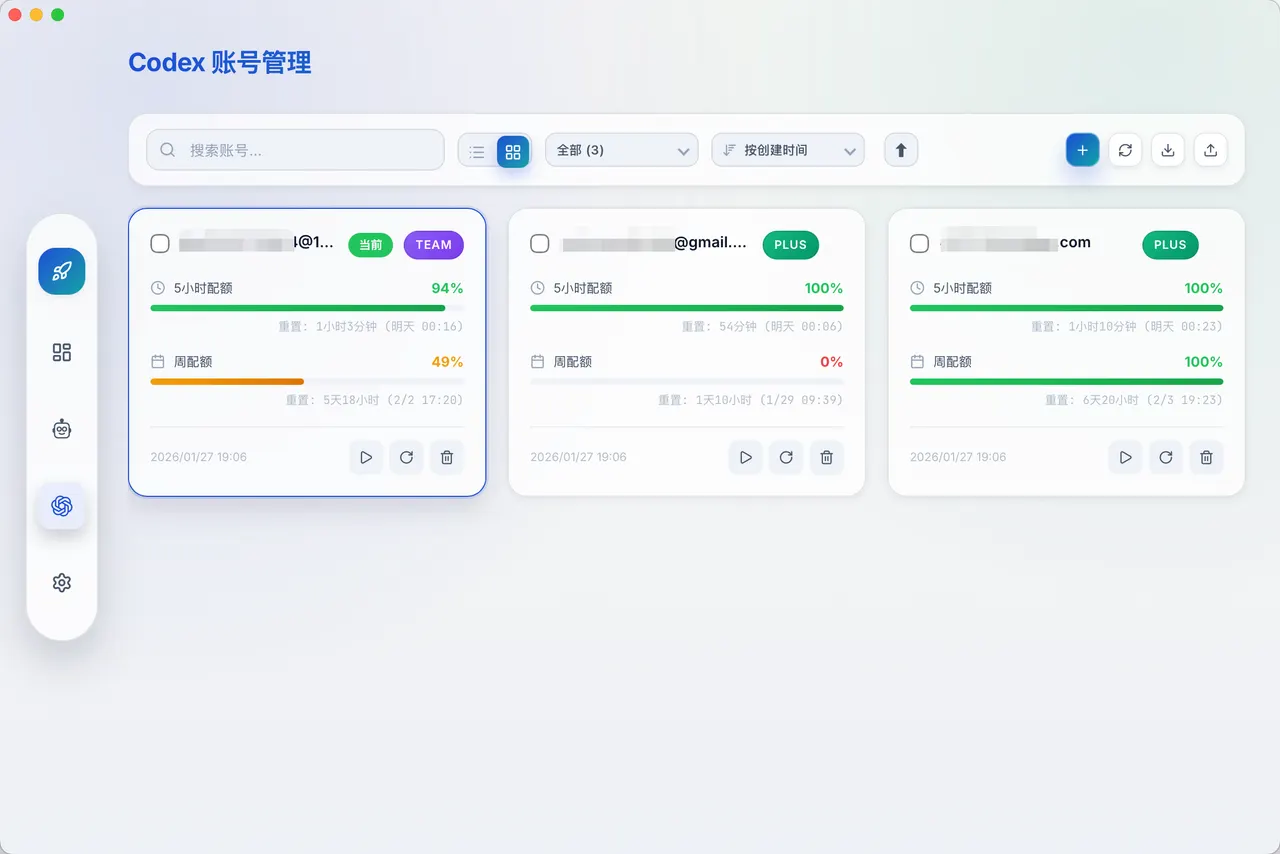
Cockpit Tools keeps the accounts you use with AI coding assistants in one place: it stores several accounts per platform, shows each one's plan and remaining quota, and writes the one you pick back into the tool's own live configuration. It also runs a local Codex API service from a bundled sidecar.
Note on the plugin WebSocket service: it is enabled on first run and listens on port 19528 on every interface, so other machines on your network can reach it, not just this one. Turn it off or change the port under Settings if you do not use the editor plugins.
Supported platforms include Antigravity IDE, Codex, GitHub Copilot, Windsurf, Kiro, Cursor, Grok CLI, CodeBuddy, Qoder, the Trae suite, Zed and ZCode.
Licensing: Cockpit Tools is published under CC BY-NC-SA 4.0. Personal, research and other non-commercial use is allowed; commercial use needs a separate written licence from the author.
By default this package can access only its own data (~/.antigravity_cockpit, which also holds the profiles of every instance it manages) — the rest of your home stays private. Grant access for the tools you actually use, otherwise the changes Cockpit Tools writes for them are silently discarded by the sandbox:
- Codex CLI: flatpak override --user --filesystem=~/.codex:create io.github.jlcodes99.CockpitTools
- Grok CLI: flatpak override --user --filesystem=~/.grok:create io.github.jlcodes99.CockpitTools
- Gemini CLI: flatpak override --user --filesystem=~/.gemini:create io.github.jlcodes99.CockpitTools
- ZCode credentials: flatpak override --user --filesystem=~/.zcode:create io.github.jlcodes99.CockpitTools
- An editor client, by its own configuration directory name — Cursor: flatpak override --user --filesystem=~/.config/Cursor:create io.github.jlcodes99.CockpitTools; Antigravity IDE: flatpak override --user "--filesystem=~/.config/Antigravity IDE:create" io.github.jlcodes99.CockpitTools; GitHub Copilot in VS Code: flatpak override --user --filesystem=~/.config/Code:create io.github.jlcodes99.CockpitTools. The same pattern covers Windsurf, Kiro, CodeBuddy, CodeBuddy CN, Qoder, Trae, TRAE SOLO, Trae CN, TRAE SOLO CN and ZCode. Kiro additionally keeps its token in ~/.aws/sso.
General rule for any other tool (or a custom configuration directory): if the tool's configuration lives in a directory, grant that directory; if it is a bare file, grant the file's parent directory, never the file itself — Cockpit Tools replaces configurations by writing a temporary file and renaming it over the original, and a single file exposed to the sandbox is a bind mount that rename cannot replace.
What this package cannot do, because it runs in a sandbox:
- Start, stop or otherwise drive the editors and CLIs themselves. Account switching writes the new credentials, but launching a client, the multi-instance features and "restart after switch" all need to run programs on the host, which the sandbox does not allow. Restart the client yourself after switching, or use upstream's own .deb/.rpm build if you need the launcher features.
- Switch accounts for a client that encrypts its stored sessions with a key held in the host keyring (VS Code and Windsurf do this for some payloads) — reading that key needs a host helper that is not available here.
- Install its own updates or register itself for autostart. Updates for this build are delivered by Flatpak; if the in-app update check offers a new version, it cannot install it.
This package also becomes the handler for the zcode: URL scheme, which Cockpit Tools uses to capture the ZCode sign-in callback, as upstream's own builds do.
Warning: even after granting other directories, do not remove the default ~/.antigravity_cockpit permission (for example by toggling it off in Flatseal). Removing a directory permission records an explicit deny, and the sandbox masks a denied directory with an empty one, so Cockpit Tools would lose its own accounts on every restart.
Details
- Developer
- jlcodes99
- License
- CC-BY-NC-SA-4.0
- Runtime
- GNOME 51
- Architectures
- x86_64
- Version
- 1.3.78 · 2026-11-01
- Website
- Homepage
- Source
- Cockpit Tools
- Packaging
- flatpark/registry
Permissions
3 to reviewNetwork access
Can reach the internet and local network
Files: xdg-run/tray-icon:create
Files: ~/.antigravity_cockpit:create
Inter-process communication
Shares the IPC namespace with the host
X11 (fallback)
Talk to org.kde.StatusNotifierWatcher
Owns service org.com_jlcodes_cockpit_tools.SingleInstance
Wayland display
GPU acceleration
Packaging
AdaptedPresets app settings
Links your VS Code, VS Code Insiders and Antigravity IDE config folders into the app's config directory, so it manages the same settings as on your system.
Adds components the runtime lacks
Shipped next to the app: ayatana