

Handset
Developer-approvedKennyPorto
Answer your phone calls on your PC
Copied! Paste it into a terminal and press Enter to install.
About
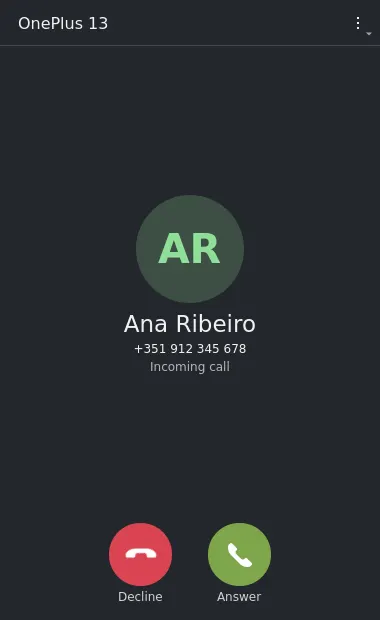
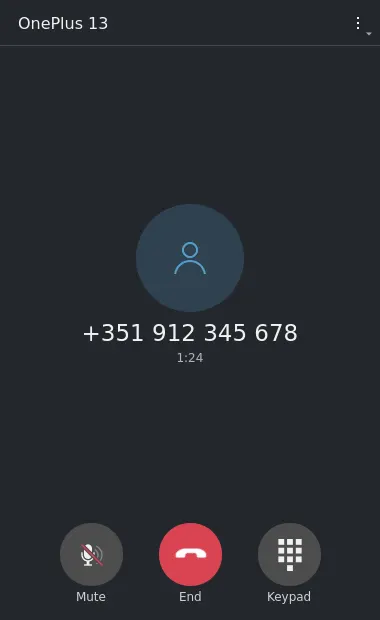
Handset turns your PC into a hands-free kit for your phone, the same way a car does. When your phone rings, answer it on the PC and talk through your headset or speakers while the phone stays in your pocket.
- Answer or decline right from the notification
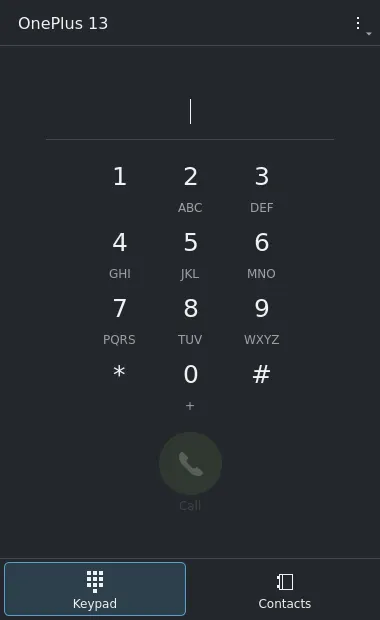
- Place calls with the built-in dial pad
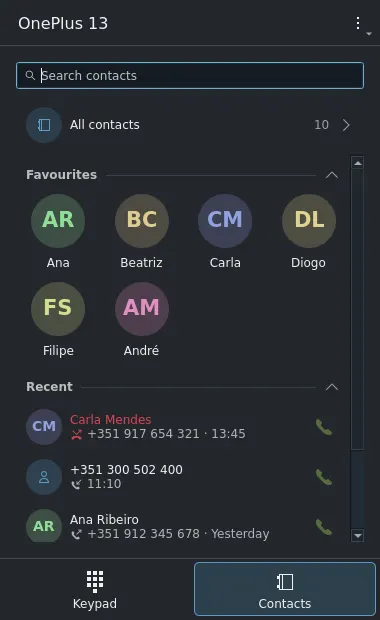
- See who's calling, and call your favourites, recent calls or anyone in your contacts, if your phone shares them
- Mute your microphone and send keypad tones during a call
- Handle a second incoming call while you're on the first
- Runs quietly in the system tray, and can start when you log in
Handset connects to your phone for calls only, so music and videos keep playing on the phone. It works with any phone that supports Bluetooth hands-free, Android or iPhone.
Your computer needs Bluetooth and PipeWire 1.4 or newer. Pair your phone in the Bluetooth settings before you start.
This package installs the unmodified Handset build from Handset's GitHub releases at install time. It runs on the KDE runtime, which provides Qt and Kirigami.
What's New
v0.1.1 · 2026-11-26Details
Permissions
1 to reviewSystem service: org.bluez
Inter-process communication
Shares the IPC namespace with the host
X11 (fallback)
Talk to org.pipewire.Telephony
Talk to org.freedesktop.Notifications
Talk to org.kde.StatusNotifierWatcher
Talk to org.bluez.obex
Wayland display
GPU acceleration
Packaging
UnmodifiedRuns the vendor's build as shipped — nothing added or changed.
What the levels mean →