

LibreSprite
LibreSprite Developers
Animated sprite editor and pixel art tool
Copied! Paste it into a terminal and press Enter to install.
About
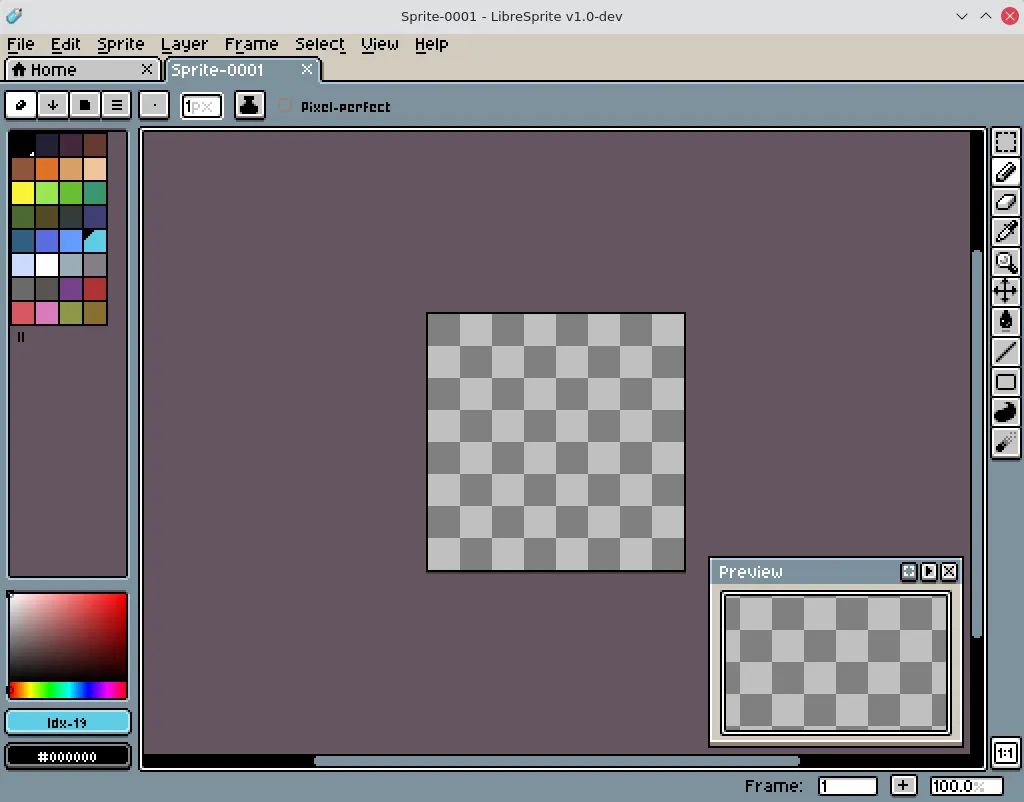
LibreSprite lets you create 2D animations for videogames. From sprites, to pixel-art, retro style graphics, and whatever you like about the 8-bit (and 16-bit) era.
It offers the following features:
- Real-time animation previews
- Onion skinning
- Multiple sprites can be edited at once
- Ready to use palettes, or make your own
- Sprites are composed of both layers & frames
- Tiled drawing mode, useful to draw patterns and textures
- Pixel precise tools like filled contour, polygon, shading mode, etc.
- Several file types supported for your sprites and animations
Notes on this Flatpak package:
- This is a community package: it installs the official Linux AppImage from the LibreSprite releases unmodified, and follows new releases automatically.
- The application opens and saves files through its own built-in file browser, which the desktop portal cannot mediate. The package grants read-write access to your Pictures folder, and on first run points the save dialog there; files saved anywhere else are not kept after the application exits. Enable more folders with "flatpak override":
- The package carries the official AppImage only; the AppStream data and desktop entry on this page come from the packaging.
Details
- Developer
- LibreSprite Developers
- License
- GPL-2.0
- Runtime
- Freedesktop 26.08
- Architectures
- x86_64
- Version
- 1.3 · 2026-10-02
- Website
- Homepage
- Source
- LibreSprite
- Packaging
- flatpark/registry
Permissions
2 to reviewX11 windowing system
Legacy display protocol; can observe input to other X11 windows
Files: xdg-pictures:create
Inter-process communication
Shares the IPC namespace with the host
GPU acceleration
Packaging
AdaptedPresets app settings
On first run, the save dialog is pointed at your Pictures folder, the one folder this package grants, so sprites saved there persist. Files saved anywhere else are not kept after the application exits. Existing settings are kept.