

speech.cpp (Vulkan)
speech.cpp contributors
Run local speech synthesis and recognition with Vulkan
Copied! Paste it into a terminal and press Enter to install.
About
Run speech synthesis, recognition, voice activity detection, diarization and enhancement locally with speech.cpp. This community package uses the unmodified official Vulkan Linux release.
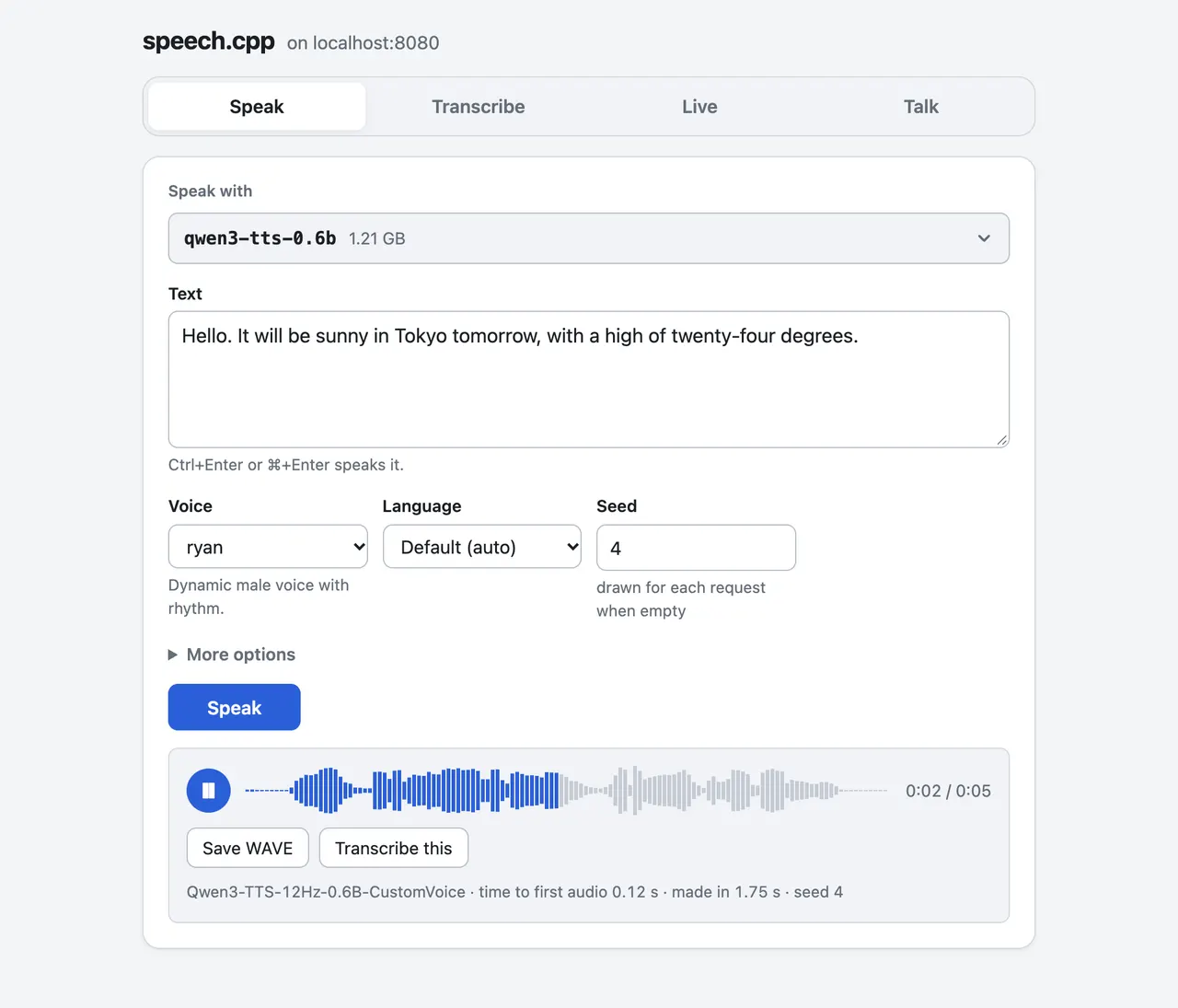
The desktop launcher starts speech serve in a terminal and opens its page in your browser on localhost port 8091. Pick and download models there. Ctrl+C stops the server. The server also provides an OpenAI-compatible audio API.
CPU and Vulkan editions use separate model caches and ports. Models are downloaded on demand into this app's private cache and have their own licenses. The Vulkan edition needs a compatible GPU and driver.
Use the command line with flatpak run io.github.nyosegawa.SpeechCpp.VULKAN followed by a speech subcommand, for example models, pull or serve. Relative output files go into this app's private data directory.
To read an existing audio or model folder, use flatpak override --user --filesystem=/path/to/folder:ro io.github.nyosegawa.SpeechCpp.VULKAN. For direct CLI microphone capture or playback, use flatpak override --user --socket=pulseaudio io.github.nyosegawa.SpeechCpp.VULKAN. Browser recording and playback use your browser's permissions. Undo custom grants with flatpak override --user --reset io.github.nyosegawa.SpeechCpp.VULKAN.
Details
- Developer
- speech.cpp contributors
- License
- MIT
- Runtime
- Freedesktop 26.08
- Architectures
- x86_64
- Version
- 0.11.2 · 2026-11-21
- Website
- Homepage
- Source
- speech.cpp (Vulkan)
- Packaging
- flatpark/registry
Permissions
1 to reviewNetwork access
Can reach the internet and local network
GPU acceleration
Packaging
UnmodifiedRuns the vendor's build as shipped — nothing added or changed.
What the levels mean →