

LibreDB Studio
Developer-approvedLibreDB
AI-powered SQL IDE for PostgreSQL, MySQL, MongoDB and more
Copied! Paste it into a terminal and press Enter to install.
About
This package is maintained by the LibreDB project itself. It repackages the official upstream desktop build unmodified.
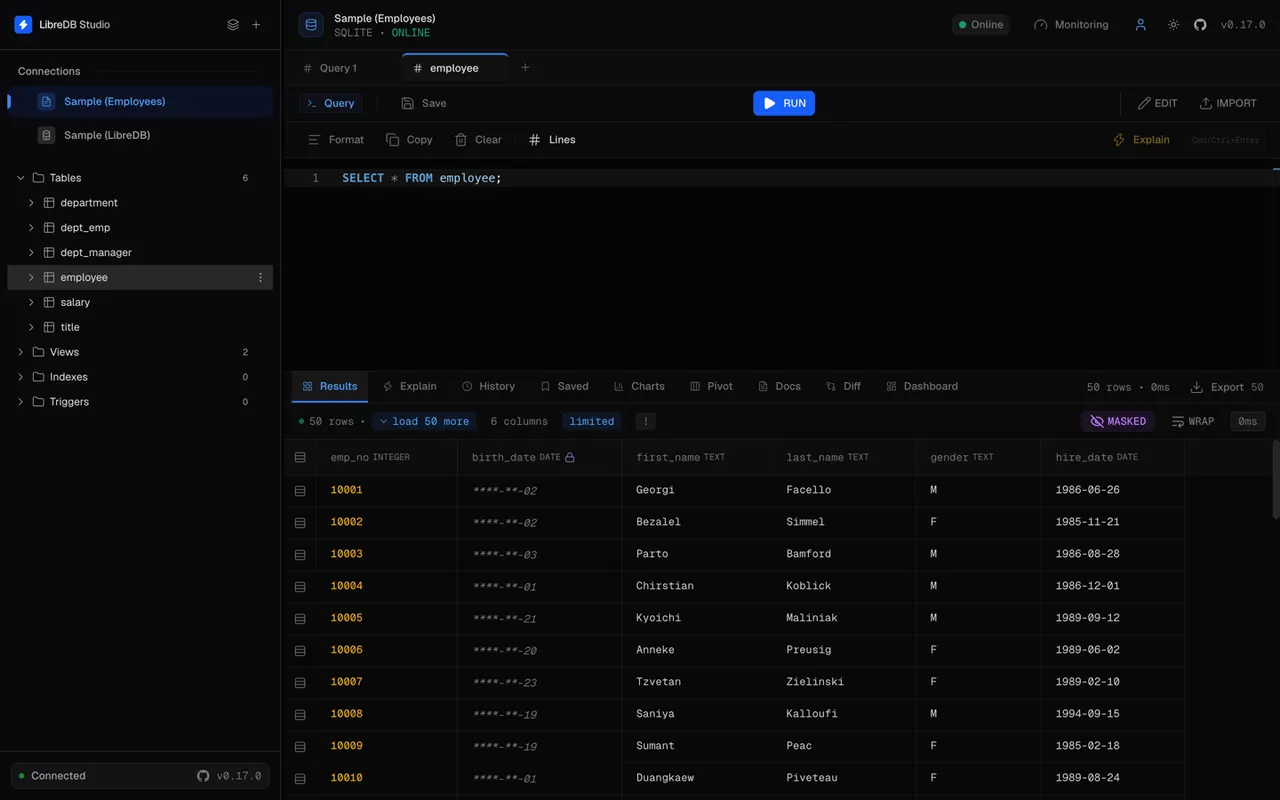
LibreDB Studio is an open-source SQL IDE for developers and data teams. The desktop app runs entirely on your machine: it starts a local LibreDB Studio server in the background and shows it in a native window.
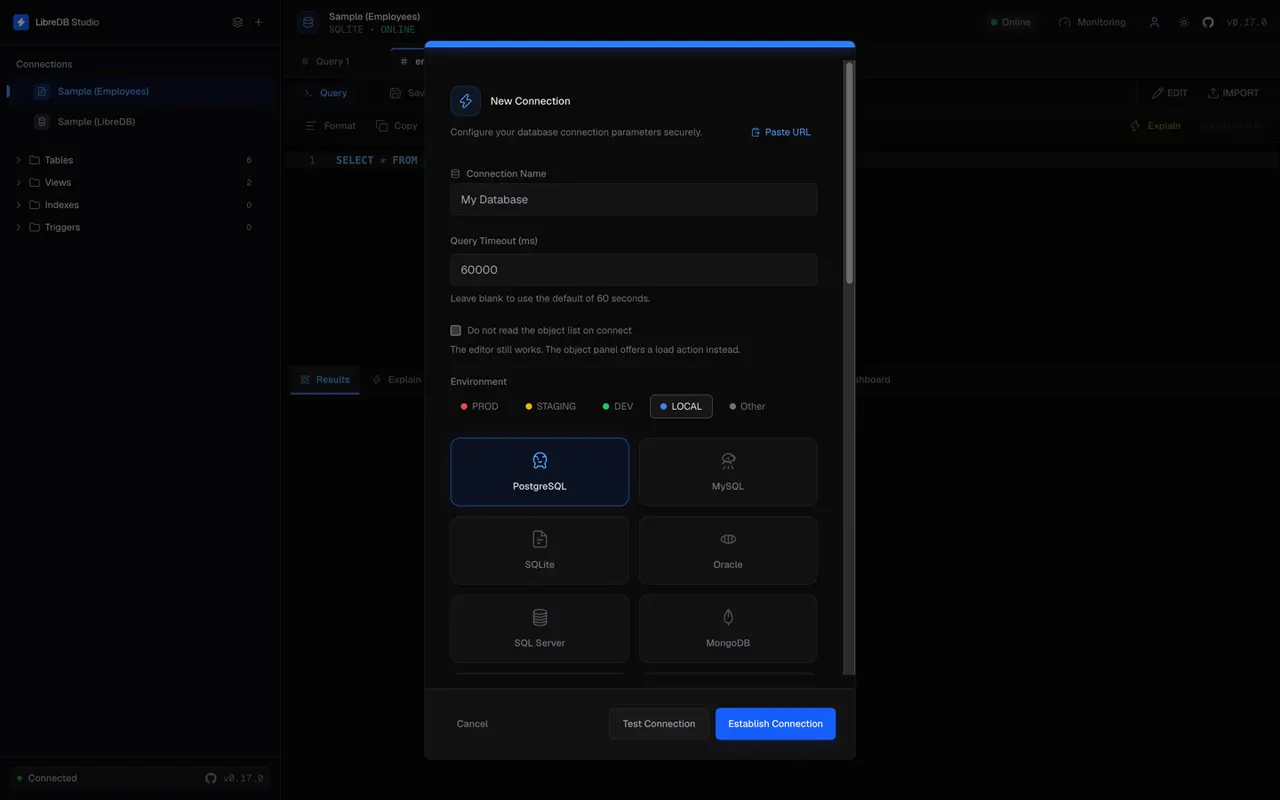
Databases it speaks:
- PostgreSQL
- MySQL, MariaDB and TiDB
- SQLite
- libSQL and Turso Cloud
- DuckDB
- Microsoft SQL Server
- Oracle Database
- MongoDB and FerretDB
- Redis, Valkey, DragonflyDB, KeyDB and Garnet
- Couchbase
- ClickHouse
- Apache Druid (read-only)
- Elasticsearch (read-only)
- OpenSearch (read-only)
- Trino
- Apache Cassandra
- Prometheus (read-only)
- Apache Kafka (read-only)
What you get:
- A Monaco-based SQL editor with schema-aware completion and formatting
- A virtualized results grid built for large result sets, with CSV and JSON export
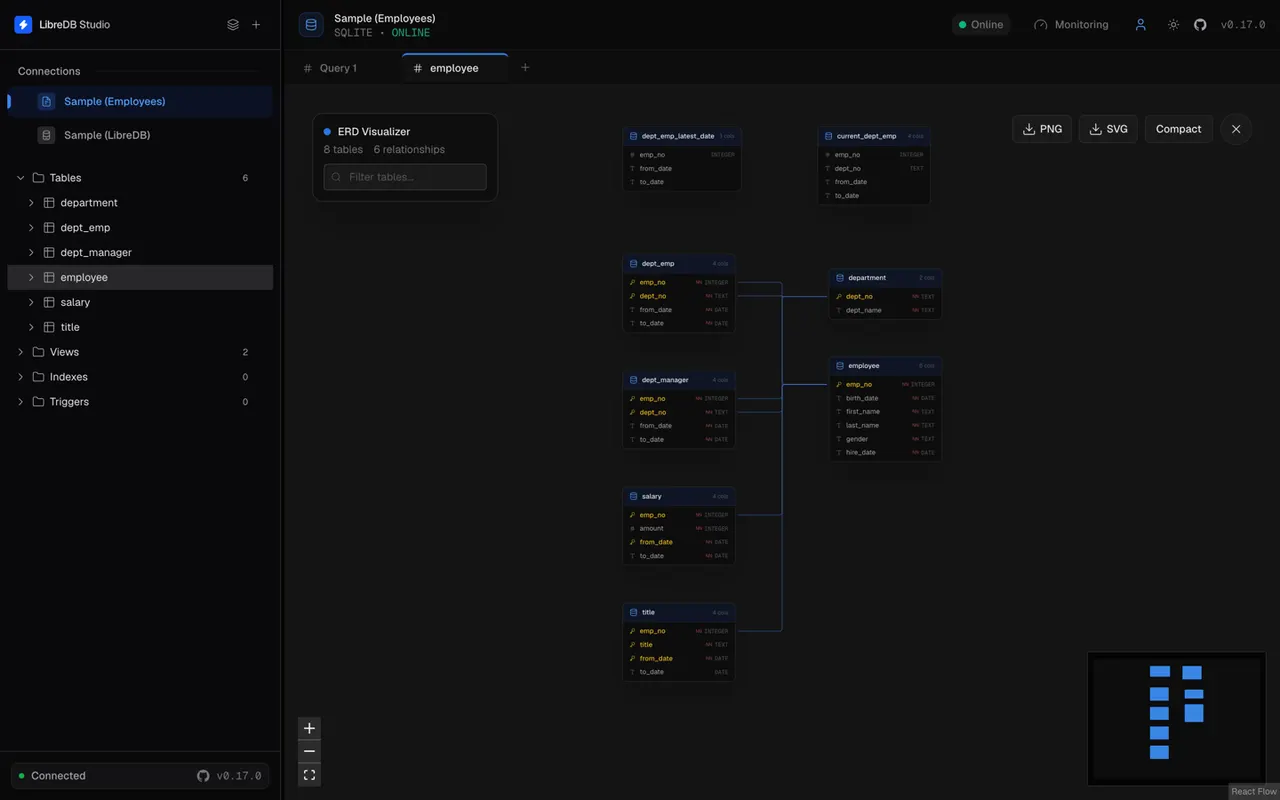
- Schema browser, entity-relationship diagrams and index advice
- Query plans, slow-query and session monitoring
- Optional AI query explanation on PostgreSQL, MySQL, SQLite, libSQL, DuckDB, Couchbase, ClickHouse, Apache Druid and Trino, through Gemini, OpenAI, a local Ollama or your own endpoint
- An embedded sample database, so there is something to query on first launch
Connections are made over TCP, which covers a database running on this machine as well as a remote one, and those need no extra permission. The sandbox has no access to your home directory by default, so the cases that read a path from disk have to be granted once: a SQLite or DuckDB database file with "flatpak override --user --filesystem=/path/to/db.sqlite org.libredb.Studio", a database listening on a Unix socket with "--filesystem=/run/postgresql:ro", and the SSH-tunnel feature with "--filesystem=~/.ssh:ro".
Updates arrive through "flatpak update": FlatPark re-pins this package whenever a new LibreDB Studio release is published on GitHub.
Details
- Developer
- LibreDB
- License
- MIT
- Runtime
- GNOME 51
- Architectures
- x86_64, aarch64
- Version
- 1.2.0 · 2026-10-31
- Website
- Homepage
- Support
- Help & support
- Source
- LibreDB Studio
- Packaging
- flatpark/registry
Permissions
1 to reviewNetwork access
Can reach the internet and local network
Inter-process communication
Shares the IPC namespace with the host
X11 (fallback)
Wayland display
GPU acceleration
Packaging
UnmodifiedRuns the vendor's build as shipped — nothing added or changed.
What the levels mean →