

PipeWire Soundpad
arabian
Play audio files through your microphone, with a GUI, a CLI and global hotkeys
Copied! Paste it into a terminal and press Enter to install.
About
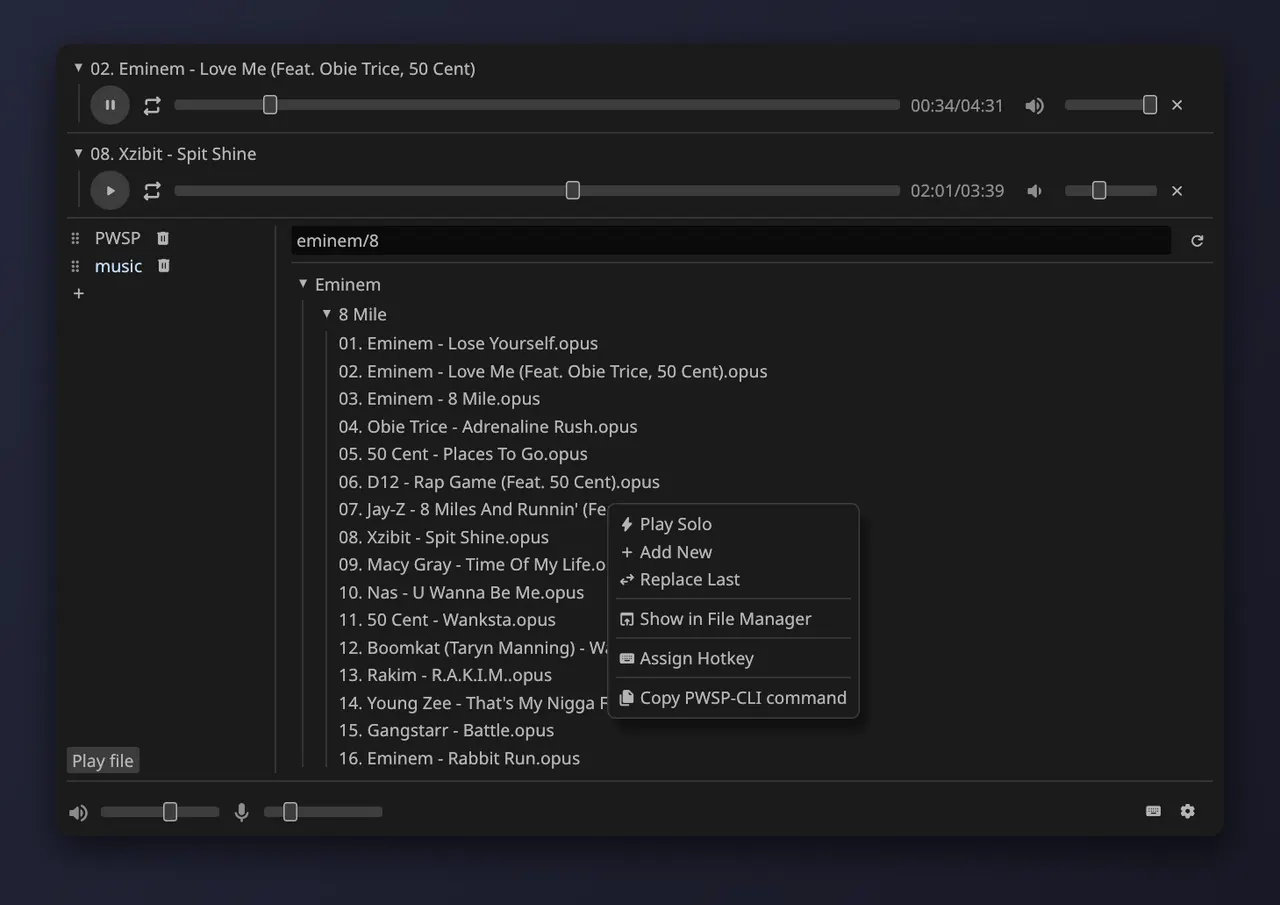
PipeWire Soundpad (PWSP) plays audio files through your microphone, so the people on a call or in a game hear them. It creates its own virtual microphone and wires it up through PipeWire itself: no routing to set up by hand.
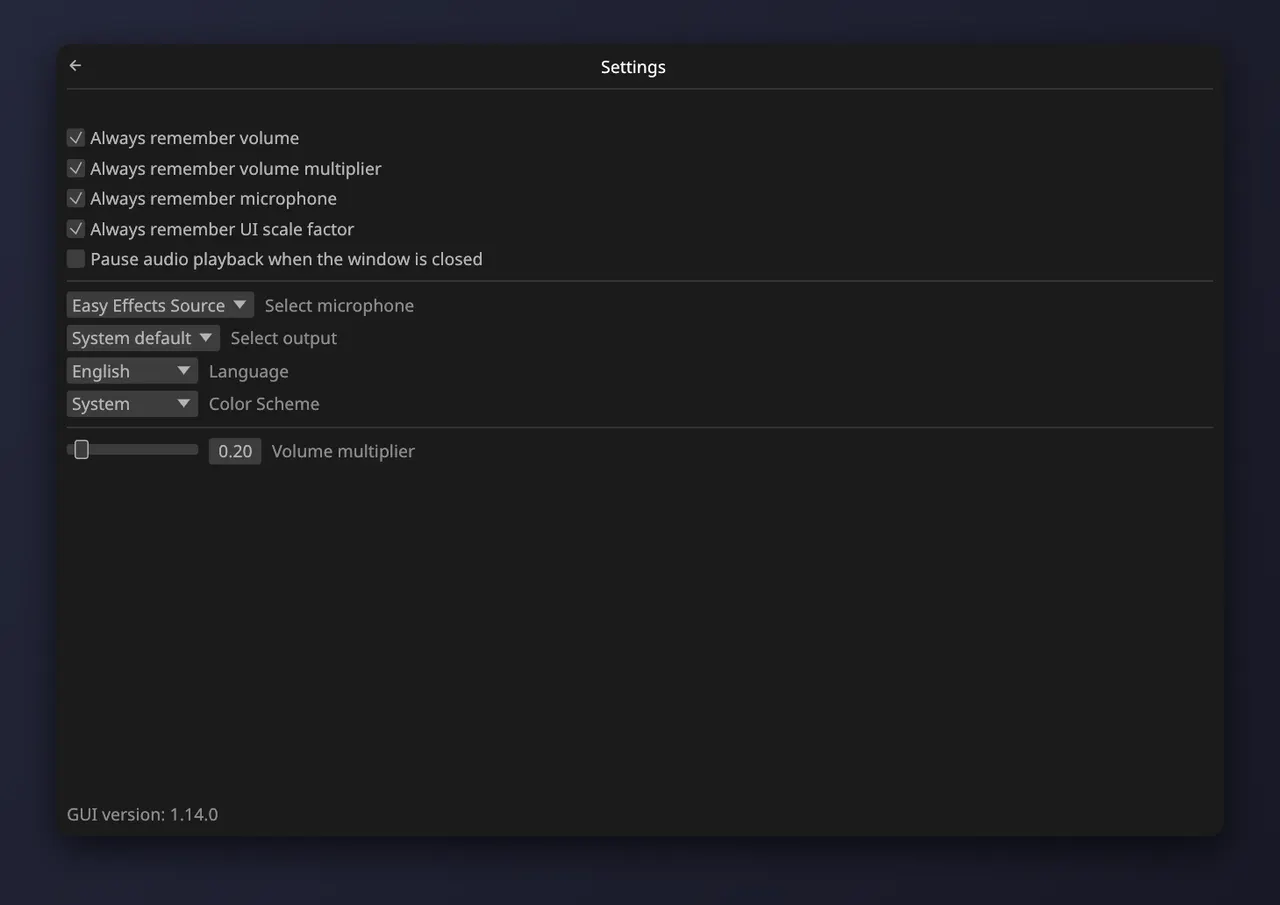
- A virtual microphone, with separate volumes for what you hear and what is sent to it
- A graphical interface, a command-line client and a background daemon
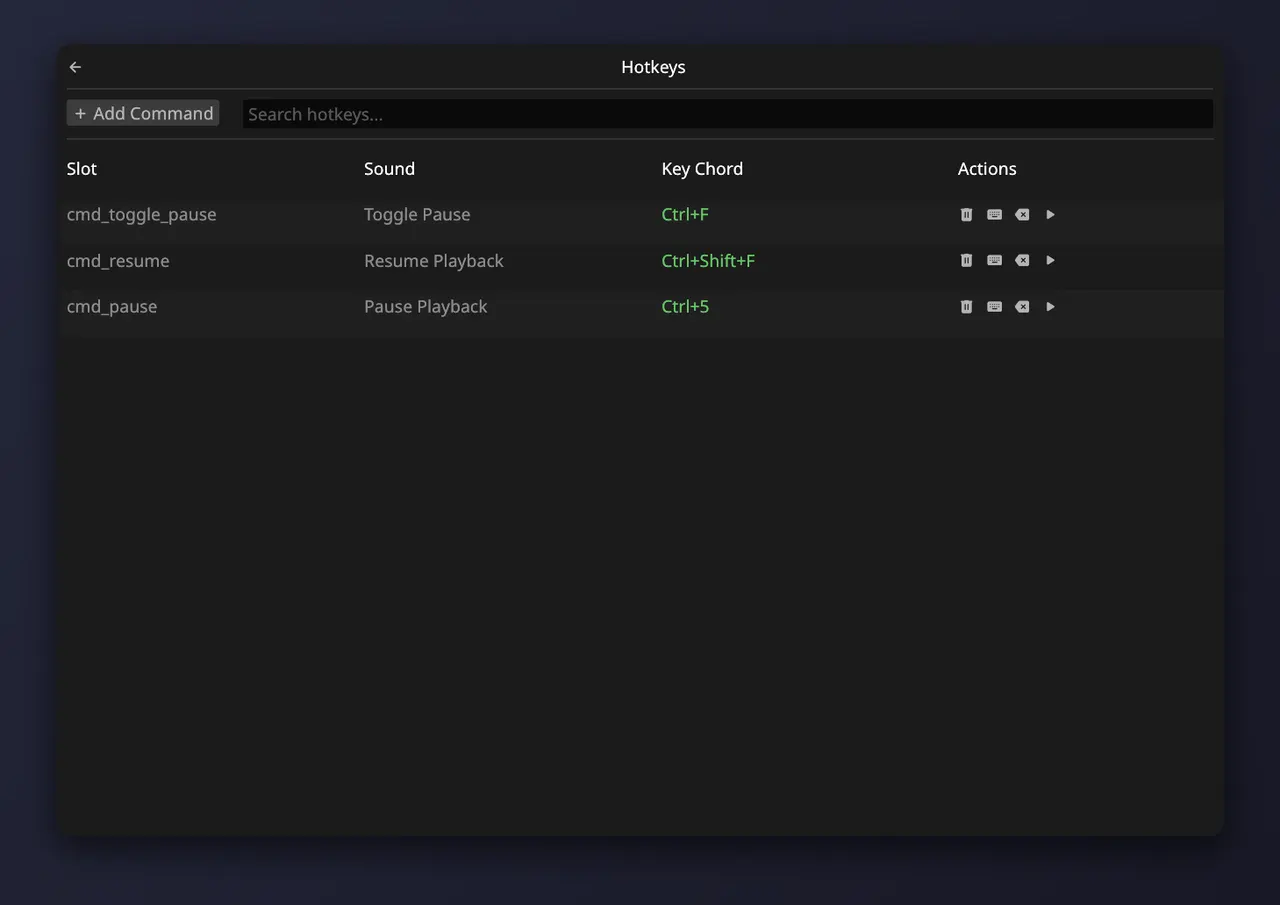
- Global hotkeys to play sounds from anywhere (they need two one-time steps on your system, see the notes)
- Many audio formats, including Opus, in nine interface languages
This is a community package of the official PWSP release. It downloads the developer's zip from GitHub at install time and runs the binaries in it unmodified.
Notes on this Flatpak package:
- Choose "PWSP Virtual Mic" as the microphone in the app you want to play sounds into.
- The daemon needs access to PipeWire's own socket to create the virtual microphone and link it. That access also lets it see the other audio and video streams on the system.
- Global hotkeys read key presses from your keyboards directly, which is not granted by default. They need two steps: put your user in the input group (
sudo usermod -aG input $USER, then log out and back in) and give the app the input devices (the override below). Until both are done the hotkeys do nothing and everything else works. - Sounds are looked for in ~/Music/PWSP. Folders you add with the + button are remembered and need no extra access. A
soundpad://link downloads its sound into ~/Music/PWSP. - Starting it with no arguments runs the daemon and the window. Closing the window leaves the daemon, and the virtual microphone, running: stop it with
flatpak run ru.arabianq.pwsp daemon --kill. The command-line client isflatpak run ru.arabianq.pwsp clifollowed by the usual pwsp-cli arguments.
A few optional capabilities are not granted by default; enable the ones you need with "flatpak override":
- Global hotkeys, once your user is in the input group (see the notes):
flatpak override --user --device=input ru.arabianq.pwsp - Undo it:
flatpak override --user --reset ru.arabianq.pwsp
Details
- Developer
- arabian
- License
- MIT
- Runtime
- Freedesktop 26.08
- Architectures
- x86_64, aarch64
- Version
- 1.18.0 · 2026-11-13
- Website
- Homepage
- Source
- PipeWire Soundpad
- Packaging
- flatpark/registry
Permissions
3 to reviewDirect PipeWire access
Can open any camera and other apps' video streams, including screen shares, without asking
Files: xdg-music
Network access
Can reach the internet and local network
Inter-process communication
Shares the IPC namespace with the host
X11 (fallback)
Wayland display
GPU acceleration
Packaging
UnmodifiedRuns the vendor's build as shipped — nothing added or changed.
What the levels mean →