
MaterialCraft
Learning Machines LLC
Design procedural PBR materials with node graphs
属于 ArtCraft 合集(16 个应用) →已复制!粘贴到终端并按回车即可安装。
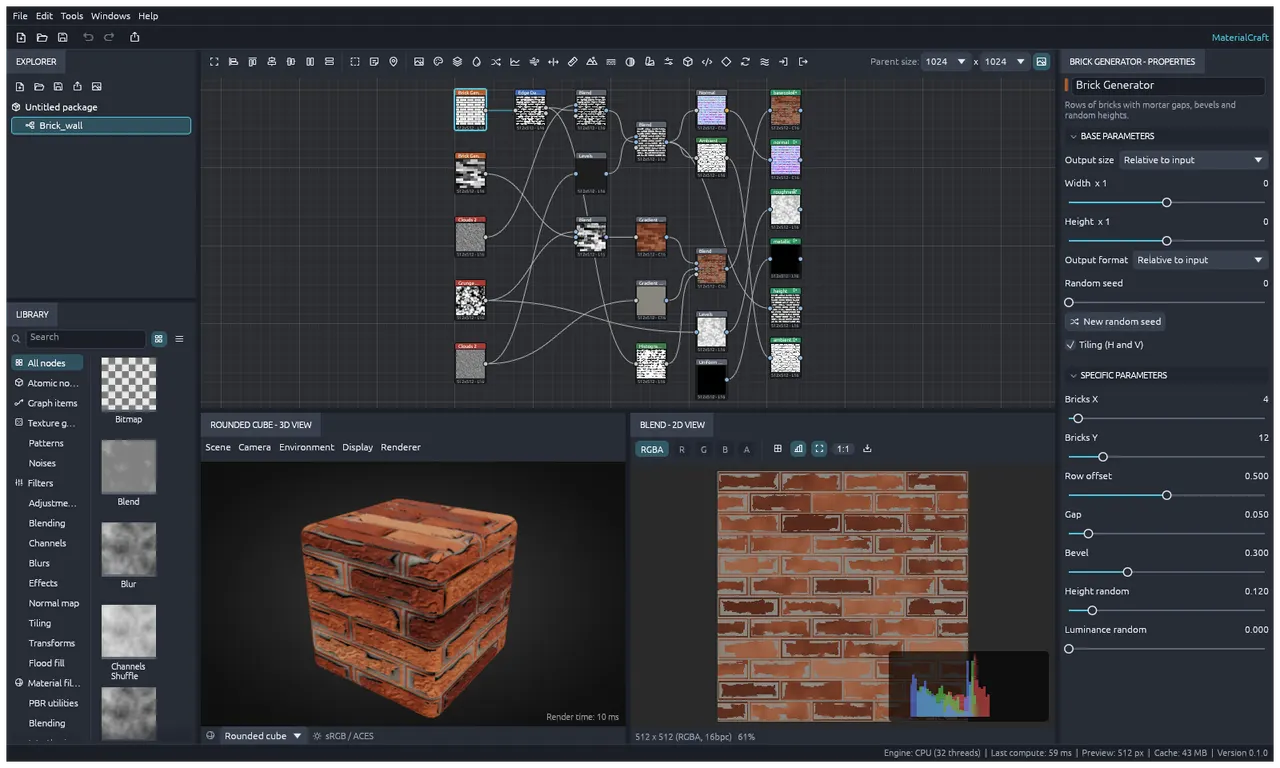
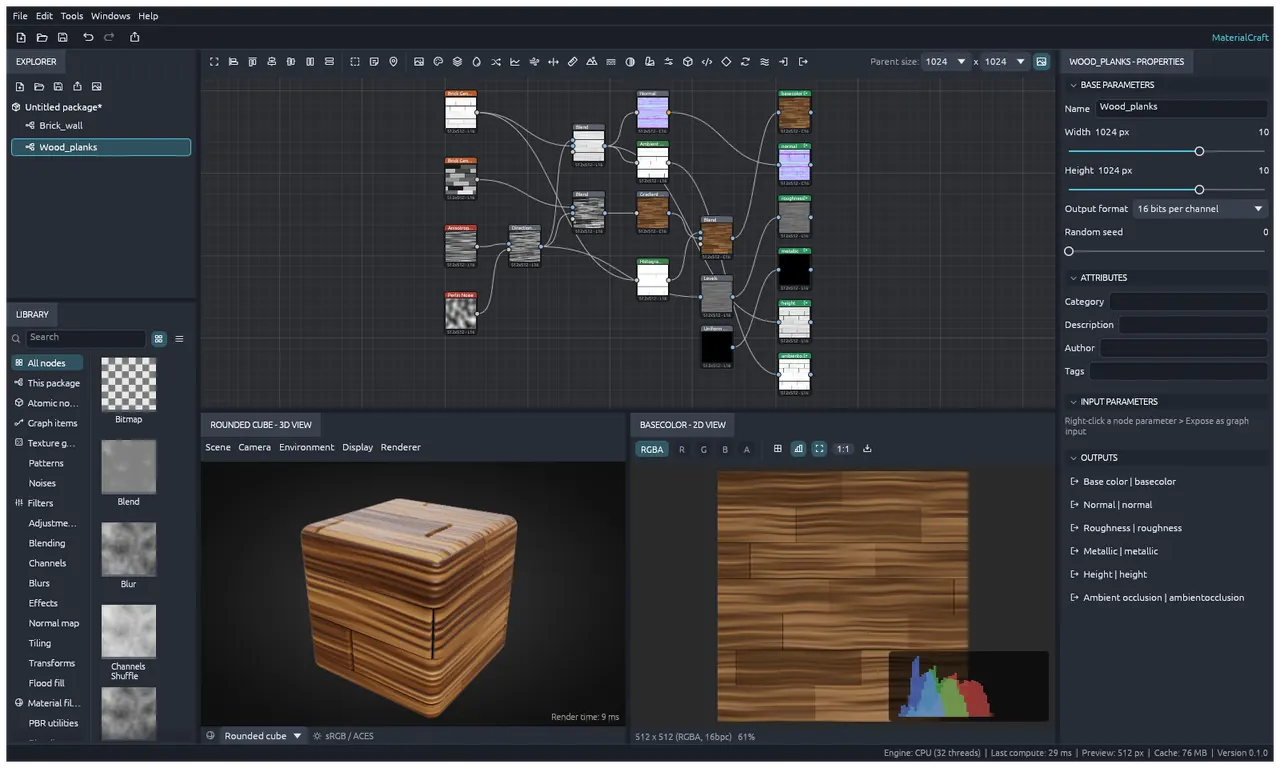
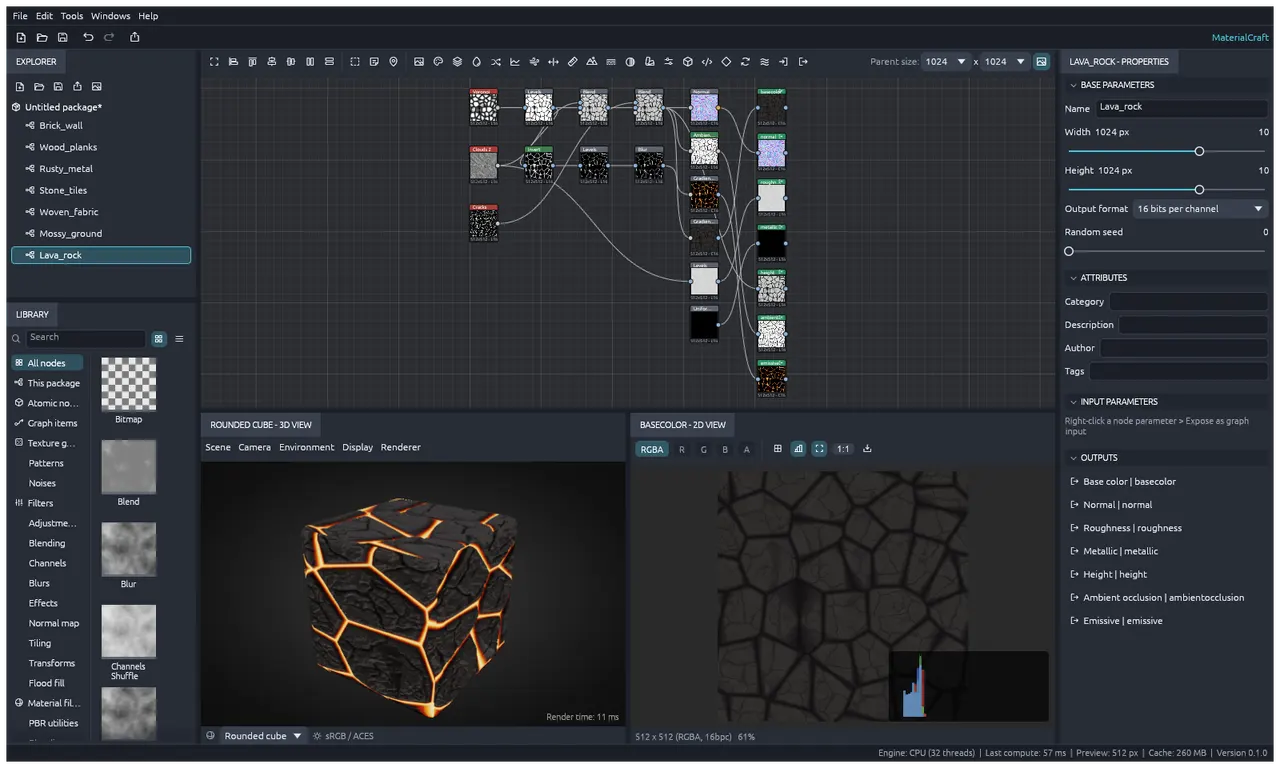
关于
This is a community package of MaterialCraft, maintained independently and unaffiliated with the MaterialCraft project. It repackages the official upstream Linux release build unmodified.
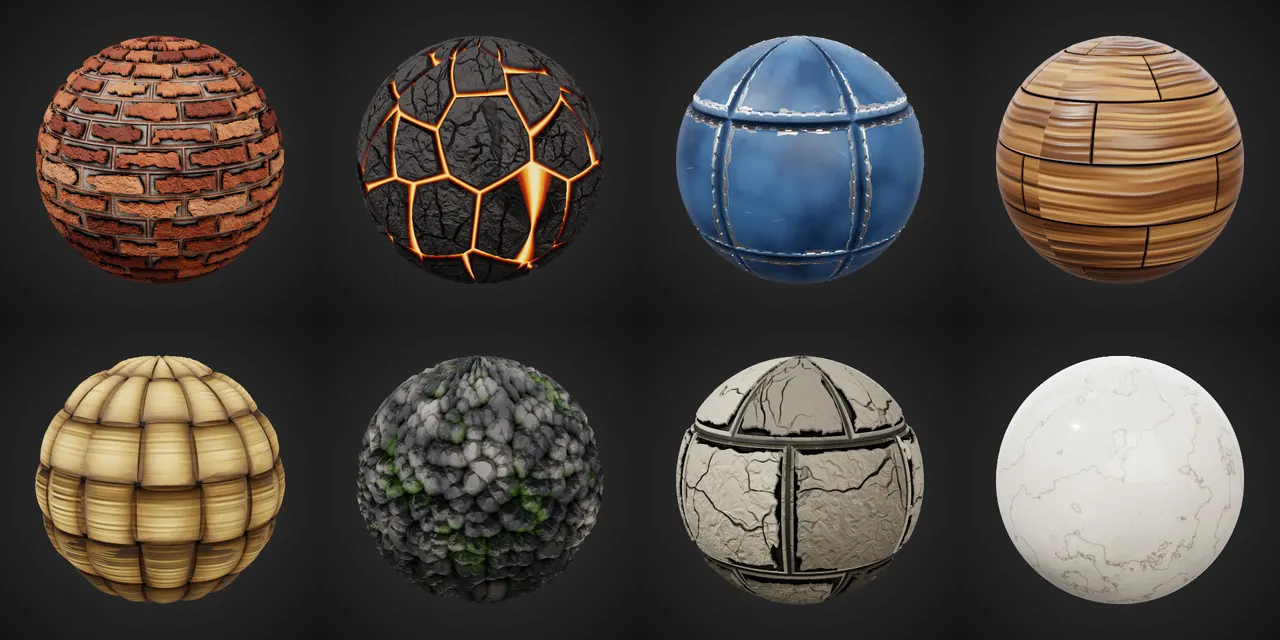
MaterialCraft is an open-source, native node-based material designer: build tileable PBR materials from noises, patterns and filters in a node graph, preview them live in 2D and 3D, and export the texture maps for any engine.
- Hundreds of procedural nodes: noises, patterns, adjustments, blurs, warps, normal and height tools
- Live 2D and 3D previews with physically based shading
- Export base color, normal, roughness, metallic, height and ambient occlusion maps as PNG, EXR, TGA, JPEG or TIFF; save packages as .mcraft
- Every action is a command, scriptable from a CLI, a JSON control channel and an MCP server
The headless command runner and MCP server is included: flatpak run --command=materialcraft-cli ai.storyteller.materialcraft --help
Permissions: this package uses the same sandbox as upstream's own Flatpak manifest: display (Wayland, with X11 as a fallback), the GPU device, and the Pictures and Documents folders. Files anywhere else are opened and saved through the system file chooser. No network access is granted.
Optional overrides:
- Let agents on the host reach the
--controlautomation server:flatpak override --user --share=network ai.storyteller.materialcraft - Open files by path anywhere in your home folder (command line, Open Recent):
flatpak override --user --filesystem=home ai.storyteller.materialcraft
详情
- 开发者
- Learning Machines LLC
- 许可证
- MIT OR Apache-2.0
- 运行时
- Freedesktop 26.08
- 架构
- x86_64, aarch64
- 版本
- 0.1.0 · 2026-11-02
- 网站
- 主页
权限
2 项需确认文件:xdg-pictures
文件:xdg-documents
X11(回退)
进程间通信
与主机共享 IPC 命名空间
Wayland 显示
GPU 加速