
Motrix
Motrix Project
Full-featured download manager for HTTP, FTP, BitTorrent and Magnet links
已复制!粘贴到终端并按回车即可安装。
关于
This is a community package of Motrix, maintained independently and unaffiliated with the Motrix project. It repackages the official upstream Linux build unmodified.
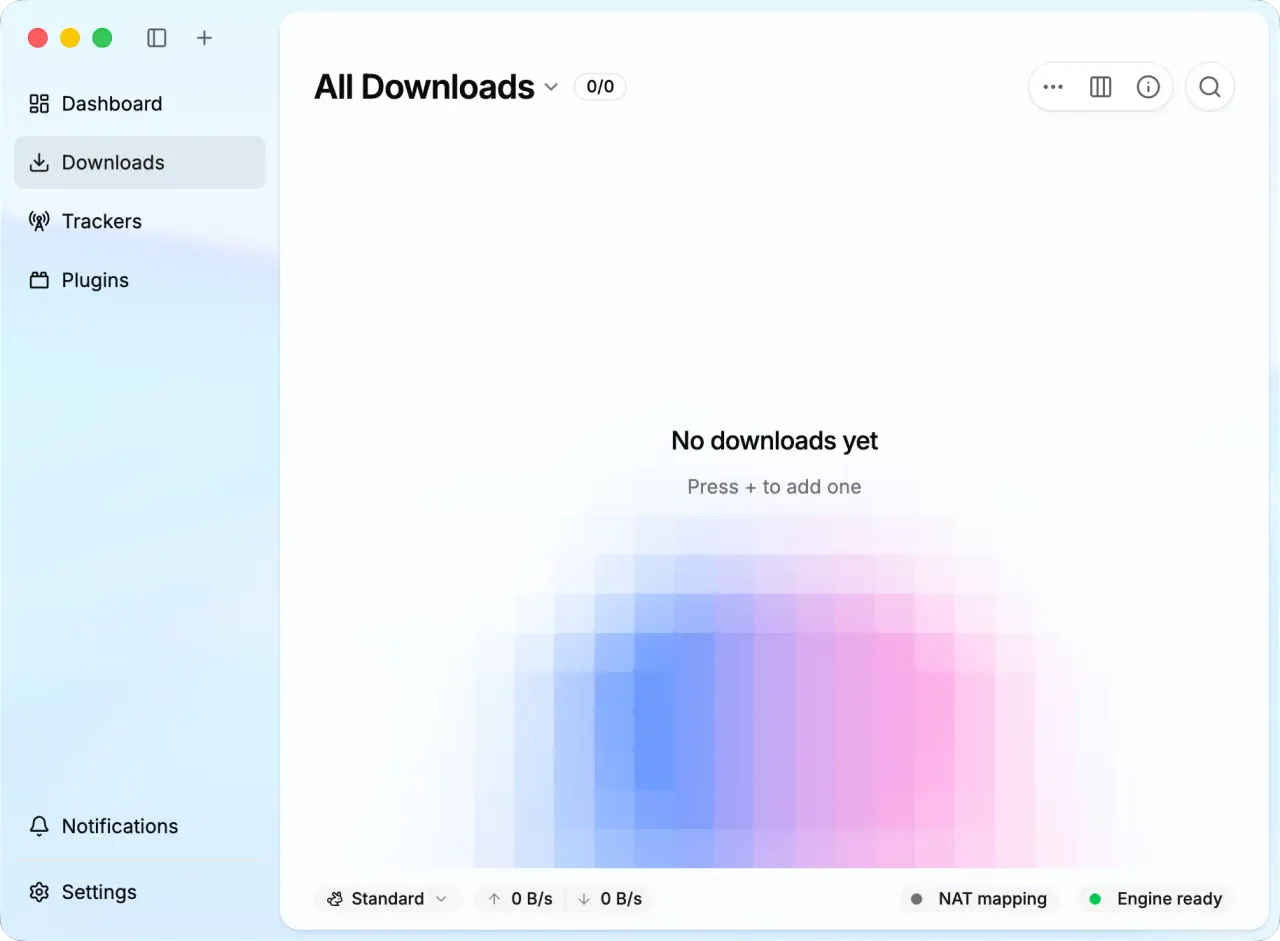
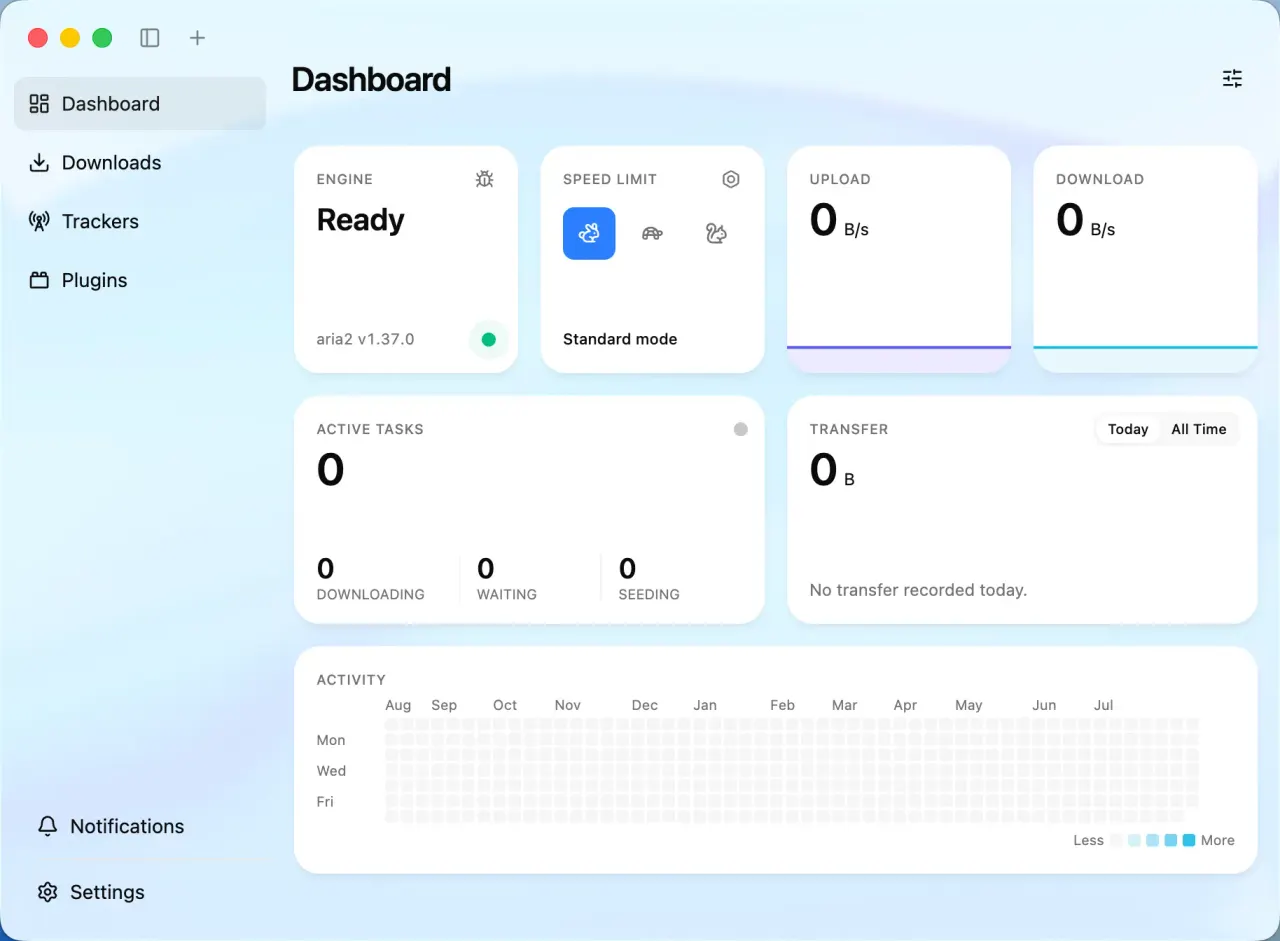
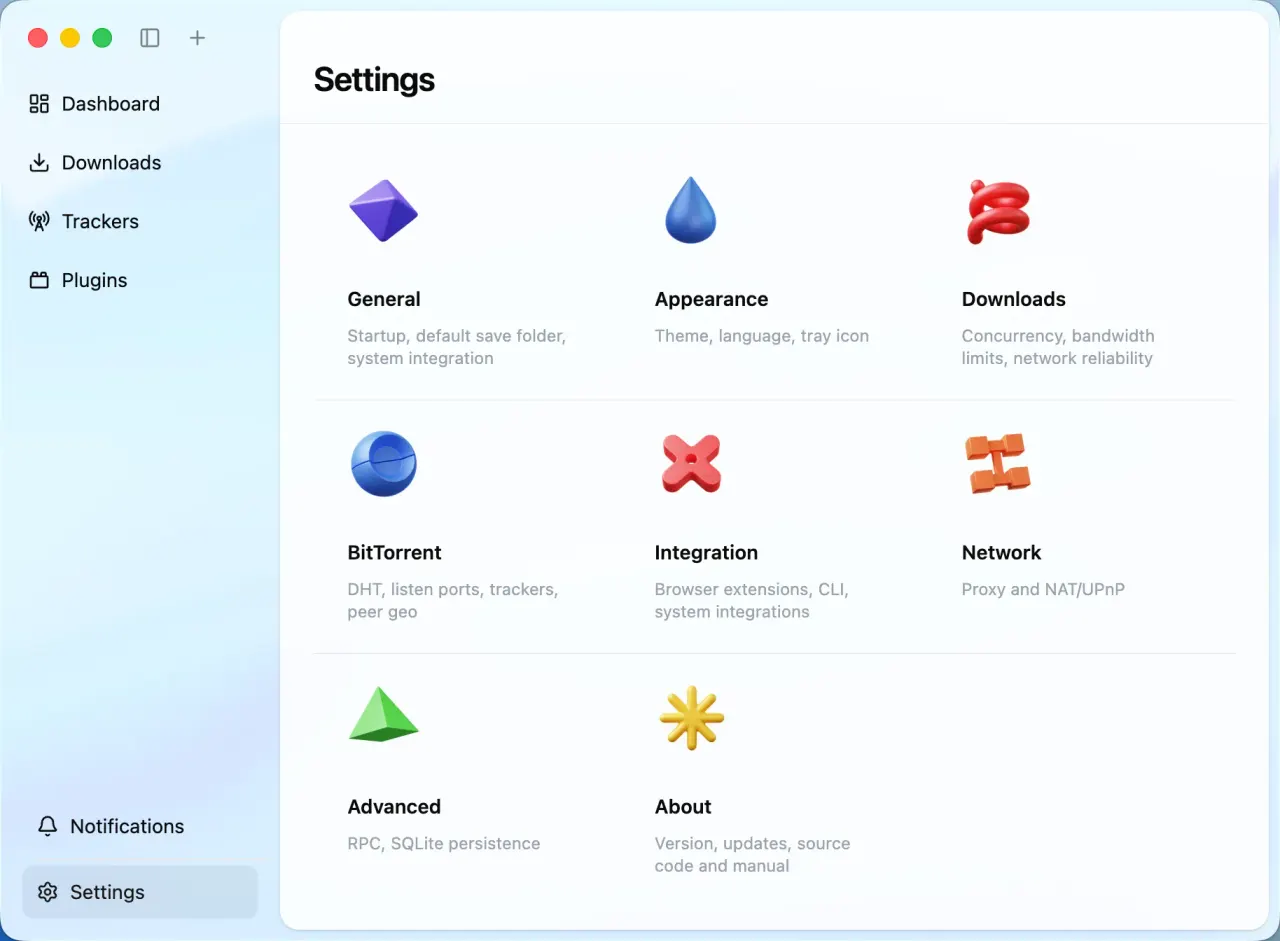
Motrix is a full-featured download manager built on the aria2 engine. It handles HTTP, FTP, BitTorrent and Magnet downloads, with up to 10 concurrent tasks and up to 64 threads per task.
- BitTorrent and Magnet support with selective file download.
- Daily automatic tracker list refresh.
- UPnP and NAT-PMP port mapping.
- User-Agent spoofing, and optional removal of files when removing tasks.
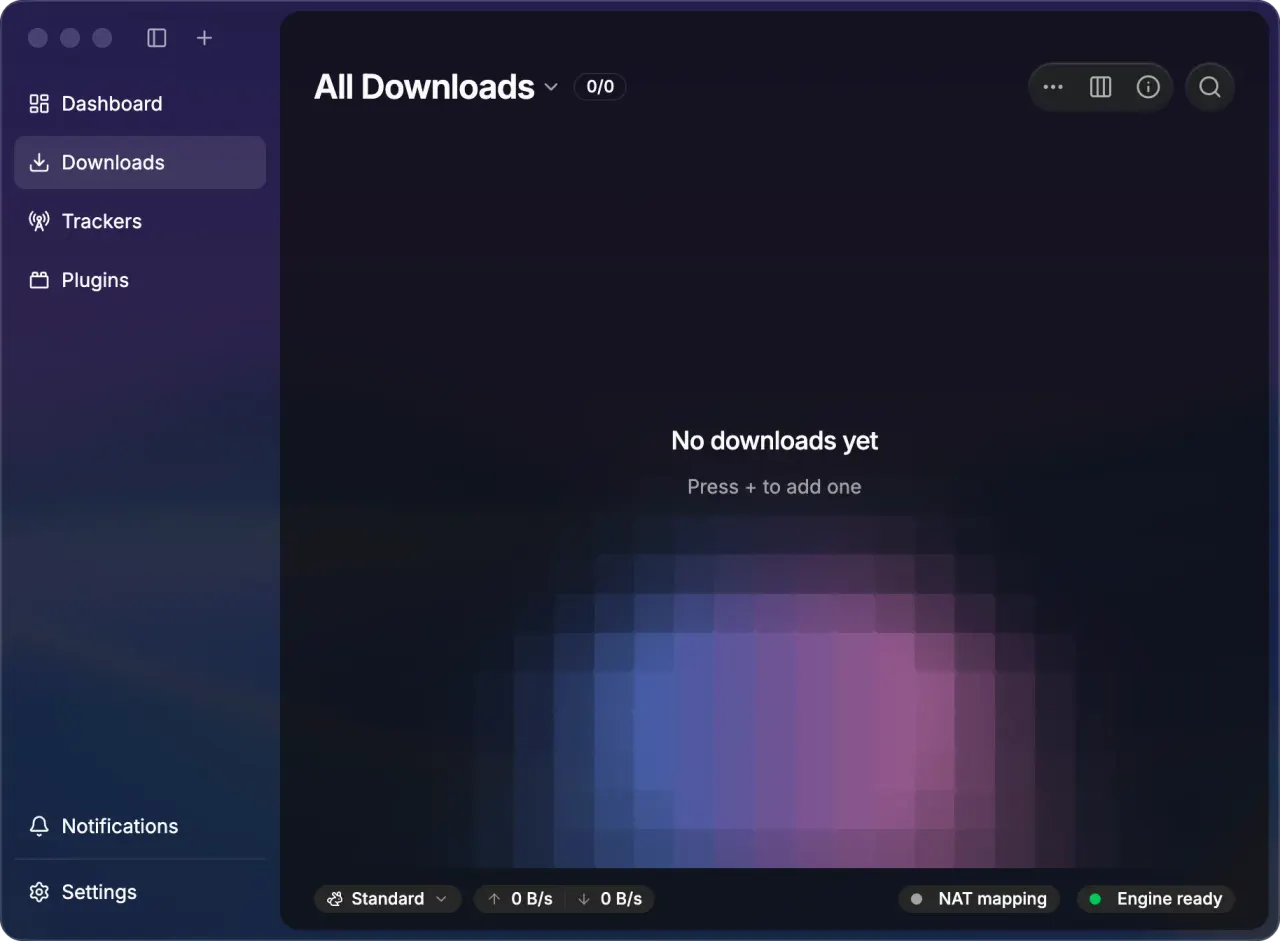
- System tray for quick operation, light and dark themes, and full internationalization.
This package tracks the Motrix 2.0.0 beta channel — upstream's own GitHub prereleases, which currently ship far ahead of any released stable build. Treat it as prerelease software: back up your existing downloads and configuration before using it, and note that upstream has not yet validated migration of Motrix 1.x data, so do not point it at your only copy of that data.
Permissions: this package keeps a tight sandbox by default — display, GPU, network, notifications, a tray icon, and your Downloads folder. Saving to any other directory goes through the desktop portal's file chooser. To grant a specific folder permanently, run flatpak override --user --filesystem=~/Media app.motrix.native, substituting your own path; --filesystem=home grants the whole home directory. Watching a folder for .torrent files needs a grant for that folder in the same way.
About the tray icon. Motrix publishes it as a bitmap, without the icon name that some tray implementations look for first; on those you get an empty slot that does not respond to clicks, while implementations that draw the bitmap show it normally. This is the same on a native install — it depends on which tray you run, not on how the app is packaged — so if the slot is empty, the tray is where to look.
Which of the two glyphs you get, a dark one meant for light panels or a light one meant for dark panels, follows the desktop's declared dark-mode preference: gtk-application-prefer-dark-theme in your GTK settings, or the desktop portal's colour scheme. A desktop that declares a light preference while running a dark panel gets the dark glyph against a dark background. This package grants read-only access to the host GTK config so that preference reaches the app at all; without it the sandbox has no signal to go on and the choice varies between launches.
Two upstream features are not available in this package. The in-app updater is switched off, because it cannot write to a read-only Flatpak install; updates arrive through Flatpak instead. The browser-extension bridge is also unavailable: in a Flatpak it requires a host-side Native Messaging companion talking to a broker inside the sandbox, and upstream builds that broker only as part of their own Flatpak. Downloads sent to Motrix's aria2 JSON-RPC listener over localhost are unaffected.
详情
权限
4 项需确认网络访问
可访问互联网和本地网络
文件:xdg-download
文件:xdg-config/gtk-3.0:ro
文件:xdg-config/gtk-4.0:ro
进程间通信
与主机共享 IPC 命名空间
X11(回退)
与 org.freedesktop.Notifications 通信
与 org.kde.StatusNotifierWatcher 通信
占用服务名 org.freedesktop.StatusNotifierItem-2-1
占用服务名 org.kde.StatusNotifierItem-2-1
与 org.freedesktop.FileManager1 通信
unset-env:ELECTRON_RUN_AS_NODE
Wayland 显示
GPU 加速