

Filee
KnifeLemon
Convert images, documents, media and archives offline
已复制!粘贴到终端并按回车即可安装。
关于
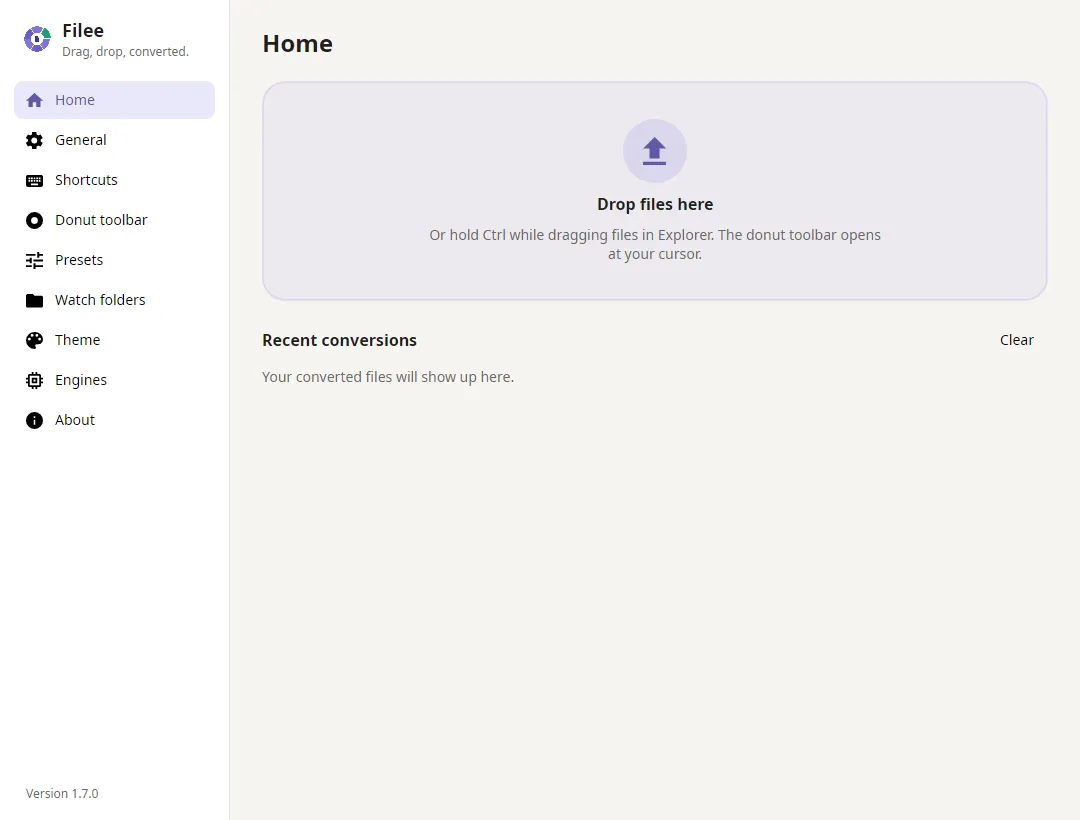
Filee converts images, PDFs, office documents, spreadsheets, presentations, audio, video, e-books and archives locally. Its portable build includes the .NET runtime and built-in conversion engines; additional engines such as Pandoc and calibre can be downloaded from Filee's settings.
This community package runs the official Linux portable build unmodified. Updates are delivered through Flatpak. Host file-manager actions, desktop extensions and host-installed conversion engines are not integrated. Conversions requiring LibreOffice or Ghostscript are unavailable because those optional engines are not included.
Tesseract OCR is included for text recognition in scans and pictures and searchable PDF output. Enable Recognize text in a conversion preset and select the recognition language. Filee downloads and verifies that language's model on first use, then keeps it for subsequent offline recognition.
On first run, converted files are saved to Downloads. This gives files selected through the file chooser a persistent output destination. Existing profiles keep their settings: choose Downloads as the output folder in General if needed. Saving beside a portal-selected file can leave the result in the portal's temporary view instead of the original folder.
Filee's own update check is turned off on first run; updates come with flatpak update. Downloaded engines still show available updates on the Engines page.
The interface uses native Wayland when available, with X11 as a fallback. The global drag gesture works on X11. GNOME Wayland gestures need the upstream GNOME pointer extension, which is not installed by this package. Use the drop zone or file chooser on Wayland.
To convert entire folders elsewhere and save beside their sources, grant the folder: flatpak override --user --filesystem=/path/to/folder com.filee.app. Undo with flatpak override --user --reset com.filee.app.
The command line is available with flatpak run --command=filee-cli com.filee.app.
详情
权限
2 项需确认网络访问
可访问互联网和本地网络
文件:xdg-download:create
进程间通信
与主机共享 IPC 命名空间
X11(回退)
与 org.kde.StatusNotifierWatcher 通信
占用服务名 org.kde.StatusNotifierItem-2-0
Wayland 显示
GPU 加速
打包方式
有适配预设了应用设置
首次运行时将转换结果保存到下载目录,确保通过文件选择器选取的文件有持久保存位置,并关闭应用内更新检查(更新由 Flatpak 负责);保留现有设置。
补充 runtime 缺少的组件
随应用附带:leptonica, tesseract