

PyCharm Community
JetBrains
Open-source Python IDE with a debugger and test runner
已复制!粘贴到终端并按回车即可安装。
关于
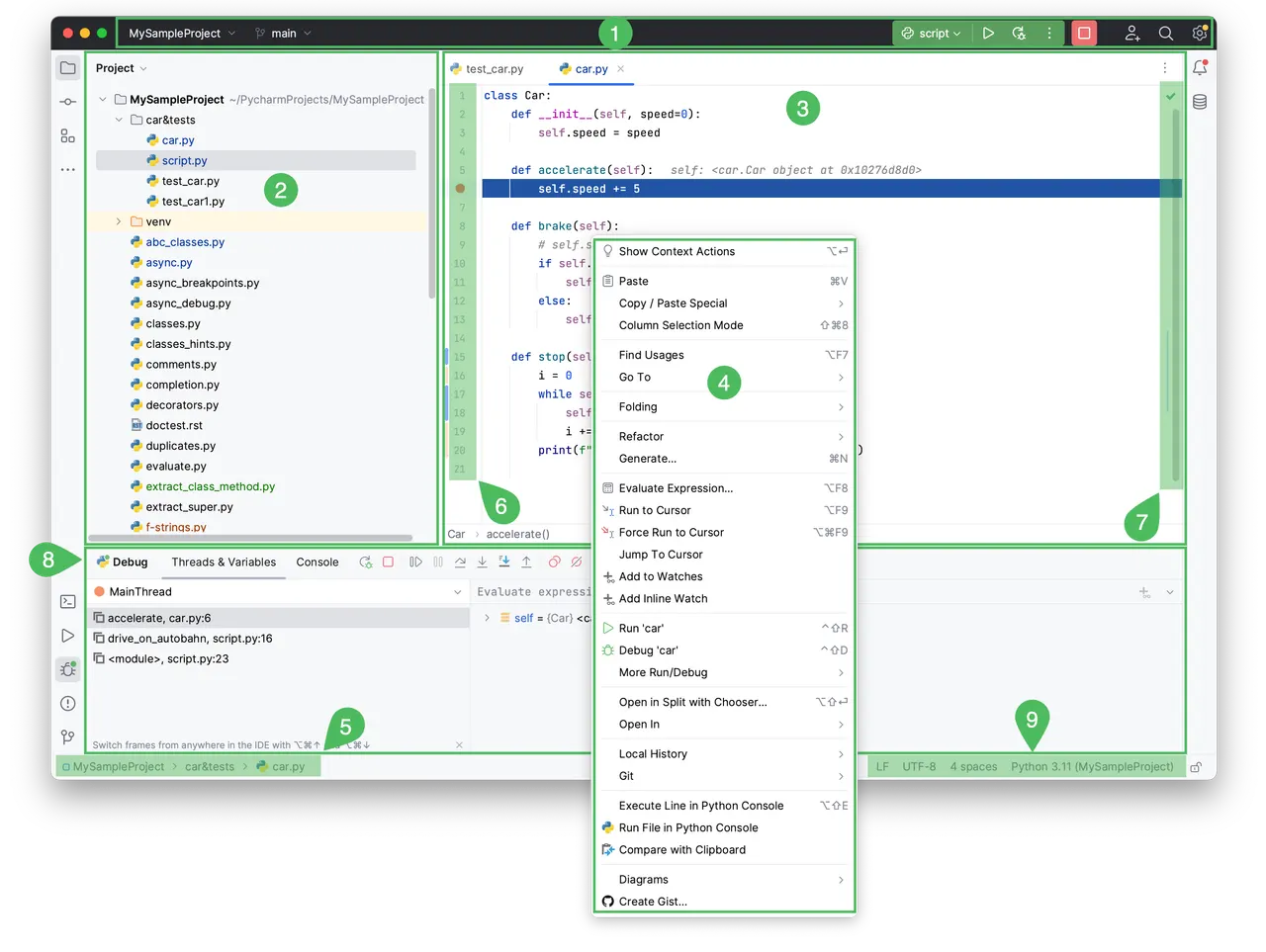
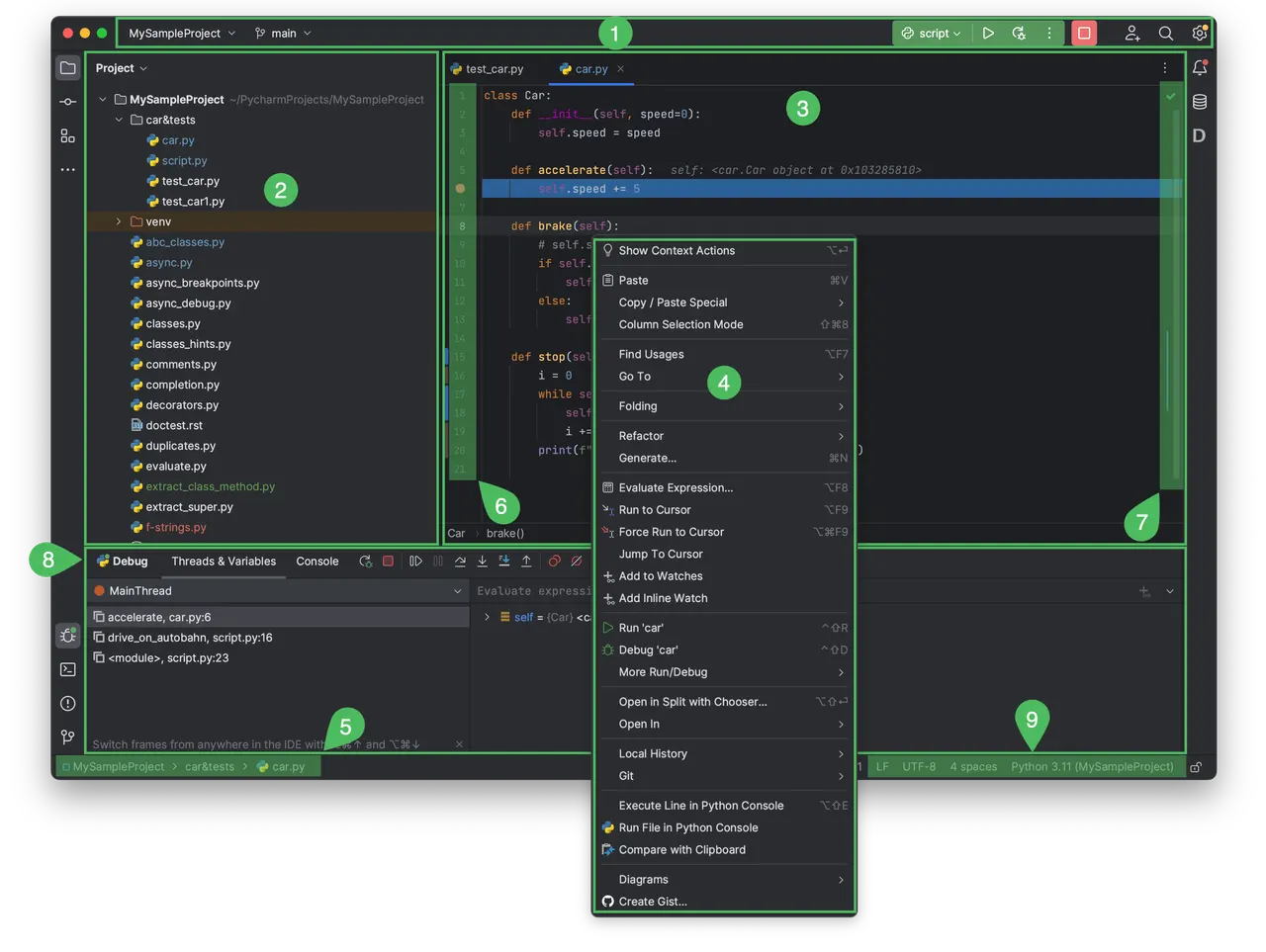
PyCharm Community is an open-source Python IDE with code completion, refactoring, an integrated debugger, a test runner and version control.
This community package installs the unmodified official Community build from JetBrains' intellij-community GitHub releases. It follows the current open-source releases; the discontinued Flathub Community package remains on 2024.3.4. This is the PC product, not the unified Professional build.
Python, Git and development tools come from the Freedesktop SDK inside the sandbox. Host interpreters, host virtual environments and system services are not directly usable. Create project virtual environments with the sandbox's /usr/bin/python3 interpreter. Keep projects and their virtual environments in your Documents directory, which the IDE can read and write. Its settings are kept separately inside its Flatpak profile.
The embedded browser, including built-in HTML and Markdown previews, is suspended with the default sandbox configuration.
Optional access can be enabled with overrides:
- Projects outside Documents: flatpak override --user --filesystem=~/Projects com.jetbrains.PyCharm-Community
- SSH agent: flatpak override --user --socket=ssh-auth com.jetbrains.PyCharm-Community
- GPG agent: flatpak override --user --socket=gpg-agent com.jetbrains.PyCharm-Community
- Undo overrides: flatpak override --user --reset com.jetbrains.PyCharm-Community
详情
权限
2 项需确认网络访问
可访问互联网和本地网络
文件:xdg-documents
进程间通信
与主机共享 IPC 命名空间
X11(回退)
占用服务名 dbus.JBR.server
Wayland 显示
GPU 加速