

Gale
Kesomannen
Mod manager for Thunderstore games, with profiles you can import and share
已复制!粘贴到终端并按回车即可安装。
关于
This is a community package of Gale, maintained independently. It repackages the official upstream Linux build unmodified. Upstream also publishes a Flatpak of their own, from their own repository at kesomannen.com; this package is an alternative way to get the same build, not a replacement for it, and it uses the same application ID.
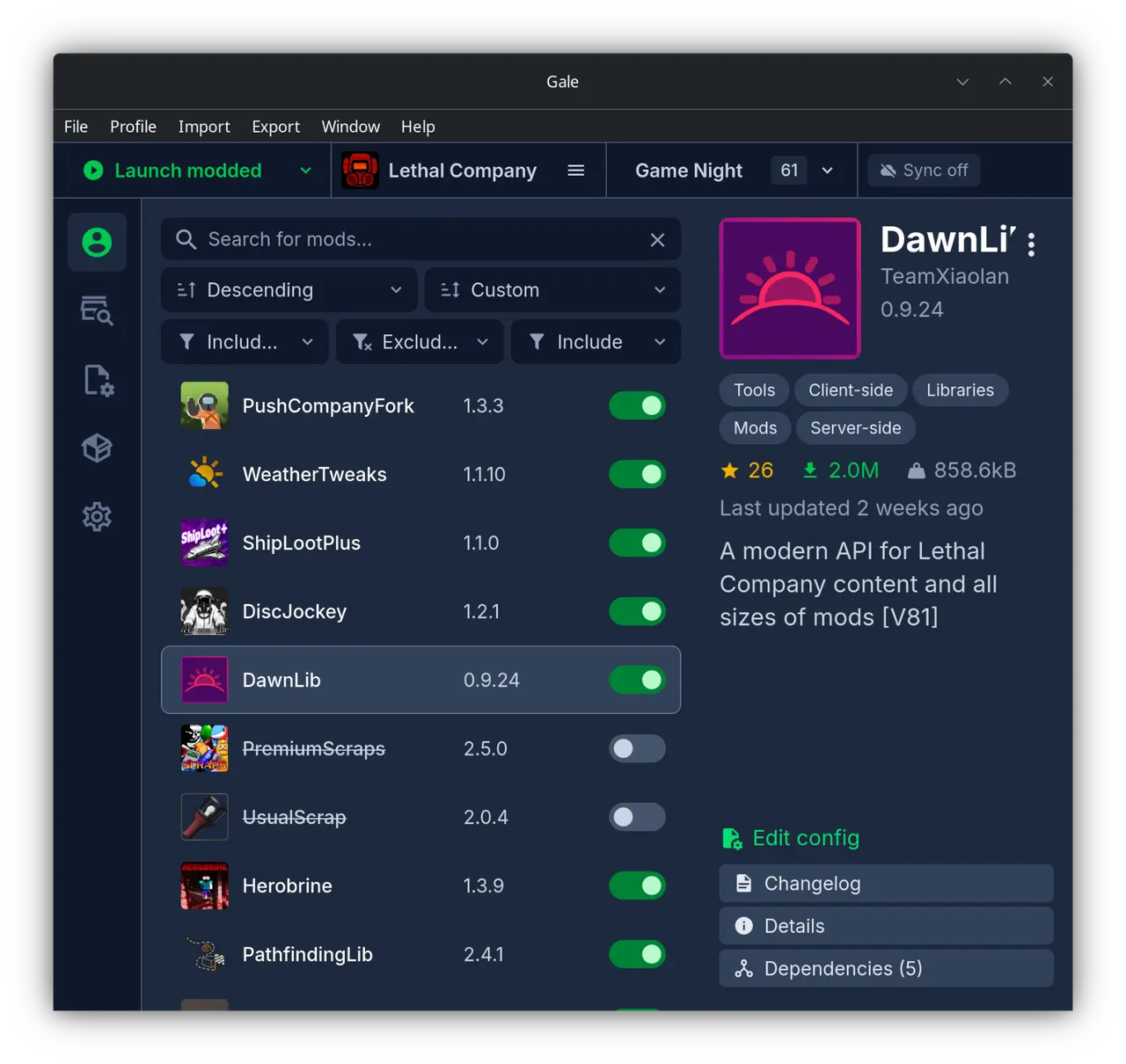
Gale is a mod manager for the games hosted on Thunderstore. It keeps each set of mods in a profile, so you can switch between a modded and a clean install, keep separate profiles per playthrough, and hand one to a friend as a code or an .r2z file.
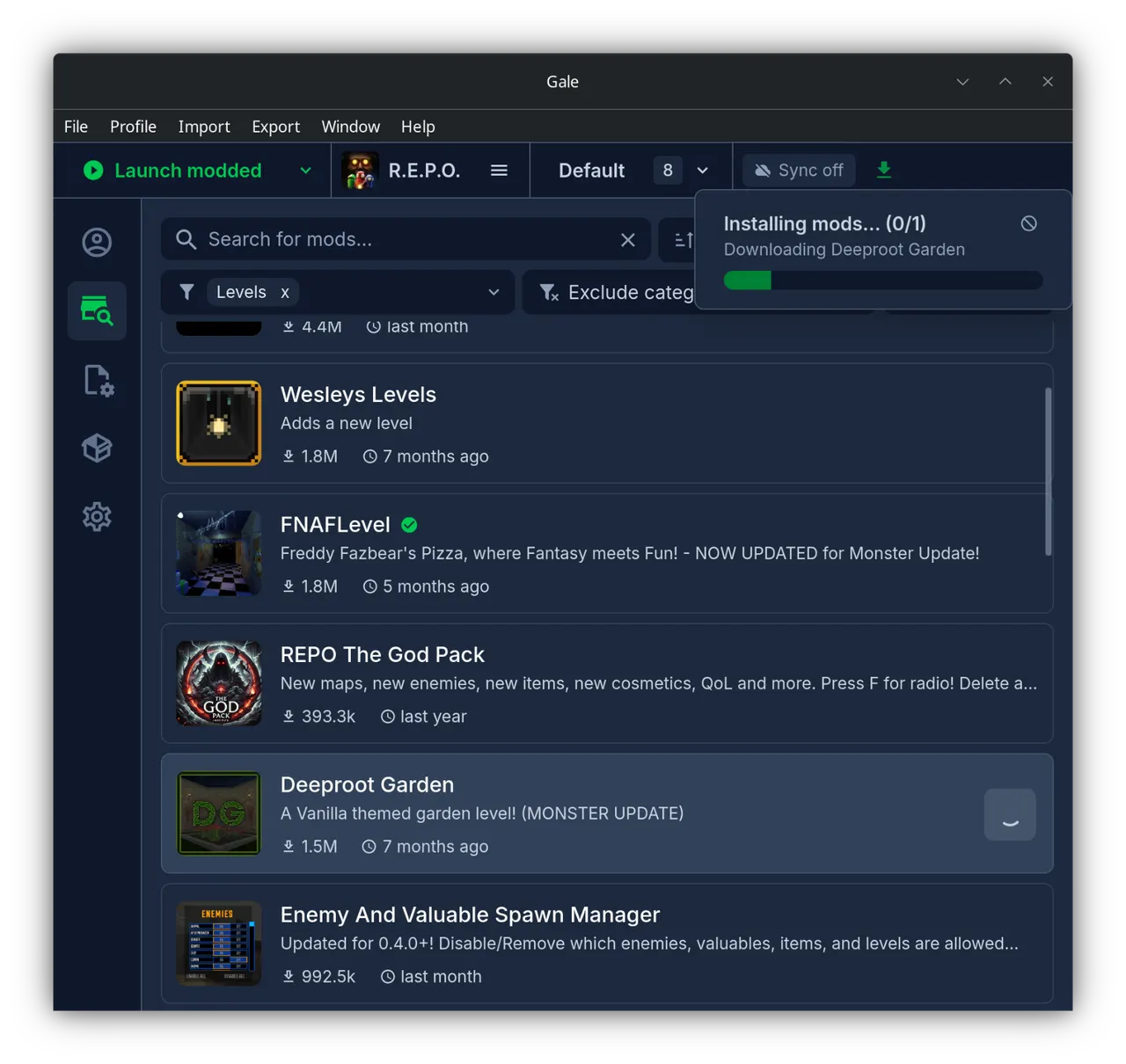
- Browse and install mods from Thunderstore, with dependencies resolved for you
- Profiles you can import, export, duplicate and sync, including profiles exported from r2modman
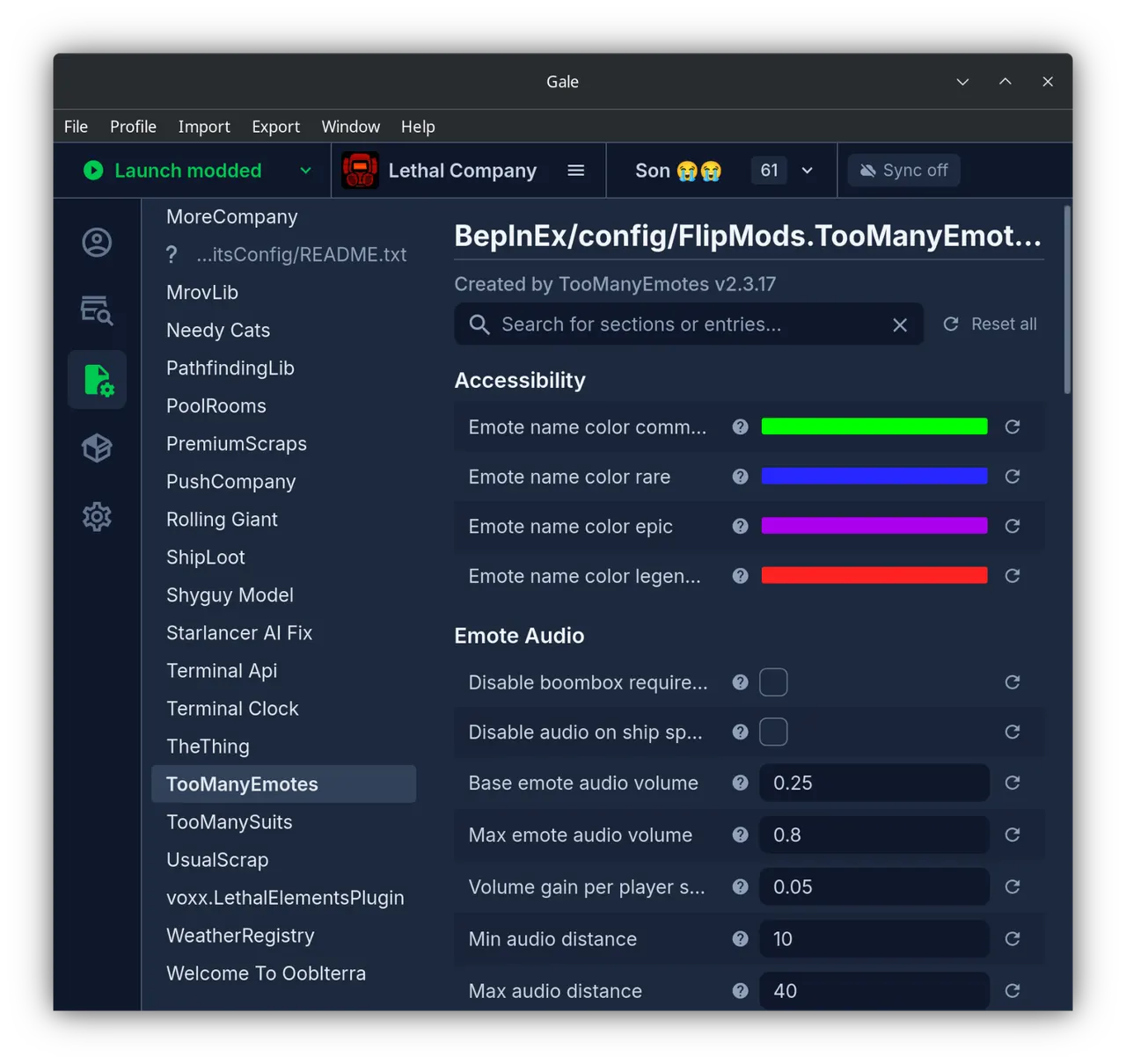
- Per-profile mod configuration edited in the app, and one-click updates for outdated mods
- Launch a modded game straight from Gale, including Proton titles
- Install from a Thunderstore page through its "Install with Mod Manager" button
The package is sandboxed. It is granted the Steam directories it has to write mods into, and the ability to start Steam on the host; everything else - profiles, the mod cache, the database and settings - lives under ~/.var/app/com.kesomannen.gale.
Some setups need one more grant; add the ones that apply with "flatpak override":
- A Steam library on another drive or in a non-default location:
flatpak override --user --filesystem=/mnt/games/SteamLibrary com.kesomannen.gale(name the library folder itself) - Importing your existing r2modman or Thunderstore Mod Manager profiles, which live in your host config directory:
flatpak override --user --filesystem=~/.config/r2modmanPlus-local:ro com.kesomannen.gale - A non-Steam game directory you point Gale at:
flatpak override --user --filesystem=/path/to/the/game com.kesomannen.gale
One thing behaves differently inside the sandbox: the in-app updater cannot replace the packaged build, so new upstream releases arrive as Flatpak updates instead. Gale detects that it is running in a Flatpak and hides the update button by itself.
详情
权限
6 项需确认网络访问
可访问互联网和本地网络
X11 窗口系统
传统显示协议;可窥探其他 X11 窗口的输入
文件:~/.steam
文件:~/.local/share/Steam
文件:~/.var/app/com.valvesoftware.Steam
与 org.freedesktop.Flatpak 通信
可通过 flatpak-spawn 在主机上执行命令
进程间通信
与主机共享 IPC 命名空间
Wayland 显示
GPU 加速