

Handy
Handy contributors
Offline transcription for audio and video files
已复制!粘贴到终端并按回车即可安装。
关于
This is a community package of Handy, maintained independently. It installs the official upstream Linux build without changing its files.
Handy transcribes audio and video files locally using speech models you choose. The models run on your computer, and your recordings and transcripts are not sent to a transcription service. The app can also record from a microphone and transcribe speech as you go.
- Transcribe audio and video files into text and subtitles
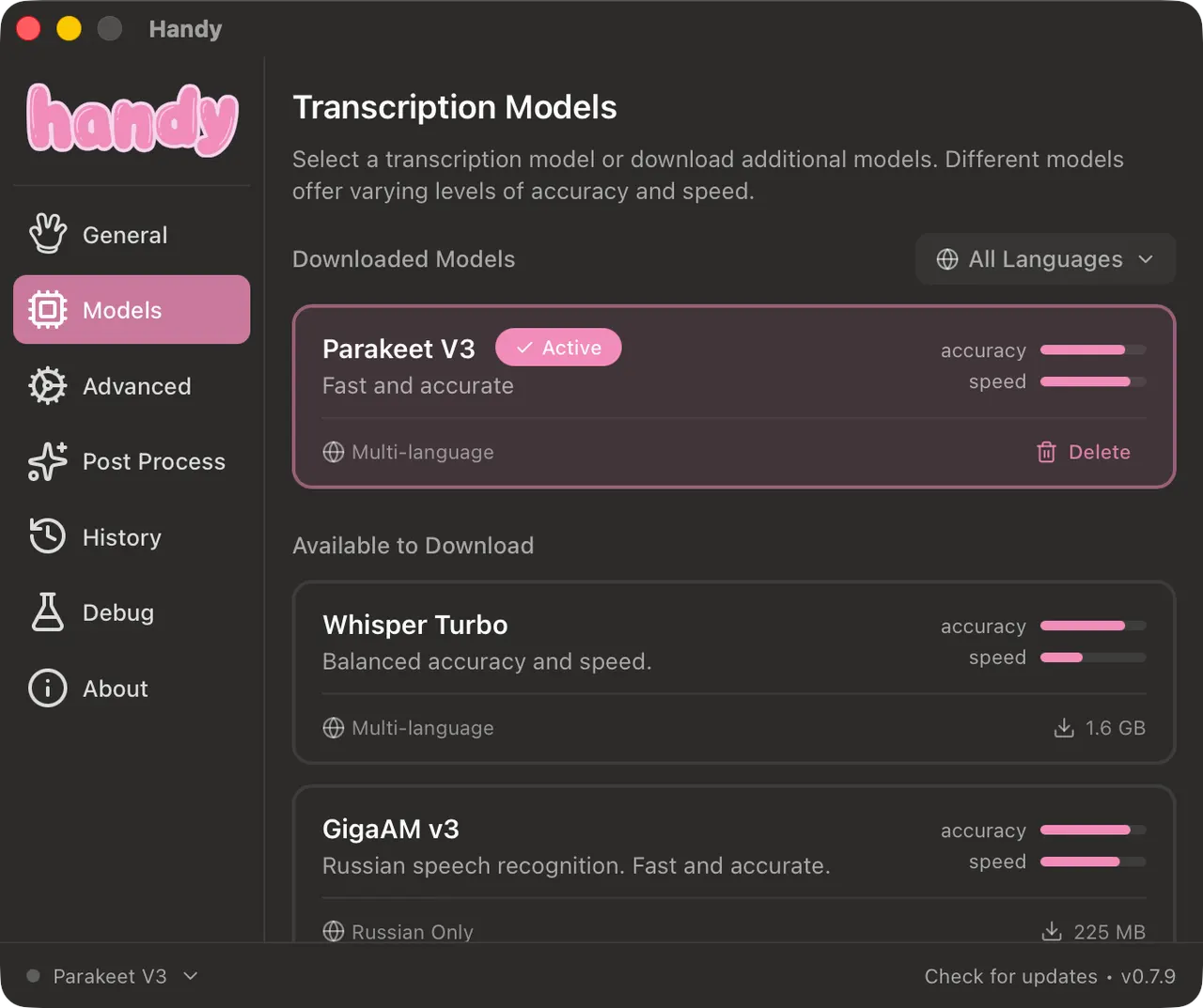
- Choose from Whisper and Parakeet models
- Use Vulkan GPU acceleration when available, with CPU inference as a fallback
- Download models on demand; they are not bundled with the app
Handy downloads models when you choose them, so the first use needs network access and free disk space. Models, settings and history remain in Flatpak's private app storage.
Selected files are opened through the desktop file chooser. To access a media folder directly, grant it with flatpak override --user --filesystem=/path/to/media com.pais.handy. Remove custom grants with flatpak override --user --reset com.pais.handy.
Audio and video file transcription is the focus of this package. Microphone recording is available in Handy but is not granted microphone access by default; enable it with flatpak override --user --socket=pulseaudio com.pais.handy.
Global shortcuts and typing into other applications depend on the desktop session and external input tools. They are not required to transcribe files.
Install application updates through Flatpak; the built-in updater cannot replace the read-only Flatpak application.
新版变化
v0.10.1 · 2026-11-14Initial FlatPark package based on Handy 0.10.1.
详情
权限
2 项需确认网络访问
可访问互联网和本地网络
文件:xdg-run/tray-icon:create
进程间通信
与主机共享 IPC 命名空间
X11(回退)
与 org.kde.StatusNotifierWatcher 通信
Wayland 显示
GPU 加速