

Visual Studio Code
Microsoft Corporation专有
Code editing. Redefined.
已复制!粘贴到终端并按回车即可安装。
关于
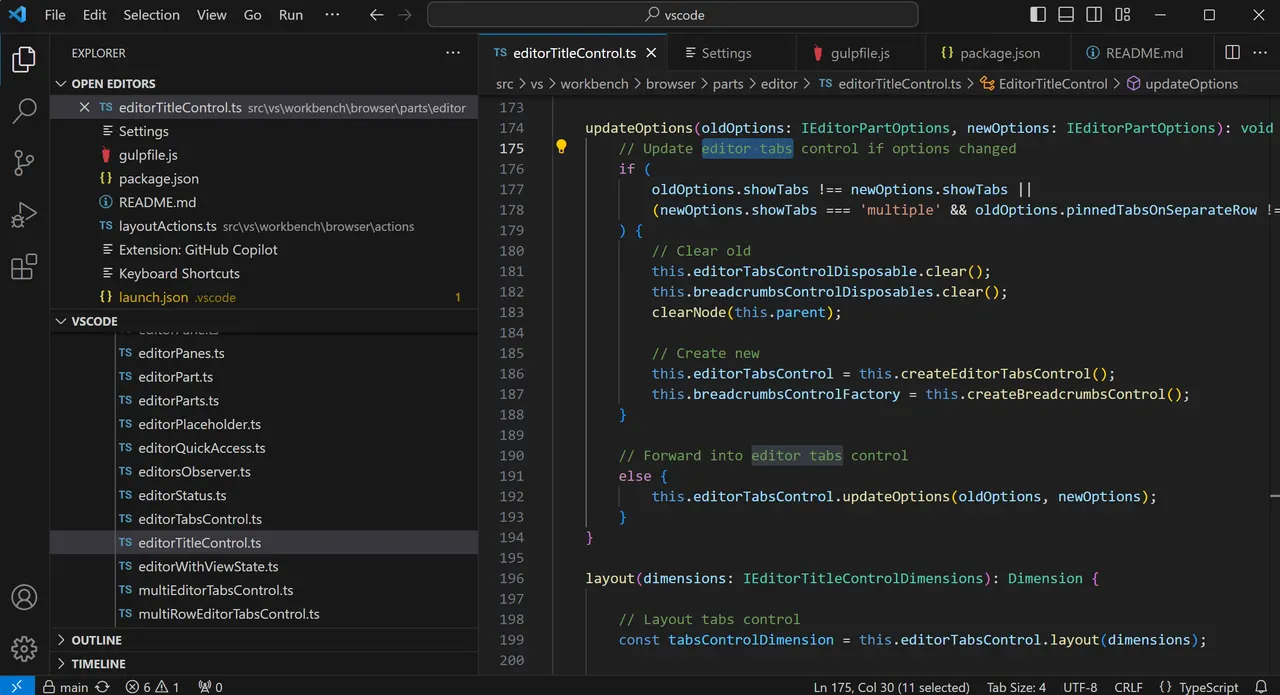
Visual Studio Code is a code editor that combines the simplicity of an editor with what developers need for the core edit-build-debug cycle.
This is a community package of Microsoft's official build of Visual Studio Code, repackaged unmodified. It is not supported by Microsoft; report problems with the package to FlatPark, not to Microsoft.
How it differs from the com.visualstudio.code package on Flathub:
- It follows Microsoft's releases within hours instead of lagging behind.
- Extra Electron flags are read from ~/.var/app/com.visualstudio.code/config/code-flags.conf, one per line.
- Commit signing works through the host's gpg-agent, and the window follows the Plasma colour scheme.
- TMPDIR points at the per-app runtime directory, which the host can see too.
- On NixOS, the integrated terminal finds the host's shells.
- No Kerberos/Negotiate single sign-on.
The app runs in a sandbox and can't see the SDKs on your host. Run host commands with host-spawn, for example by pointing the integrated terminal at it; the note that opens on first start explains how.
新版变化
v1.144.1 · 2026-11-01详情
- 开发者
- Microsoft Corporation
- 许可证
- Proprietary
- 运行时
- org.freedesktop.Sdk 26.08
- 架构
- x86_64, aarch64
- 版本
- 1.144.1 · 2026-11-01
- 网站
- 主页
- 支持
- 帮助与支持
权限
7 项需确认全部设备(含摄像头、USB)
全部系统文件
网络访问
可访问互联网和本地网络
文件:xdg-run/gnupg:ro
文件:xdg-config/kdeglobals:ro
系统服务:org.freedesktop.login1
与 org.freedesktop.Flatpak 通信
可通过 flatpak-spawn 在主机上执行命令
进程间通信
与主机共享 IPC 命名空间
X11(回退)
音频(PulseAudio)
SSH agent
allow:devel
与 org.freedesktop.Notifications 通信
与 org.freedesktop.secrets 通信
与 org.kde.kwalletd5 通信
与 org.kde.kwalletd6 通信
与 com.canonical.AppMenu.Registrar 通信
与 com.canonical.AppMenu.Registrar.* 通信
Wayland 显示
打包方式
隔离降低在你的系统上执行命令
随附的 host-spawn 通过 flatpak-spawn 在你的系统上运行命令,在沙箱之外、拥有你这个用户的权限。可以将集成终端设置为使用它,以便使用宿主机的 shell 和工具链。
预设了应用设置
启动器在首次运行时打开一份沙箱说明,从 code-flags.conf 读取额外的 Electron 参数,把扩展放在应用的数据目录中,将 TMPDIR 指向应用专属的运行时目录,并把宿主机的 /etc/shells 链接进沙箱,使终端能找到宿主机的 shell。
补充 runtime 缺少的组件
随应用附带:host-spawn