

blastQR
Blast Studio Inc.
Transfer files offline through animated QR codes
已复制!粘贴到终端并按回车即可安装。
关于
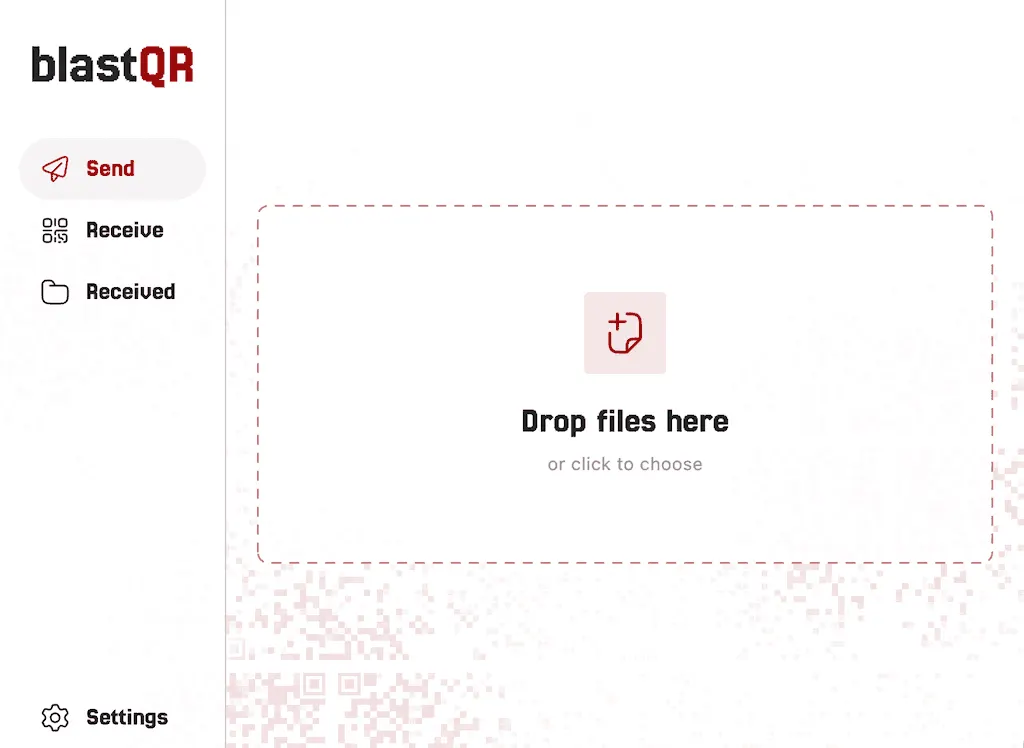
blastQR transfers files completely offline. The sender shows a sequence of QR codes on screen and the receiver scans them with its camera. The only link between the devices is the screen and the camera, which makes it useful for air-gapped computers.
- Resilient to missed frames: any large enough set of frames rebuilds the file
- Up to 8 QR codes on screen at once for higher speed
- Optional password encryption
- Several files at once
- Plays a tone when the transfer is done, so the sender stops automatically
This community package downloads the official Linux tarball at install time and runs the upstream build unmodified. Transfers work offline. Received files and saved QR codes are stored in Documents/blastQR.
Camera access uses the desktop Camera portal. If it cannot expose your camera, enable direct camera access with flatpak override --user --device=all dev.blastapps.blastqr. This exposes all devices to the app.
To enable “Show in folder”, use flatpak override --user --talk-name=org.freedesktop.FileManager1 dev.blastapps.blastqr.
Undo these optional permissions with flatpak override --user --reset dev.blastapps.blastqr.
详情
权限
1 项需确认文件:xdg-documents/blastQR:create
进程间通信
与主机共享 IPC 命名空间
X11(回退)
音频(PulseAudio)
Wayland 显示
GPU 加速