
Horizon
Horizon contributors
Launcher for Horizon, a Minecraft Java Edition client written in Rust
已复制!粘贴到终端并按回车即可安装。
关于
This is a community package of the Horizon launcher, maintained independently. It repackages the official upstream Linux build unmodified.
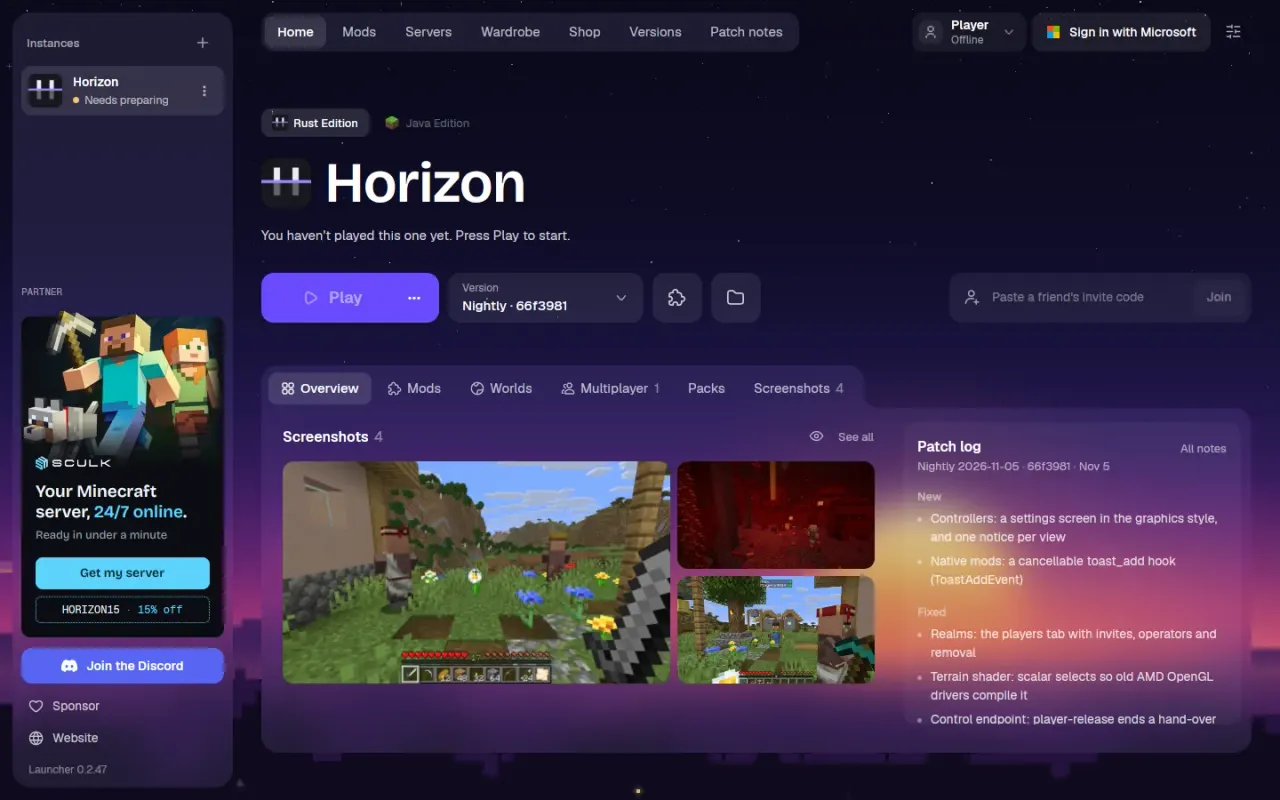
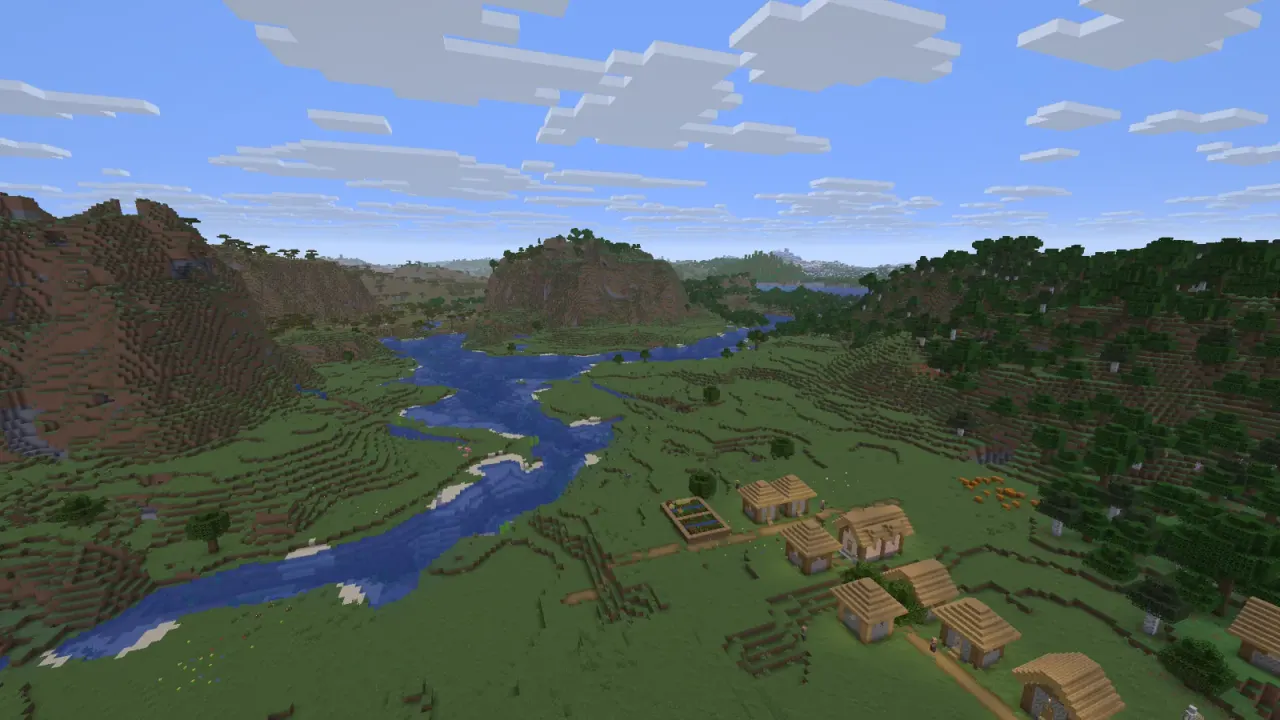
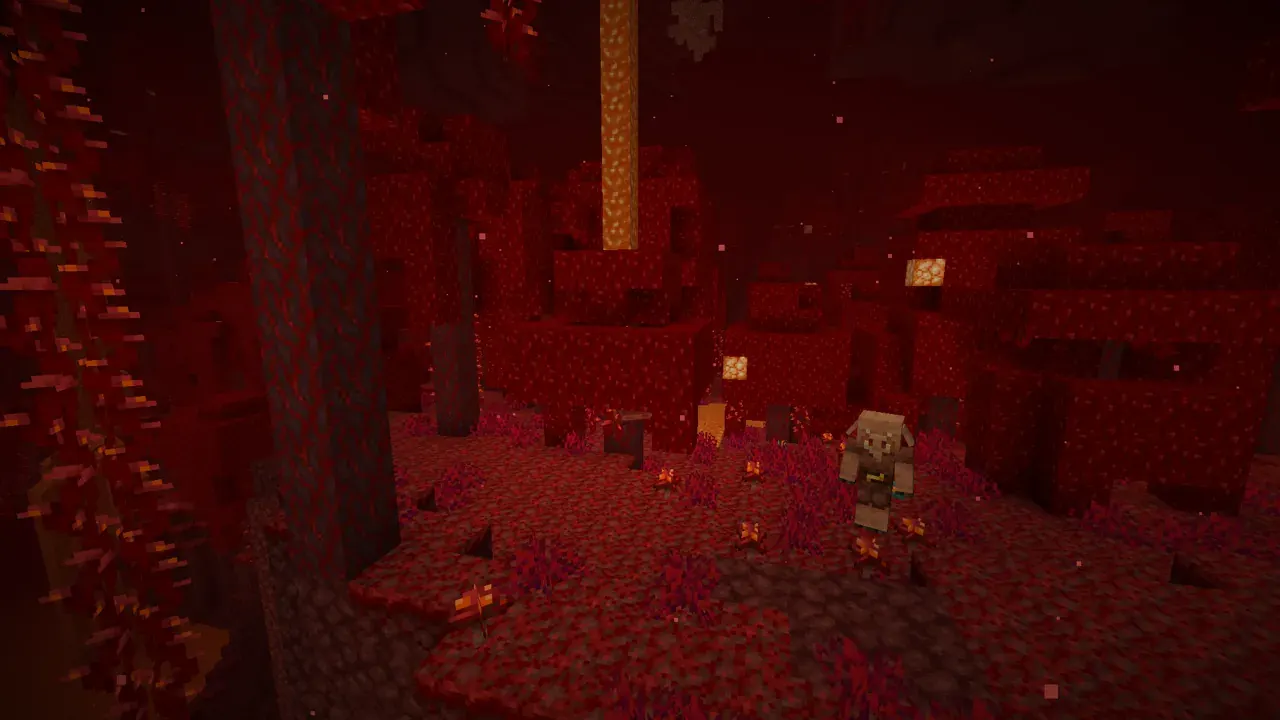
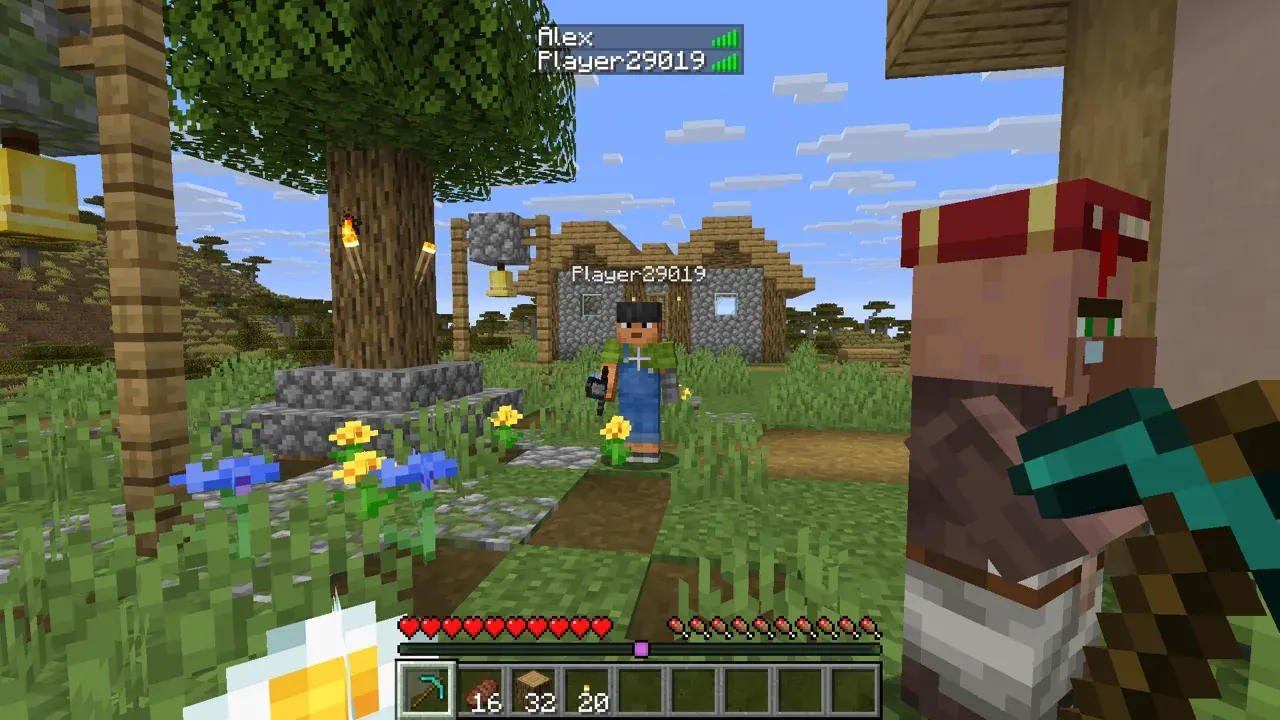
Horizon is Minecraft: Java Edition 26.3 rewritten from scratch in Rust: the same rules, terrain and worlds as the Java game, in one native program. It is free, open source and unofficial, and you play it with your own copy of Java Edition. The launcher signs in to your Microsoft account, installs and updates the game, and prepares its files from your copy of Minecraft.
- Survival, creative, hardcore and spectator, with vanilla world generation in all three dimensions
- Join vanilla and Horizon servers, open a world to LAN or invite friends with a code
- Distant terrain, graphics presets, HDR and controller support
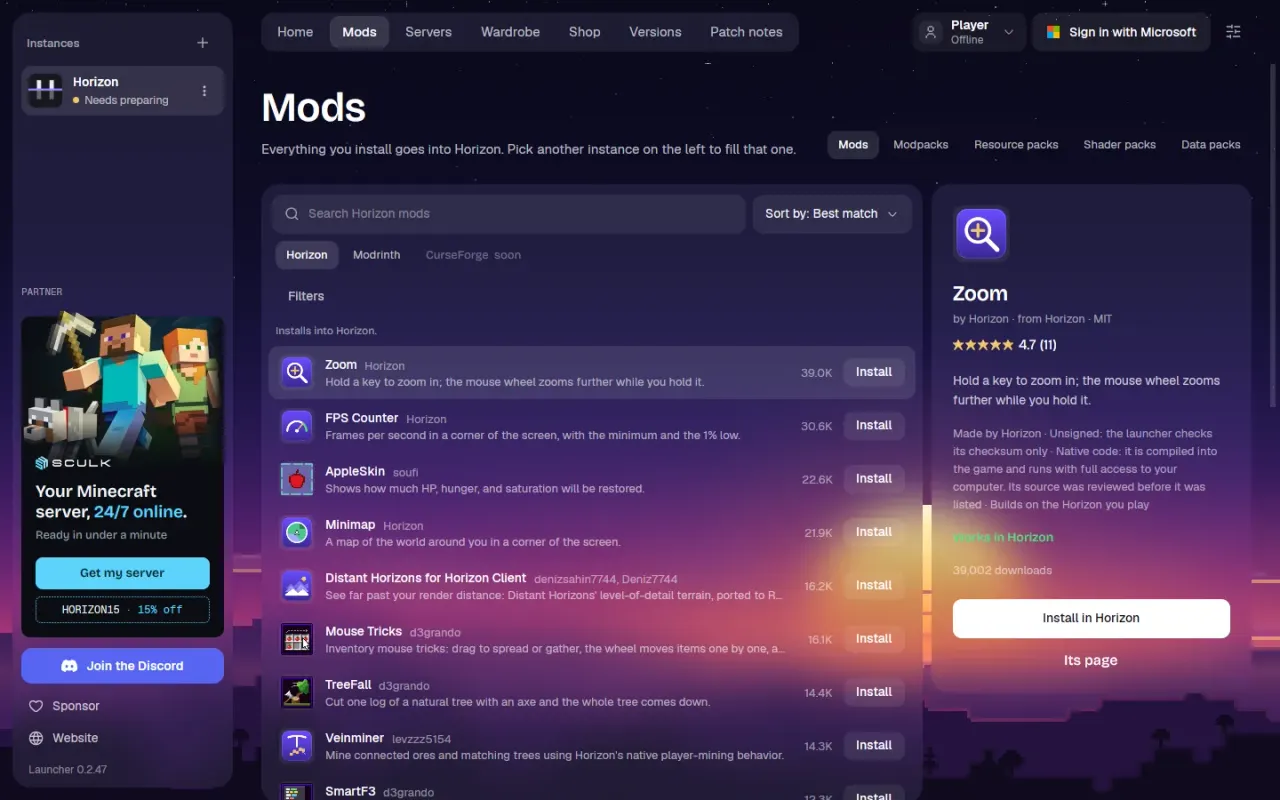
- Resource packs, data packs, shader packs, content mods and native Rust mods from the launcher
- Host a server from the launcher
The package is sandboxed: it can reach the network, the GPU, sound, game controllers and its own data directory, and nothing else. Game builds, instances and worlds live in ~/.var/app/dev.playhorizon.Horizon/data. The launcher does not update itself here; new releases arrive as Flatpak updates, and the launcher still installs and updates game builds on its own.
A few optional capabilities are not granted by default; enable the ones you need with "flatpak override":
- Import worlds and versions from the official launcher's folder:
flatpak override --user --filesystem=~/.minecraft:ro dev.playhorizon.Horizon(Prism Launcher:--filesystem=~/.local/share/PrismLauncher:ro) - Discord Rich Presence:
flatpak override --user --filesystem=xdg-run/discord-ipc-0 dev.playhorizon.Horizon(for Flatpak Discord:--filesystem=xdg-run/app/com.discordapp.Discord:create)
Native Rust mods are built on your computer. The launcher downloads its own Rust toolchain, but the build also needs a C compiler, pkg-config and the ALSA and libudev development files, which the app's runtime does not include. To build, install the matching SDK and start the launcher on it: flatpak install flathub org.freedesktop.Sdk//26.08, then flatpak run --devel dev.playhorizon.Horizon. You only need this while building; a normal launch plays the result.
详情
权限
2 项需确认输入设备
网络访问
可访问互联网和本地网络
进程间通信
与主机共享 IPC 命名空间
X11(回退)
音频(PulseAudio)
与 org.a11y.Bus 通信
与 org.freedesktop.Notifications 通信
Wayland 显示
GPU 加速