

关于
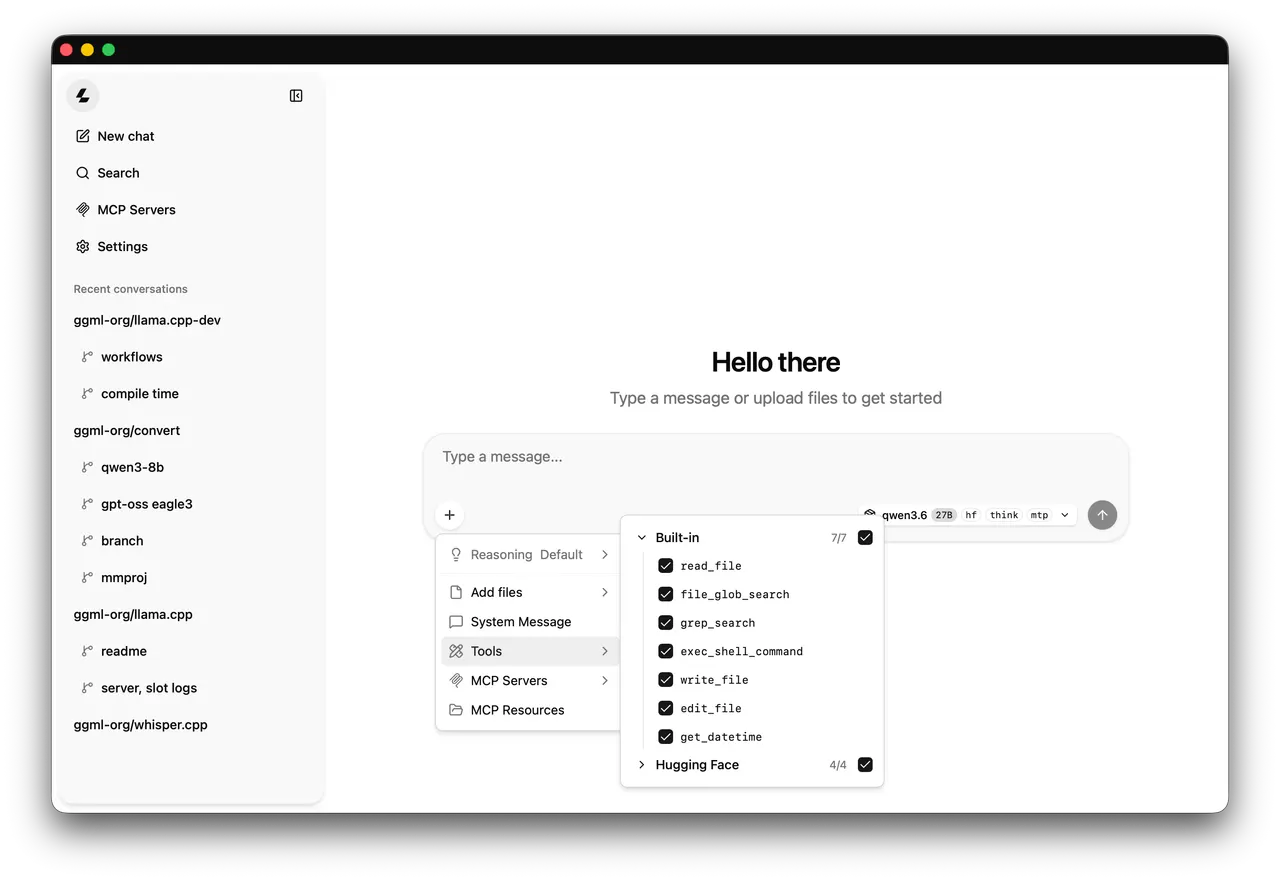
A community package of the unmodified official llama.cpp CPU build for local language model inference, an HTTP API and a browser chat interface. Model downloads have their own licenses.
The desktop entry starts llama-server in a terminal. Open http://127.0.0.1:8080 in your browser. Models downloaded by llama.cpp stay in this app's private persistent cache. With no model argument, the server starts in router mode for cached models. Download a model first using the CLI, for example: flatpak run --command=llama-cli io.github.ggml_org.LlamaCpp.CPU -hf bartowski/SmolLM2-135M-Instruct-GGUF:Q4_K_M
Command line tools are available with flatpak run --command=llama-cli io.github.ggml_org.LlamaCpp.CPU, and similarly llama, llama-bench and llama-quantize. Pass server model and port options after flatpak run io.github.ggml_org.LlamaCpp.CPU. The CPU and Vulkan editions use different default ports and private caches.
Host model directories are optional. Grant only a directory you need: flatpak override --user --filesystem=/path/to/models:ro io.github.ggml_org.LlamaCpp.CPU. Then pass -m /path/to/models/model.gguf. To remove overrides: flatpak override --user --reset io.github.ggml_org.LlamaCpp.CPU.
Python model conversion and workflows requiring a host toolchain are not included.
详情
权限
1 项需确认网络访问
可访问互联网和本地网络