

llama.cpp (CUDA 13)
ggml-org
Run local language models with NVIDIA CUDA 13 acceleration
已复制!粘贴到终端并按回车即可安装。
关于
A community package of the unmodified official llama.cpp CUDA 13 build for local language model inference, an HTTP API and a browser chat interface. The included NVIDIA CUDA runtime libraries have their own proprietary license. Model downloads have their own licenses.
This edition requires an NVIDIA GPU and a host driver compatible with the packaged CUDA 13 runtime. Flatpak supplies the matching NVIDIA driver libraries through its GL extension. The package includes upstream's CUDA runtime libraries; a host CUDA toolkit is not required. CUDA needs access to NVIDIA device nodes, so this edition grants access to all devices.
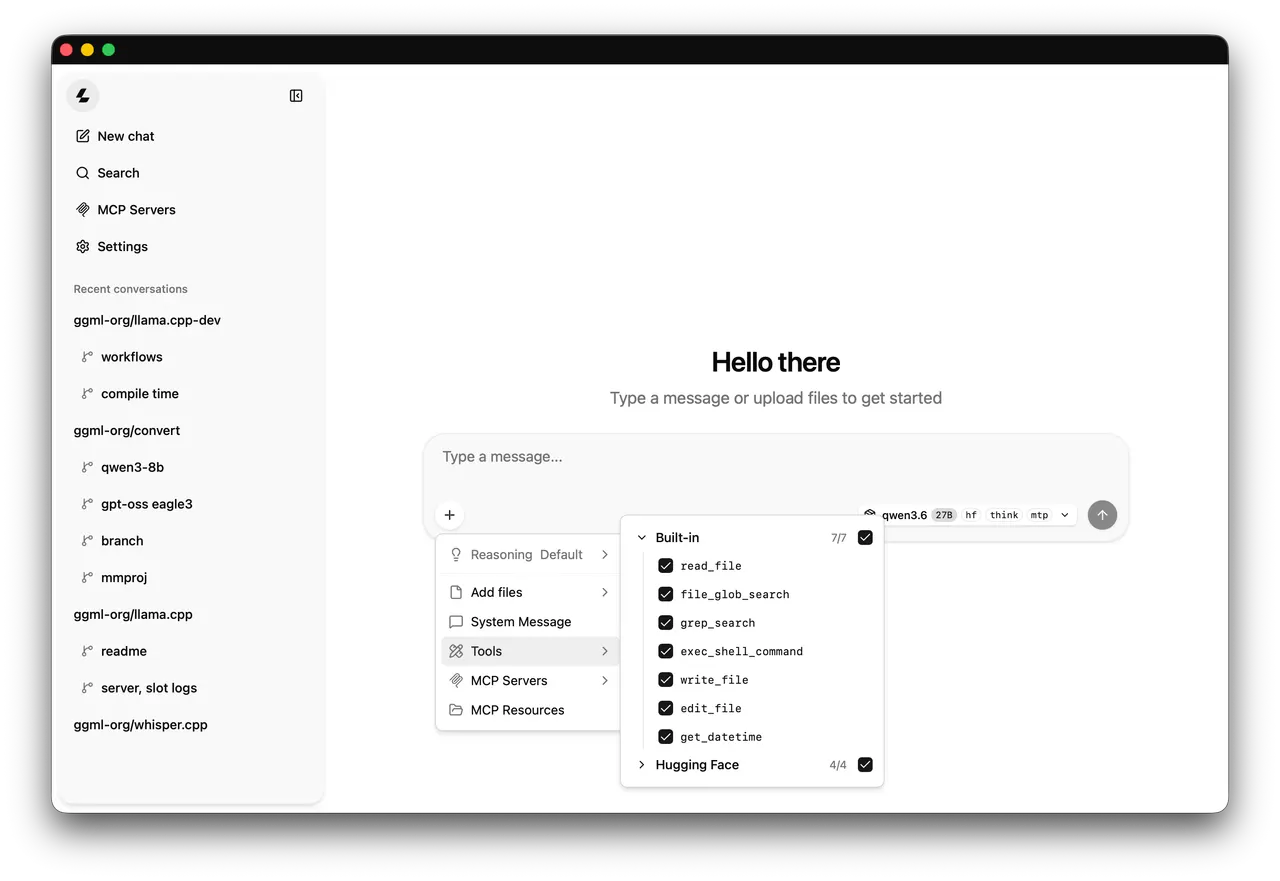
The desktop entry starts llama-server in a terminal. Open your browser at the loopback address 127.0.0.1 on port 8082. Models downloaded by llama.cpp stay in this app's private persistent cache. With no model argument, the server starts in router mode for cached models. Download a model first using the CLI, for example: flatpak run --command=llama-cli io.github.ggml_org.LlamaCpp.CUDA13 -hf bartowski/SmolLM2-135M-Instruct-GGUF:Q4_K_M
Command line tools are available with flatpak run --command=llama-cli io.github.ggml_org.LlamaCpp.CUDA13, and similarly llama, llama-bench and llama-quantize. Pass server model and port options after flatpak run io.github.ggml_org.LlamaCpp.CUDA13. The CPU, Vulkan and CUDA 13 editions use different default ports and private caches.
Host model directories are optional. Grant only a directory you need: flatpak override --user --filesystem=/path/to/models:ro io.github.ggml_org.LlamaCpp.CUDA13. Then pass -m /path/to/models/model.gguf. To remove overrides: flatpak override --user --reset io.github.ggml_org.LlamaCpp.CUDA13.
Python model conversion and workflows requiring a host toolchain are not included.
详情
权限
2 项需确认全部设备(含摄像头、USB)
网络访问
可访问互联网和本地网络