

Lap
julyx10
Offline-first photo manager for large local libraries
已复制!粘贴到终端并按回车即可安装。
关于
This is a community package of Lap, maintained independently and unaffiliated with the Lap project. It repackages the official upstream Linux build unmodified.
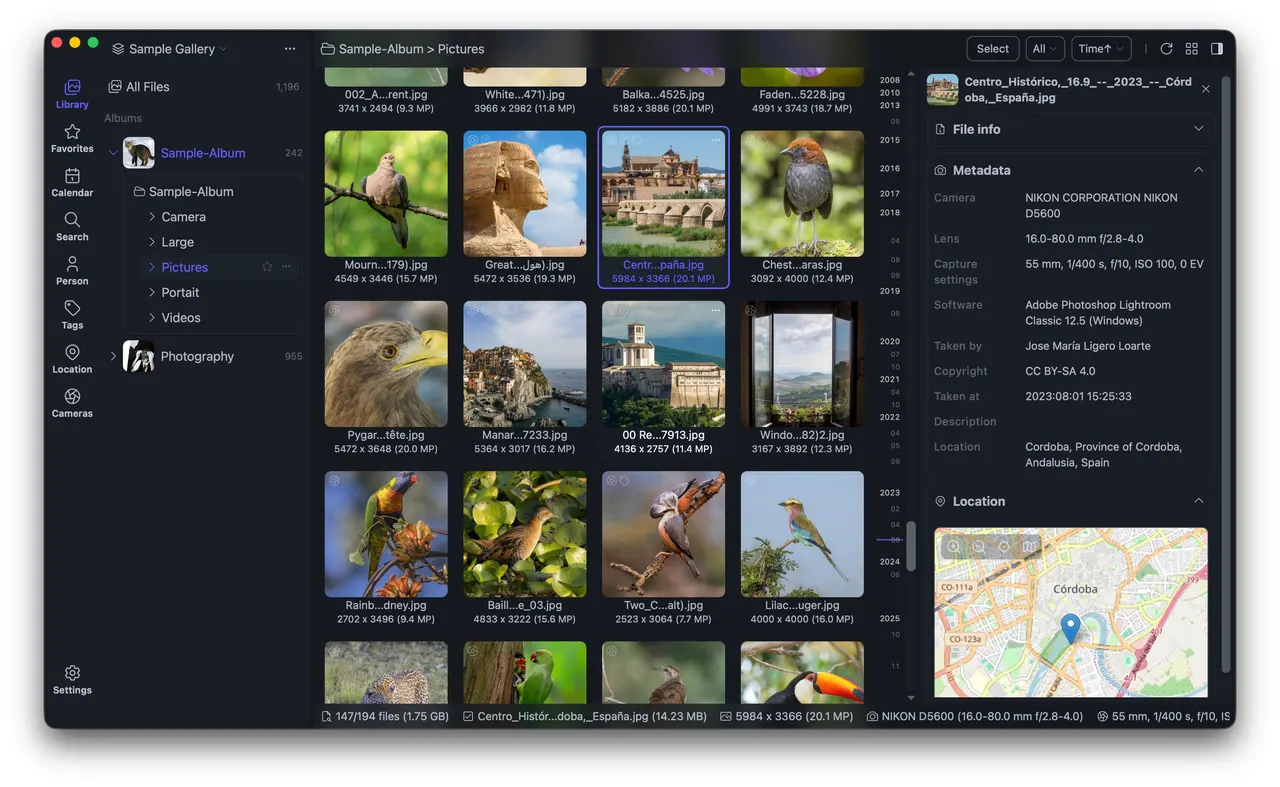
Lap is a desktop photo manager for libraries that already live on your disk. It reads your existing folder tree in place rather than importing everything into a closed database, and it is built for collections in the 100k-file range.
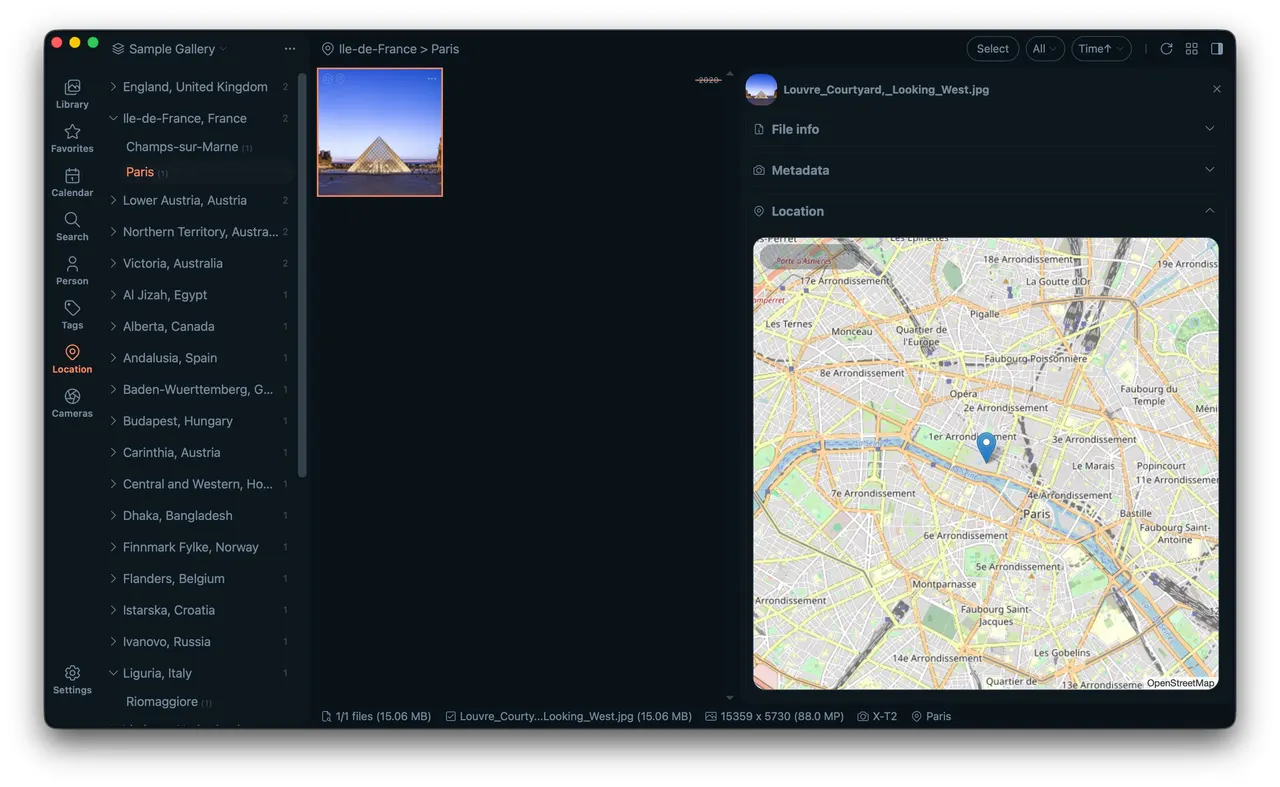
- Browse by timeline, folder, location, camera, lens, tag, rating, subject or face, and save rule-based Smart Albums.
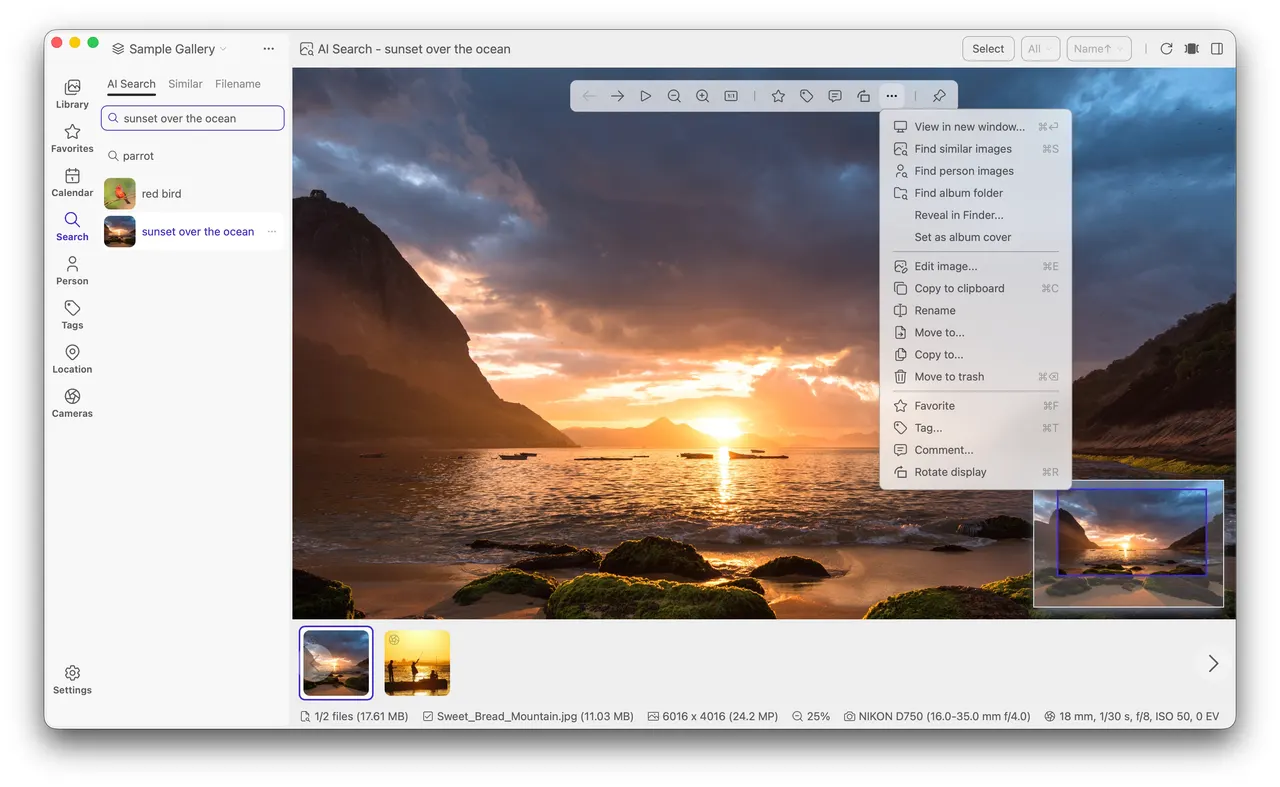
- Local AI search by text prompt or visual similarity, plus subject tagging and face clustering — inference runs on your own machine.
- Apple Live Photos are recognized as paired HEIC/MOV, and linked MOV and AAE sidecars follow the photo through rename, move, copy and delete.
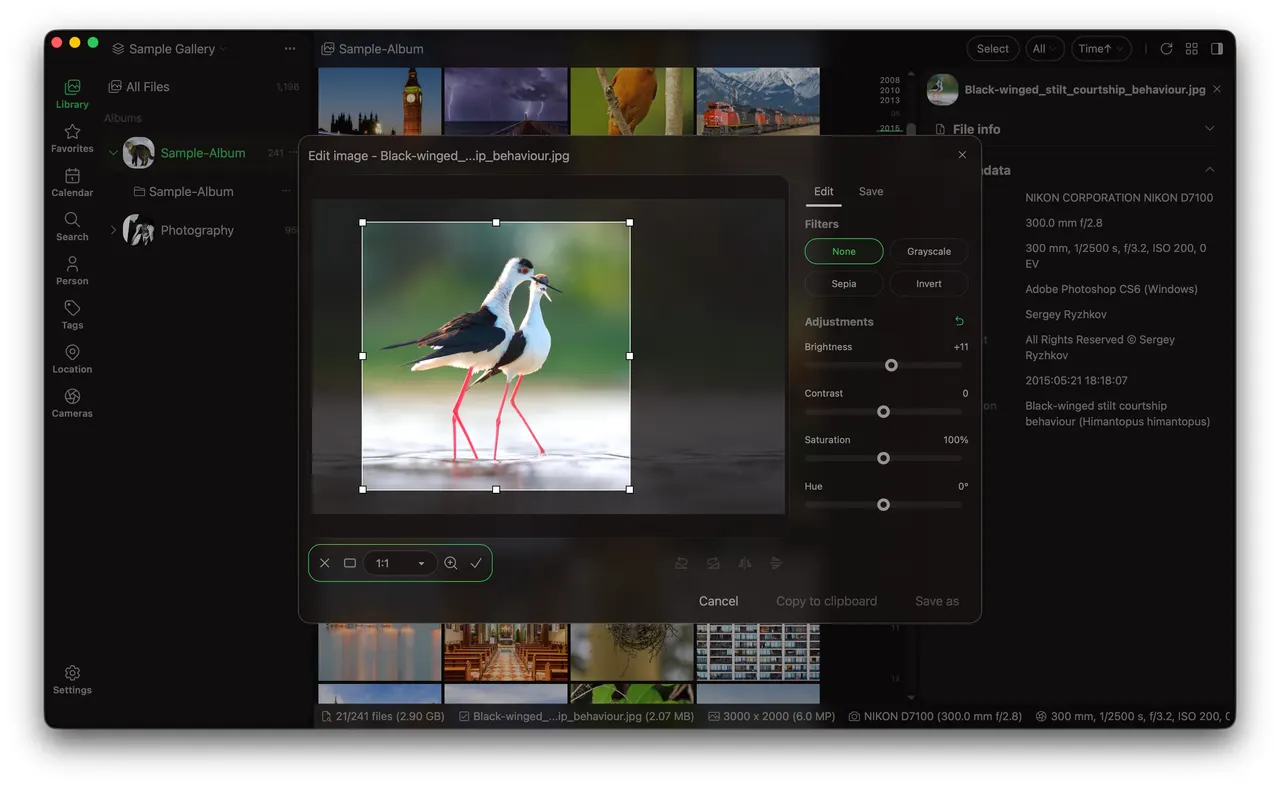
- Duplicate detection, batch move to trash, a four-pane comparison viewer, and basic editing (crop, rotate, flip, resize, adjustments).
- Support for 60+ photo, RAW and video formats, via bundled LibRaw, libheif and ffmpeg.
Permissions: by default this package can read and write your Pictures directory, and nothing else in your home. Lap manages photos where they already are, so it does need standing access to the folders your library lives in — but the default here is that one directory rather than the whole home directory. Everything Lap generates itself — the SQLite catalog, thumbnails, embeddings and settings — stays inside ~/.var/app/io.github.julyx10.Lap.
If your photos live somewhere else, grant that folder: flatpak override --user --filesystem=~/Photos io.github.julyx10.Lap. For a library on an external drive, add --filesystem=/run/media (some systems use /media). If you would rather not enumerate folders at all, flatpak override --user --filesystem=home io.github.julyx10.Lap restores the access digiKam and Shotwell ship with — at the cost of the app being able to read the rest of your home directory. Any of these can be undone with flatpak override --user --reset io.github.julyx10.Lap.
Folders you have not granted are still reachable one file at a time through the desktop portal's file chooser; what a grant adds is a browsable, re-scannable library.
Network and privacy: Lap works offline, and the network permission covers the map tiles for geotagged photos, the optional multilingual search model (the English model is bundled, so search works without downloading anything), and the anonymous usage statistics the upstream build sends. Upstream documents all of this in its own privacy policy at https://github.com/julyx10/lap/blob/main/PRIVACY.md — worth reading before you install.
Updates: install them through Flatpak. Lap's built-in updater downloads a replacement build and writes it over the installed application, which a read-only Flatpak tree does not allow.
新版变化
v0.3.0 · 2026-07-17详情
权限
2 项需确认-
网络访问
可访问互联网和本地网络
-
文件:xdg-pictures
-
进程间通信
与主机共享 IPC 命名空间
-
X11(回退)
-
音频(PulseAudio)
-
Wayland 显示
-
GPU 加速