
关于
This is a community package of PhotonCAM, maintained independently and unaffiliated with Niko Pietinen. It repackages the official upstream Linux build unmodified.
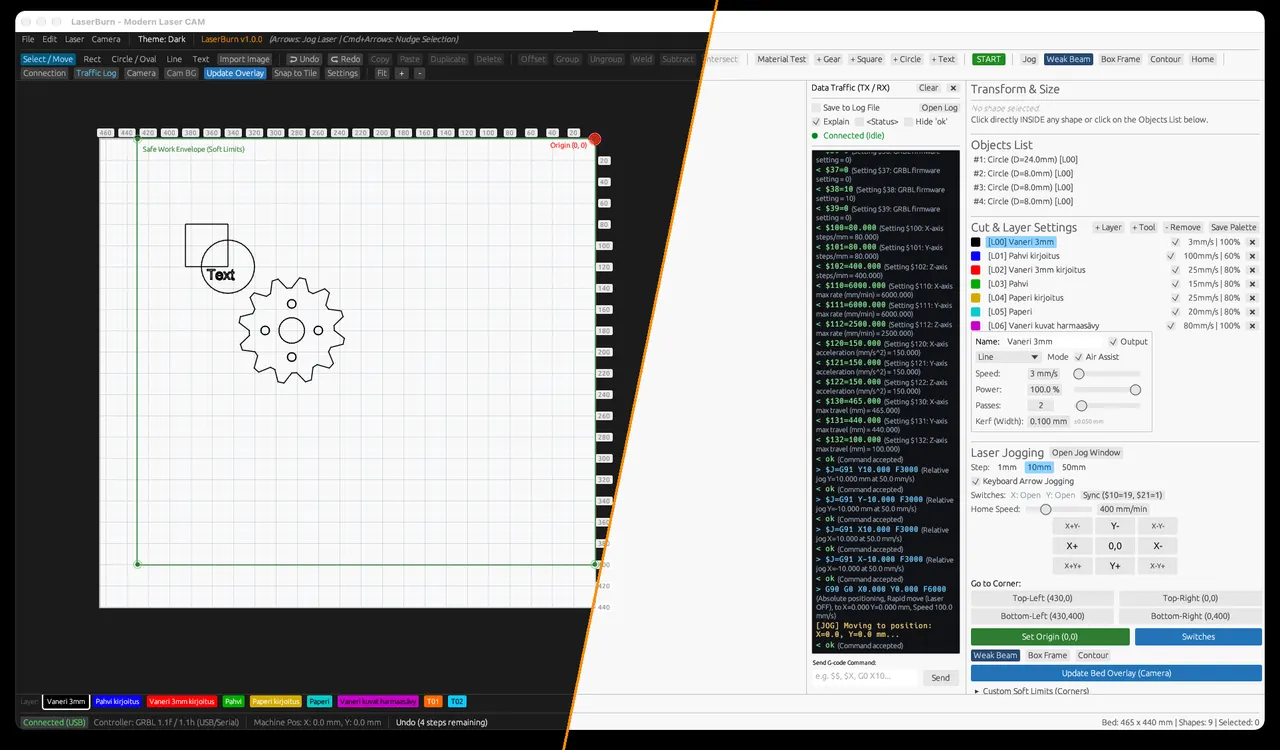
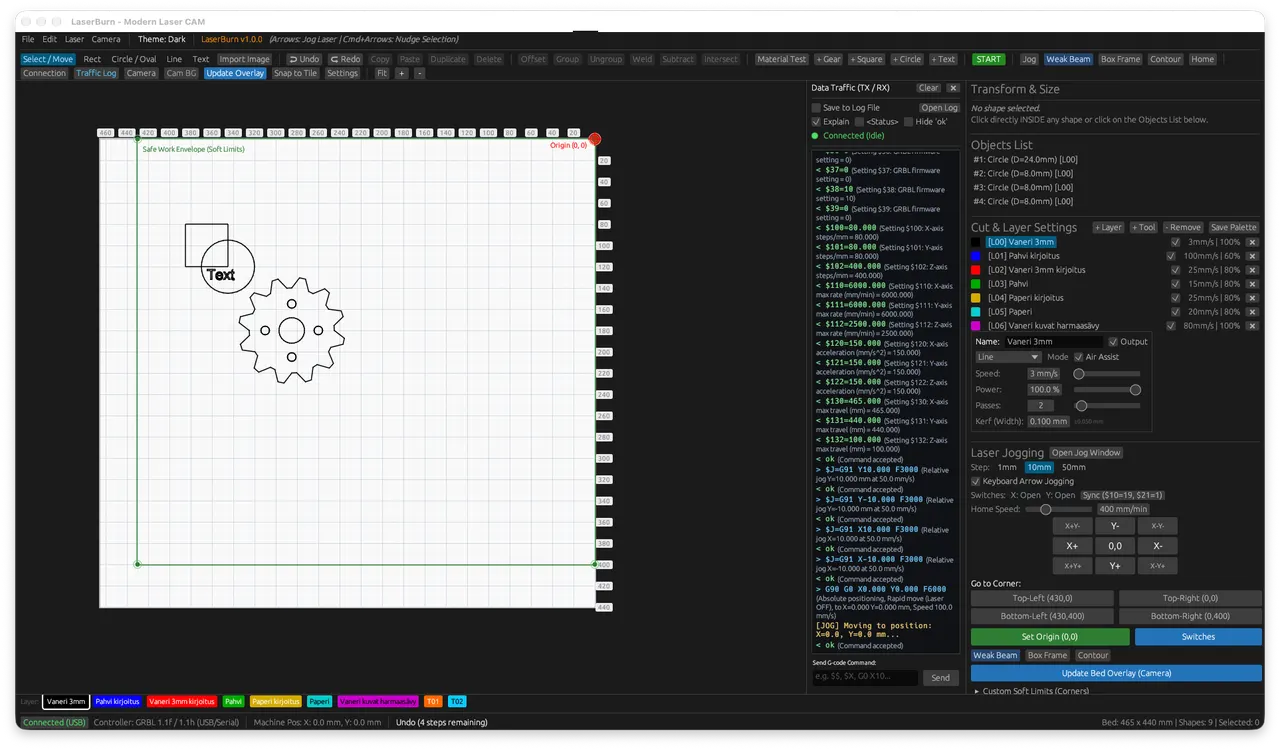
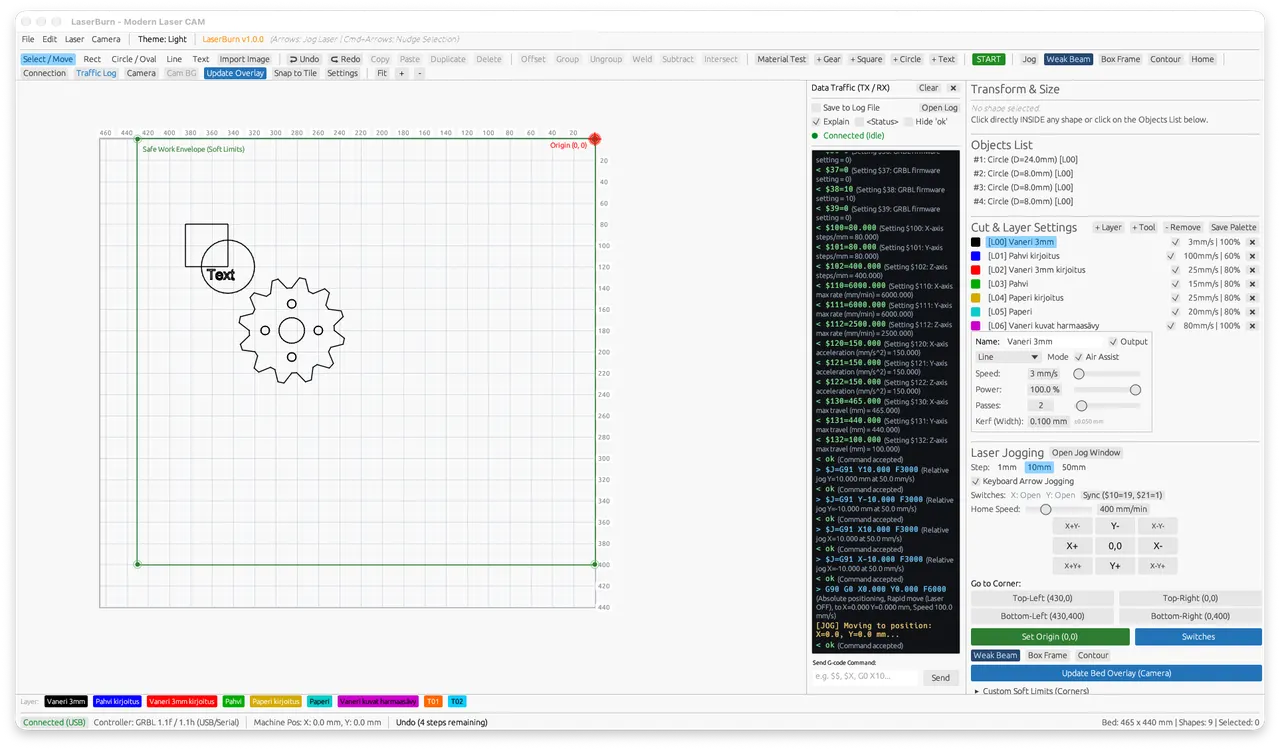
PhotonCAM is a laser cutting and engraving CAM. It opens LightBurn projects and SVG files, writes GRBL G-code and Ruida programs, and can talk to a controller over USB serial or through a Raspberry Pi on the network. An optional web remote can show the job on another device on the same network.
Sandbox: display, all devices (USB serial for the laser controller, the GPU, and cameras for alignment), the Documents folder, where the app keeps its material library and traffic log and where a project path keeps working, ~/.config/laser_burn for its settings, and the network for a controller behind a Raspberry Pi and the web remote. Open and Save otherwise go through the file chooser. The package does not send a job to a machine by itself.
The web remote and the iPad bridge only run after you start them from the app. While they run, they listen on every network interface without authentication, and their update endpoint downloads and runs a script from upstream's default branch, so anyone on the same network can trigger it.
To open a project by path outside Documents, run flatpak override --user --filesystem=home io.github.pietini69.photoncam. To cut network access when you use only USB serial, run flatpak override --user --unshare=network io.github.pietini69.photoncam. Undo both with flatpak override --user --reset io.github.pietini69.photoncam.
新版变化
v1.2.8 · 2026-10-31Official Linux build 1.2.8.
详情
- 开发者
- Niko Pietinen
- 许可证
- GPL-3.0-only
- 运行时
- Freedesktop 26.08
- 架构
- x86_64
- 版本
- 1.2.8 · 2026-10-31
- 网站
- 主页
权限
5 项需确认全部设备(含摄像头、USB)
网络访问
可访问互联网和本地网络
文件:xdg-documents
文件:~/Documents:create
文件:~/.config/laser_burn:create
进程间通信
与主机共享 IPC 命名空间
X11(回退)
Wayland 显示