

UU Remote Viewer
VallierDev
Unofficial Linux viewer for NetEase UU Remote
已复制!粘贴到终端并按回车即可安装。
关于
This is a community package of UU Remote's Linux viewer, maintained independently and not affiliated with NetEase or with the upstream project. It repackages the viewer from upstream's official Linux release unmodified, and follows upstream's releases automatically.
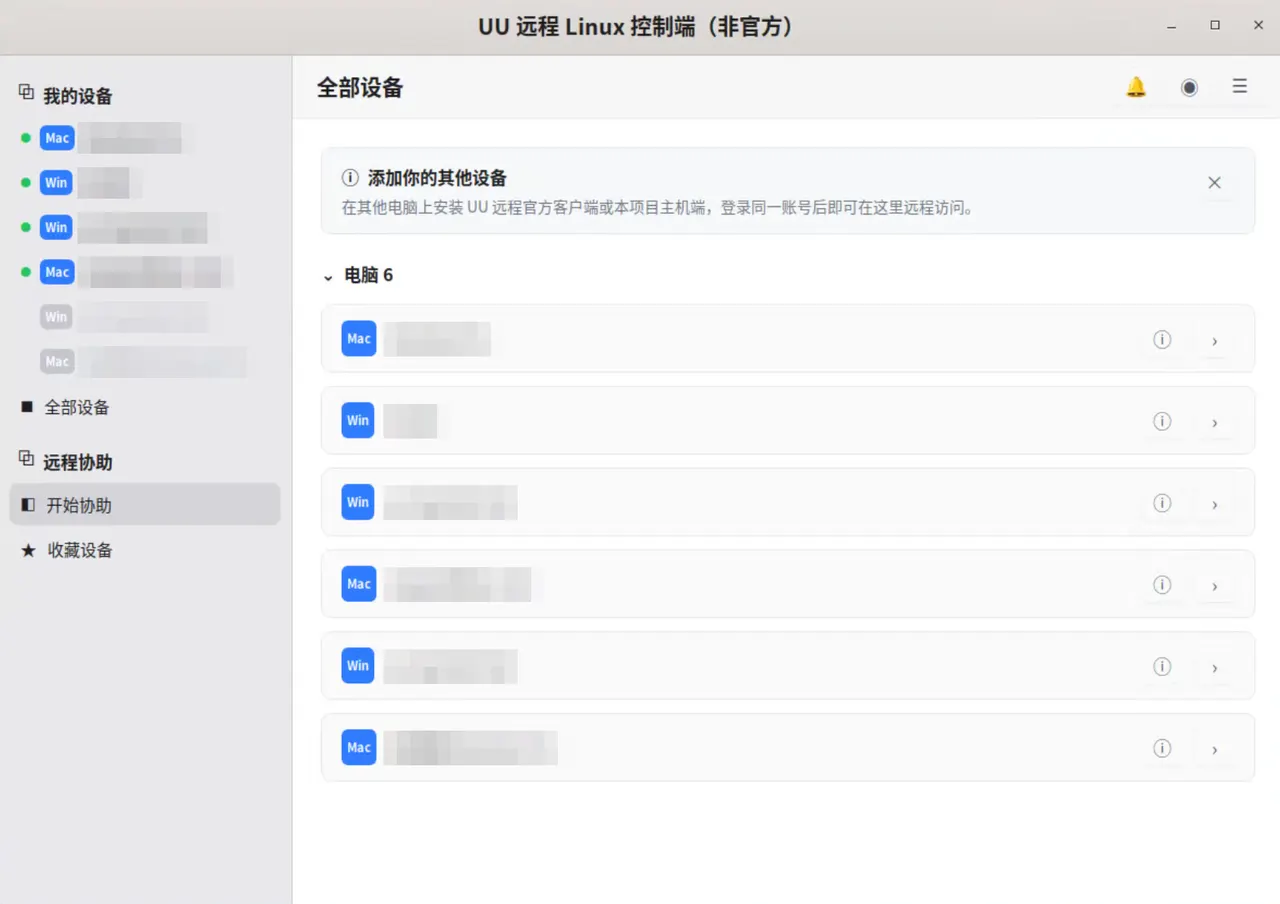
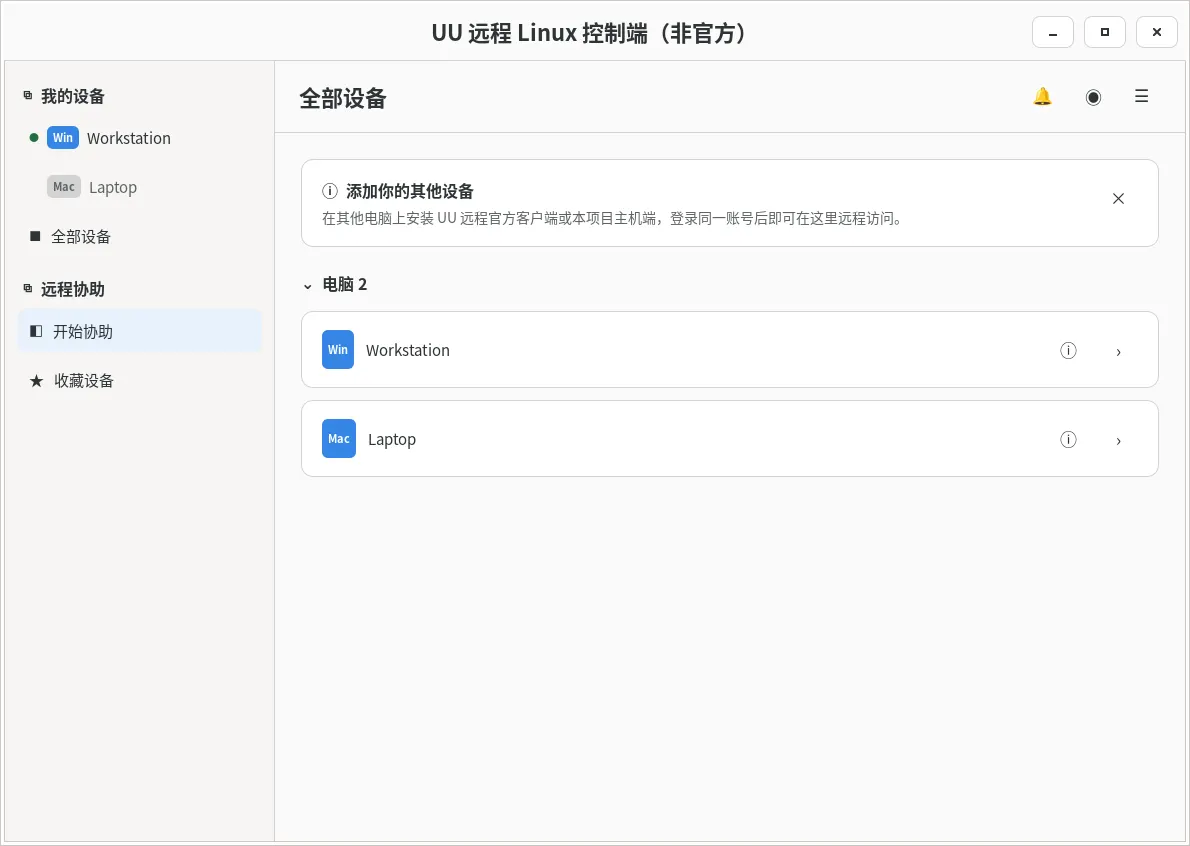
UU Remote (网易 UU 远程) is a remote-access service. This viewer signs into a UU Remote account with a QR code, lists the devices on that account, and connects to Windows, macOS and Linux hosts, which the official desktop and mobile clients can also control.
- Remote desktop with H.264 or H.265 video, mouse and keyboard.
- File transfer between the remote device and the folders this package can see.
- Clipboard text on X11 and on GNOME or KDE Wayland sessions, port mapping, and view-only watching with annotations.
- Chinese or English interface.
This package installs the viewer only. The host side of the same release, which lets other devices control this computer, is not included: it needs screen capture, input injection, session unlocking through PAM and a systemd user service, and a Flatpak sandbox provides none of those. The "allow this computer to be controlled" switch in Settings therefore does not work. The remote terminal tool is also unavailable: it shows the remote shell in a local terminal emulator, and the sandbox has none.
Upstream marks the viewer experimental. It is the viewer half of a project whose host is used more widely, so some flows are less exercised than the official clients.
Video and audio are decoded by FlatPark's ffmpeg-full build, fetched at install time, because the runtime's own FFmpeg is built without the H.264 and H.265 decoders this viewer needs.
Permissions: the package can use the network, play audio, use the display and GPU, and read and write your Downloads folder. The file tool is a two-pane browser that reads the local filesystem directly — there is no file chooser — so inside the sandbox its local pane sees only what the package is granted. The pane starts in the app's private home, which is discarded when the app exits; your Downloads folder is the persistent one. Open it in the local pane to upload from it, and received files are saved to whatever folder the pane is showing. To use another folder in both directions, grant it with flatpak override:
- Also use Documents:
flatpak override --user --filesystem=xdg-documents io.github.vallierdev.UURemoteViewer - Undo:
flatpak override --user --reset io.github.vallierdev.UURemoteViewer
Updates come through Flatpak; use flatpak update.
详情
- 开发者
- VallierDev
- 许可证
- GPL-3.0-or-later
- 运行时
- GNOME 51
- 架构
- x86_64
- 版本
- 0.2.51 · 2026-11-05
- 网站
- 主页
权限
2 项需确认网络访问
可访问互联网和本地网络
文件:xdg-download
进程间通信
与主机共享 IPC 命名空间
X11(回退)
音频(PulseAudio)
Wayland 显示
GPU 加速