

关于
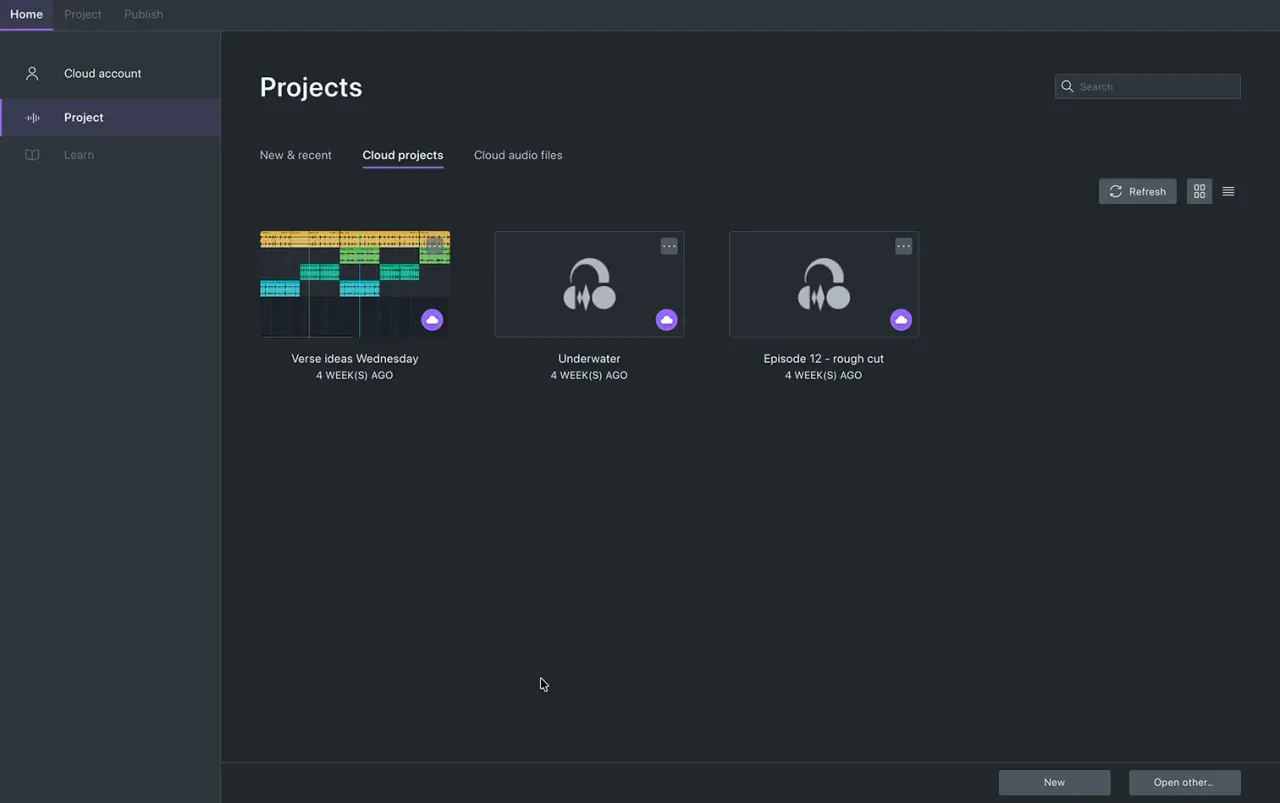
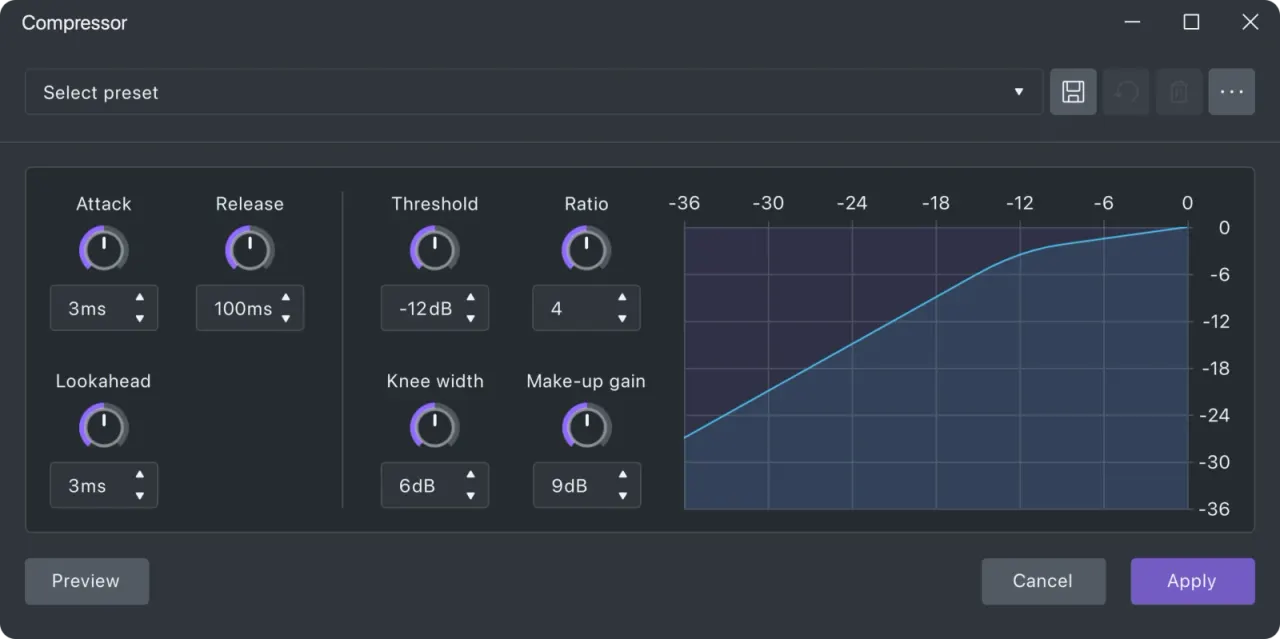
Record audio, edit and mix multiple tracks, apply effects and export your recordings to common audio formats.
This community package downloads the official Audacity 4 AppImage unmodified at install time. It follows upstream releases; the community Flathub package currently provides Audacity 3.
The default Documents/Audacity4 project folder and your Music folder are available directly. To work in another folder, grant it explicitly, for example: flatpak override --user --filesystem=xdg-download org.audacityteam.Audacity
Optional access to audio plug-ins installed in your home folder: flatpak override --user --filesystem=~/.vst:ro --filesystem=~/.vst3:ro --filesystem=~/.lv2:ro org.audacityteam.Audacity
The desktop window uses X11, including Xwayland on Wayland desktops. Audacity's native Wayland backend is optional: flatpak override --user --socket=wayland --env=AU_QT_QPA_PLATFORM=wayland org.audacityteam.Audacity
JACK through PipeWire requires a compatible JACK client library in addition to socket access; this package does not supply that library.
Optional network access for audio.com and online features: flatpak override --user --share=network org.audacityteam.Audacity
Optional direct PipeWire access, for the ALSA PipeWire device. It also lets the app open any camera and other apps' video streams: flatpak override --user --filesystem=xdg-run/pipewire-0 org.audacityteam.Audacity
Undo optional permissions: flatpak override --user --reset org.audacityteam.Audacity
新版变化
v4.0.2 · 2026-11-02详情
权限
3 项需确认X11 窗口系统
传统显示协议;可窥探其他 X11 窗口的输入
文件:xdg-documents
文件:xdg-music
进程间通信
与主机共享 IPC 命名空间
音频(PulseAudio)
GPU 加速