

Ycode
Developer-approvedThe Ycode contributors
An independent IDE for Swift and Apple-platform project formats
Copied! Paste it into a terminal and press Enter to install.
About
This package is maintained by Ycode's developer. It installs Ycode's official Linux release from GitHub unmodified.
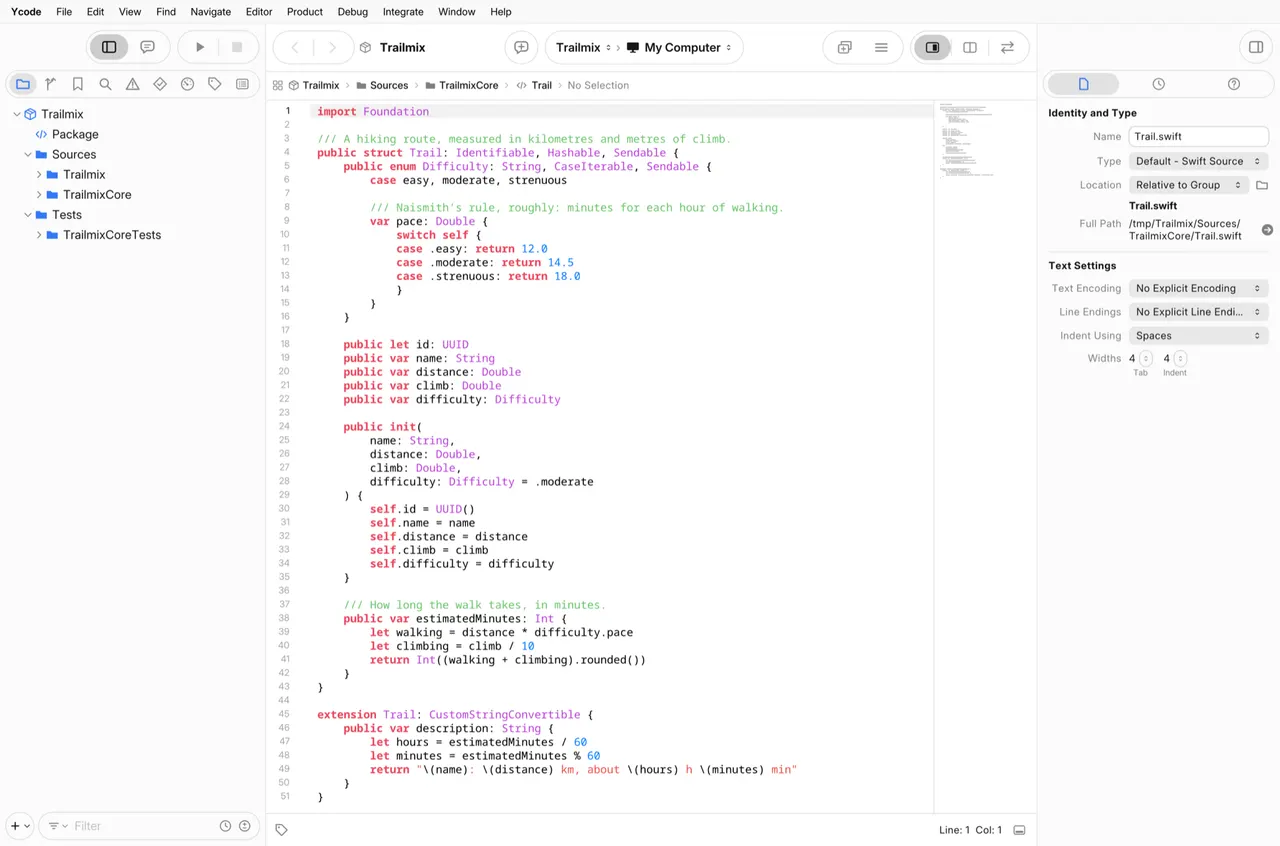
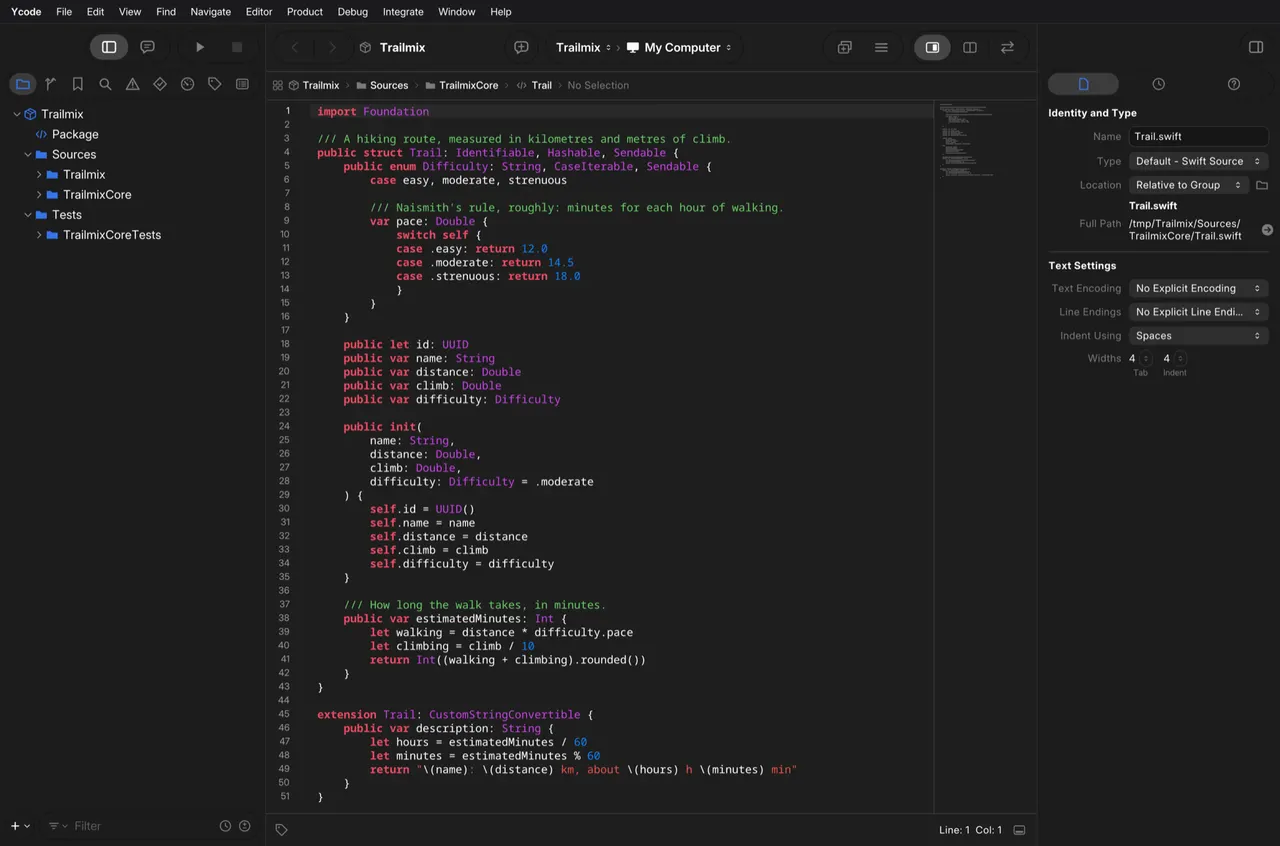
Ycode is an independent, open-source IDE for Swift packages and projects in the Xcode project format. On Linux it opens packages, projects and workspaces, edits source with syntax highlighting, live issues and completion through SourceKit-LSP, and builds and runs Swift packages through SwiftPM. The release also carries ycodebuild, an xcodebuild-compatible command line. Ycode is not affiliated with or endorsed by Apple Inc.
This is a beta, and the Linux IDE is behind the macOS one: the debugger, tests, source control and the visual editors are not there yet. The simulator tools in the release are experimental, and a simulator needs a runtime from your own copy of the platform tools.
Ycode builds with the Swift toolchain installed on your computer (Swift 6 or newer, for example through swiftly). Its release ships small launchers that run swift, sourcekit-lsp, lldb, git, ssh and the other developer tools on your system through flatpak-spawn, so this package can run commands outside the sandbox as your user. Without a toolchain it tells you what to install.
Permissions: network, display, GPU, audio, your SSH agent, the host-command bridge above, your home directory and /tmp. The host toolchain has to see projects at the same paths Ycode does, which is why the home folder is granted rather than files picked through a portal. To narrow it to one folder of projects:
flatpak override --user --nofilesystem=home --filesystem=~/Projects io.github.MarcoDotIO.Ycode
Optional, not granted by default:
- Run the experimental simulator on an ARM64 computer with KVM:
flatpak override --user --device=kvm io.github.MarcoDotIO.Ycode - Undo all overrides:
flatpak override --user --reset io.github.MarcoDotIO.Ycode
What's New
v1.0.0-beta.1 · 2026-11-04First public beta: the IDE, with the simulator tools marked experimental.
Full release notes →Details
- Developer
- The Ycode contributors
- License
- MIT
- Runtime
- Freedesktop 26.08
- Architectures
- x86_64, aarch64
- Version
- 1.0.0-beta.1 · 2026-11-04
- Website
- Homepage
- Source
- Ycode
- Packaging
- flatpark/registry
Permissions
4 to reviewNetwork access
Can reach the internet and local network
Home folder
Files: /tmp
Talk to org.freedesktop.Flatpak
Can run commands on the host via flatpak-spawn
Inter-process communication
Shares the IPC namespace with the host
X11 (fallback)
Audio (PulseAudio)
SSH agent
Wayland display
GPU acceleration
Packaging
Reduced isolationRuns commands on your system
Ycode builds with the Swift toolchain installed on your system: its own release ships small launchers that run swift, git, lldb and the other developer tools on the host through flatpak-spawn, with your user's access.