

Ycode
官方授权The Ycode contributors
An independent IDE for Swift and Apple-platform project formats
已复制!粘贴到终端并按回车即可安装。
关于
This package is maintained by Ycode's developer. It installs Ycode's official Linux release from GitHub unmodified.
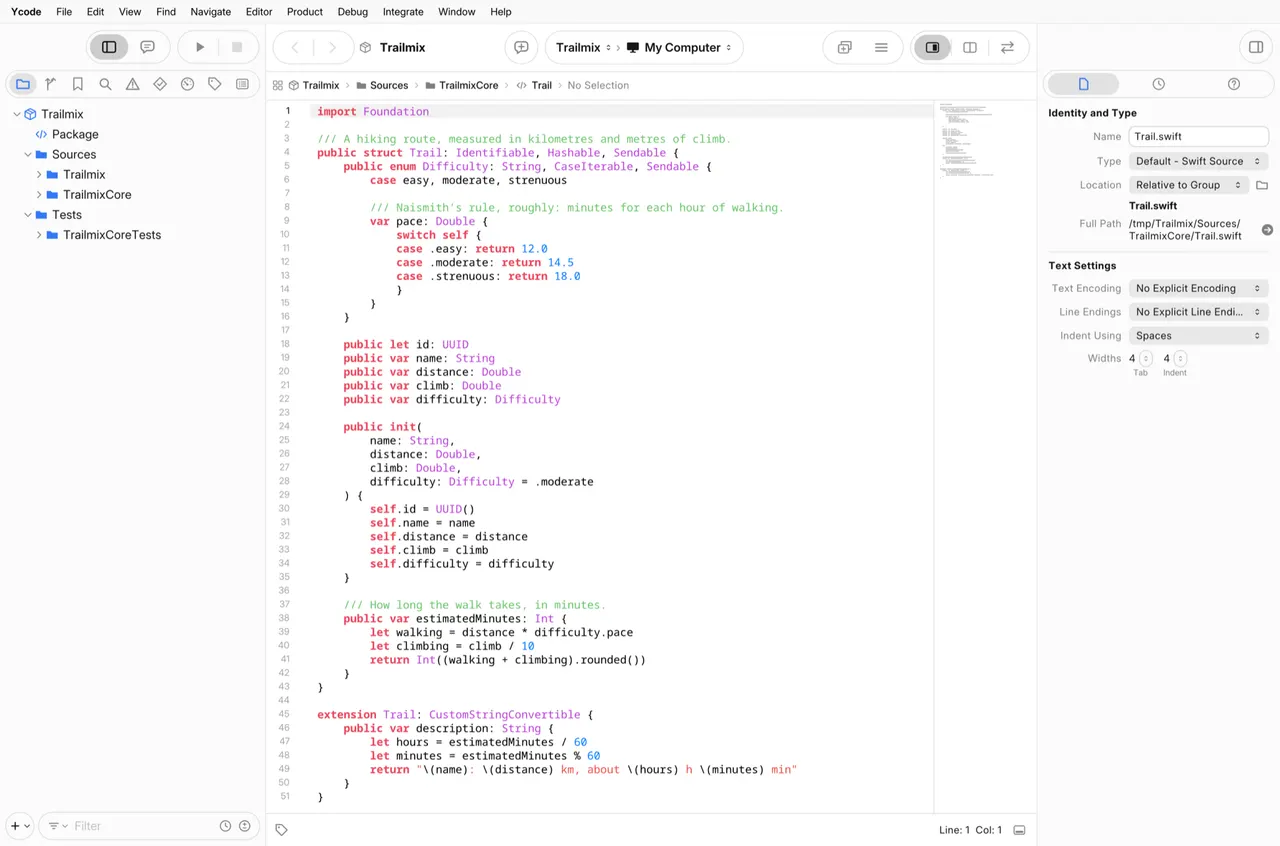
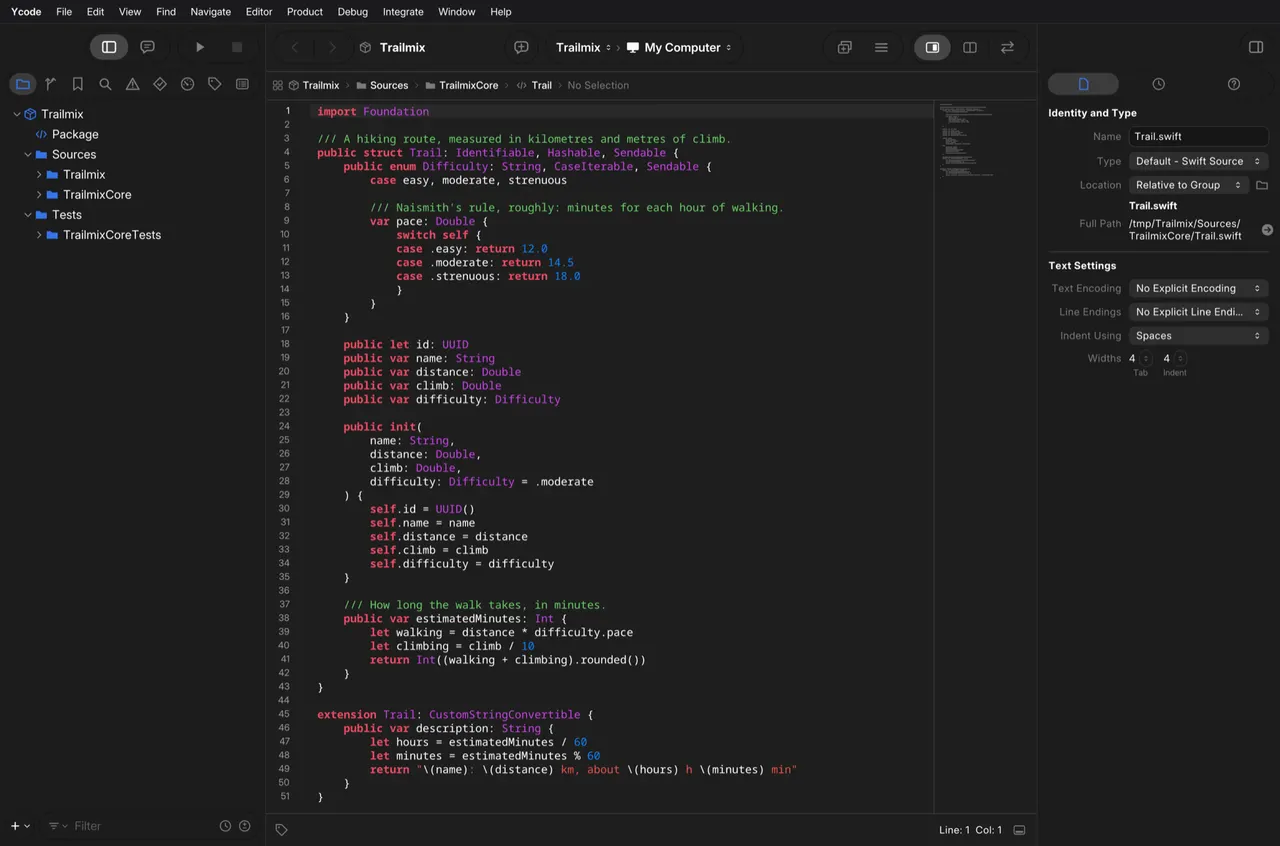
Ycode is an independent, open-source IDE for Swift packages and projects in the Xcode project format. On Linux it opens packages, projects and workspaces, edits source with syntax highlighting, live issues and completion through SourceKit-LSP, and builds and runs Swift packages through SwiftPM. The release also carries ycodebuild, an xcodebuild-compatible command line. Ycode is not affiliated with or endorsed by Apple Inc.
This is a beta, and the Linux IDE is behind the macOS one: the debugger, tests, source control and the visual editors are not there yet. The simulator tools in the release are experimental, and a simulator needs a runtime from your own copy of the platform tools.
Ycode builds with the Swift toolchain installed on your computer (Swift 6 or newer, for example through swiftly). Its release ships small launchers that run swift, sourcekit-lsp, lldb, git, ssh and the other developer tools on your system through flatpak-spawn, so this package can run commands outside the sandbox as your user. Without a toolchain it tells you what to install.
Permissions: network, display, GPU, audio, your SSH agent, the host-command bridge above, your home directory and /tmp. The host toolchain has to see projects at the same paths Ycode does, which is why the home folder is granted rather than files picked through a portal. To narrow it to one folder of projects:
flatpak override --user --nofilesystem=home --filesystem=~/Projects io.github.MarcoDotIO.Ycode
Optional, not granted by default:
- Run the experimental simulator on an ARM64 computer with KVM:
flatpak override --user --device=kvm io.github.MarcoDotIO.Ycode - Undo all overrides:
flatpak override --user --reset io.github.MarcoDotIO.Ycode
新版变化
v1.0.0-beta.1 · 2026-11-04First public beta: the IDE, with the simulator tools marked experimental.
完整发布说明 →详情
权限
4 项需确认网络访问
可访问互联网和本地网络
主目录
文件:/tmp
与 org.freedesktop.Flatpak 通信
可通过 flatpak-spawn 在主机上执行命令
进程间通信
与主机共享 IPC 命名空间
X11(回退)
音频(PulseAudio)
SSH agent
Wayland 显示
GPU 加速
打包方式
隔离降低在你的系统上执行命令
Ycode 使用你系统上安装的 Swift 工具链进行构建:它自己的发行包带有一组小型启动器,通过 flatpak-spawn 在宿主上运行 swift、git、lldb 等开发工具,拥有你这个用户的权限。