

Mithrandir
Developer-approvedAntonio De Gaetano
System cleaner, optimizer and hardware power manager
Copied! Paste it into a terminal and press Enter to install.
About
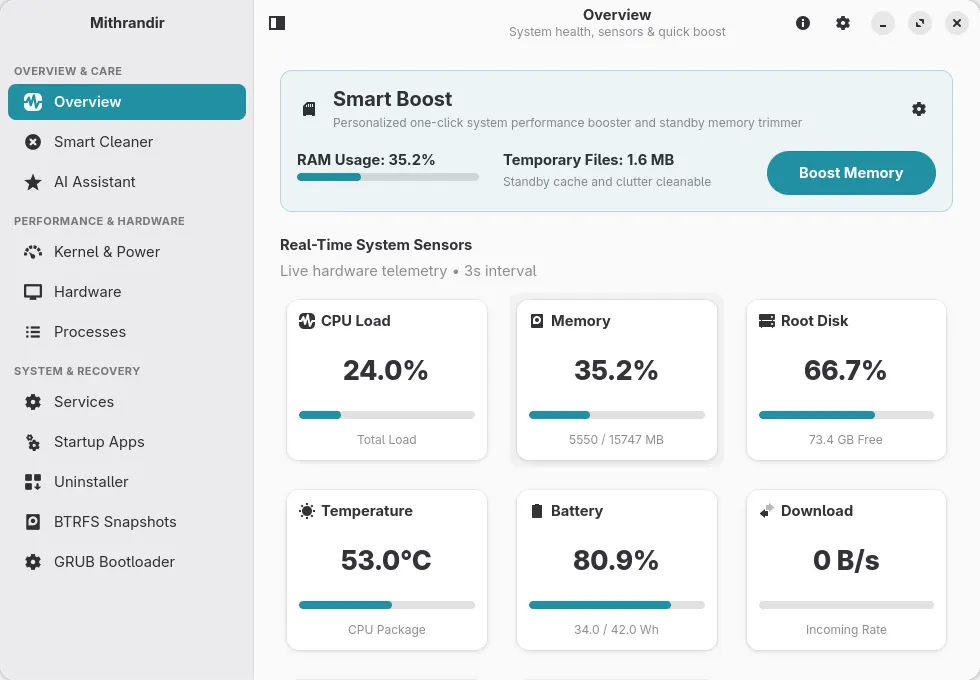
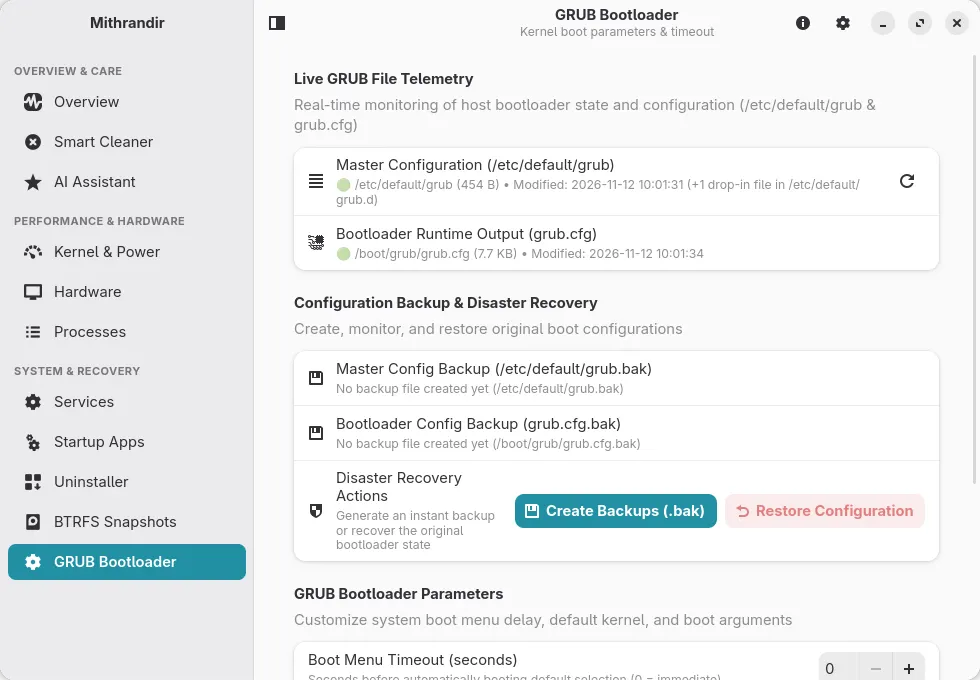
Mithrandir is a high-performance system maintenance suite, deep cache cleaner, and hardware power utility written in Rust with GTK4 and Libadwaita. It delivers instantaneous cleanup scans, cache pruning, hardware power management, and granular control over startup services and system processes without background resource overhead. (Independent project; not affiliated with or endorsed by CachyOS, GNOME, or Debian.)
Designed with a focus on safety and transparency, Mithrandir protects critical operating system paths, respects user sandboxes, and runs diagnostic telemetry off the main UI thread for stutter-free operation.
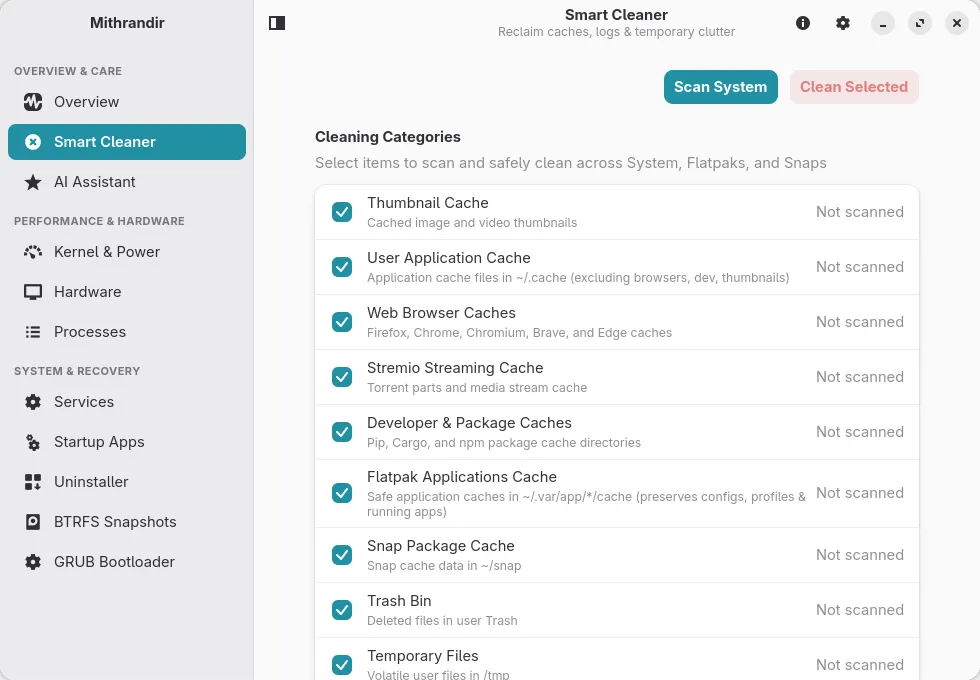
- High-Throughput Cleaner: Multi-threaded cleanup for package caches, thumbnails, application logs, and Flatpak caches
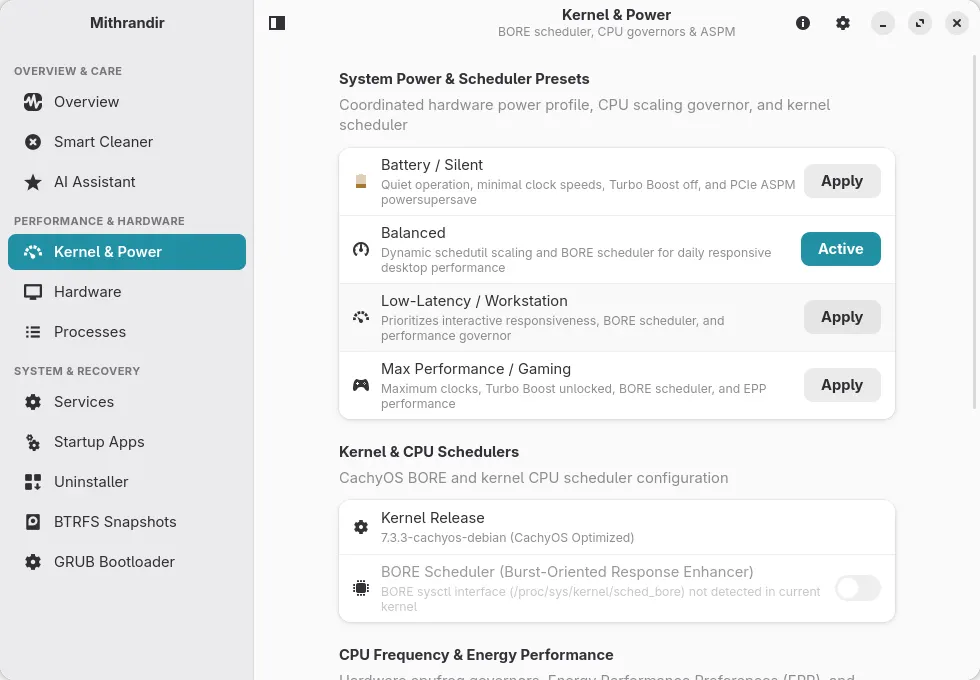
- Kernel & BORE Scheduler Control: Runtime and persistent sysctl management for the BORE CPU scheduler
- Hardware Power Profiles: Coordinated CPU Turbo Boost, scaling governors, EPP power profiles, and PCIe ASPM management
- Pure Rust System Tray: StatusNotifierItem and DBusMenu panel integration adapting automatically to Light and Dark desktop themes
- Zero-Sleep Real-Time Telemetry: Instant CPU delta calculation, dual GPU metrics, and battery health reporting
- Debounced Smart Boost: Safe one-click memory optimization and temporary file reclamation
- Adaptive Libadwaita Interface: Responsive layout conforming to GNOME HIG on desktop and mobile screens
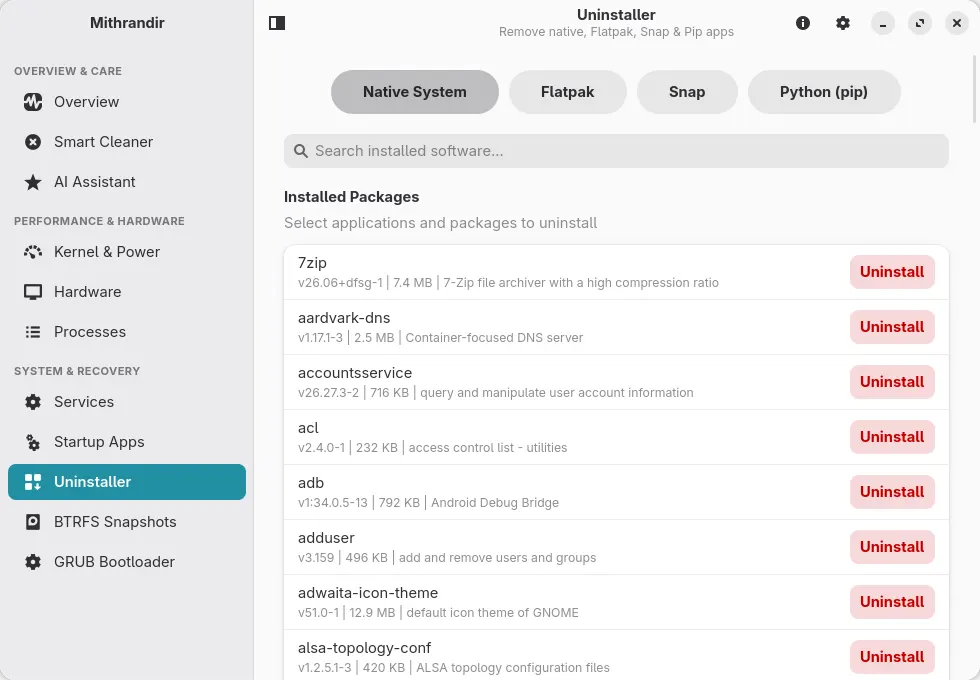
Permissions: Mithrandir manages the system it runs on, so this package does not keep it in a sandbox. It runs every action (cache cleaning, systemd services, GRUB, BTRFS snapshots, power and kernel settings, uninstalling software) on your computer through flatpak-spawn, with your normal user privileges, and asks for your password through polkit when an action needs root. It can read and write your whole home directory and the data of your other Flatpak apps in ~/.var/app, so it can clean their caches.
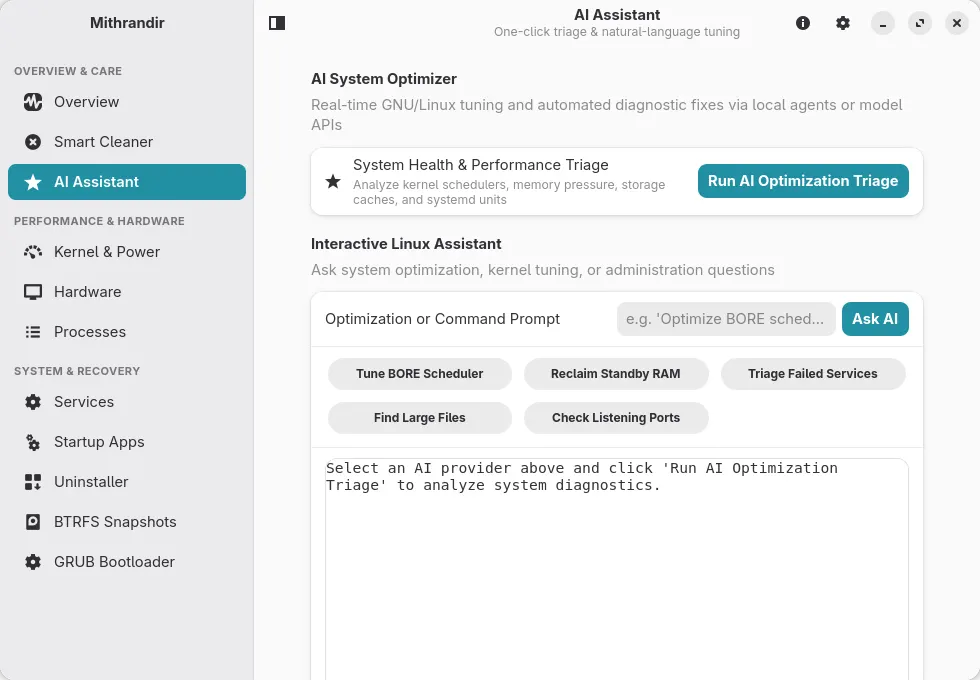
The AI assistant sends a summary of your system to the provider you choose (a cloud API, or a local model server) and can propose a shell command. When you click Execute Fix or Apply Fix, that command runs on your computer the same way, and as root after a password prompt when it uses sudo. Read a proposed command before running it.
Details
- Developer
- Antonio De Gaetano
- License
- GPL-3.0-or-later
- Runtime
- GNOME 50
- Architectures
- x86_64
- Version
- 1.4.0 · 2026-11-22
- Website
- Homepage
- Support
- Help & support
- Source
- Mithrandir
- Packaging
- flatpark/registry
Permissions
8 to reviewFiles: ~/.var/app
Holds private keys, saved passwords or login sessions
Talk to org.freedesktop.secrets
Can read the host keyring; most keyrings also expose other apps' saved passwords while unlocked
Network access
Can reach the internet and local network
Home folder
Talk to org.freedesktop.Flatpak
Can run commands on the host via flatpak-spawn
System service: org.freedesktop.systemd1
System service: org.freedesktop.UPower.PowerProfiles
System service: net.hadess.PowerProfiles
Inter-process communication
Shares the IPC namespace with the host
X11 (fallback)
Talk to org.kde.StatusNotifierWatcher
Wayland display
GPU acceleration
Packaging
Reduced isolationRuns commands on your system
Everything the app does (cleaning, services, GRUB, snapshots, power settings) runs on your system through a host-command bridge (flatpak-spawn), outside the sandbox. Commands the AI assistant proposes run the same way when you click Execute Fix or Apply Fix, and as root after a password prompt when they use sudo.