

Mithrandir
官方授权Antonio De Gaetano
System cleaner, optimizer and hardware power manager
已复制!粘贴到终端并按回车即可安装。
关于
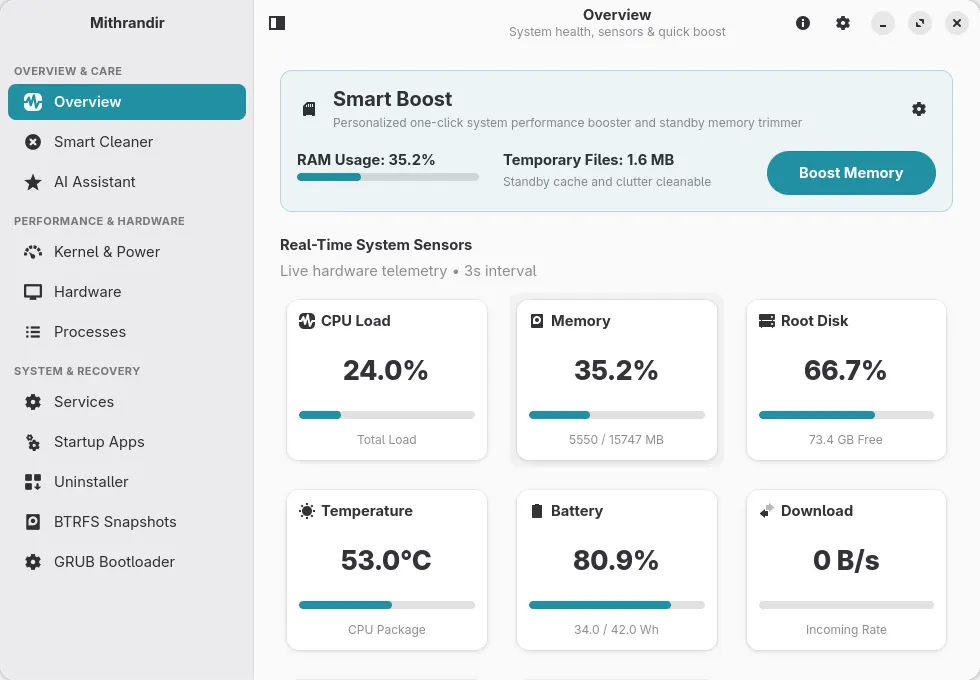
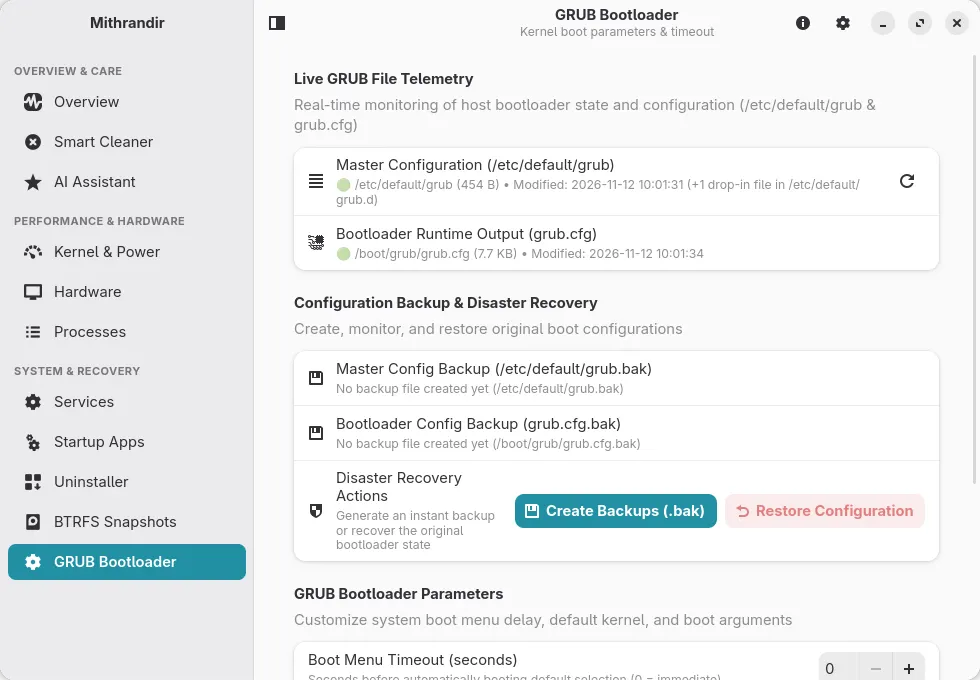
Mithrandir is a high-performance system maintenance suite, deep cache cleaner, and hardware power utility written in Rust with GTK4 and Libadwaita. It delivers instantaneous cleanup scans, cache pruning, hardware power management, and granular control over startup services and system processes without background resource overhead. (Independent project; not affiliated with or endorsed by CachyOS, GNOME, or Debian.)
Designed with a focus on safety and transparency, Mithrandir protects critical operating system paths, respects user sandboxes, and runs diagnostic telemetry off the main UI thread for stutter-free operation.
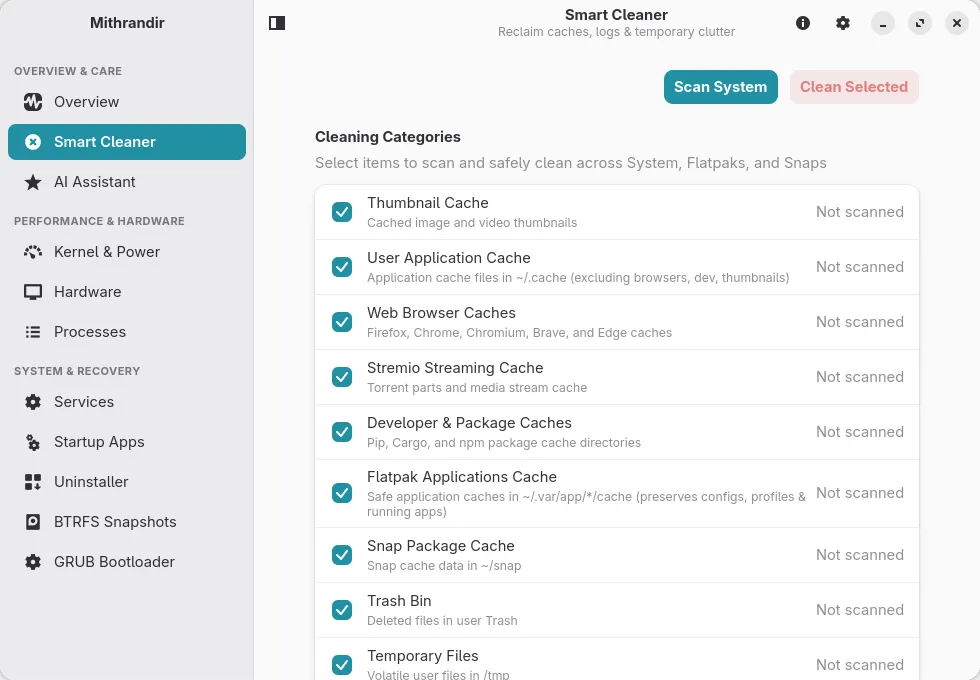
- High-Throughput Cleaner: Multi-threaded cleanup for package caches, thumbnails, application logs, and Flatpak caches
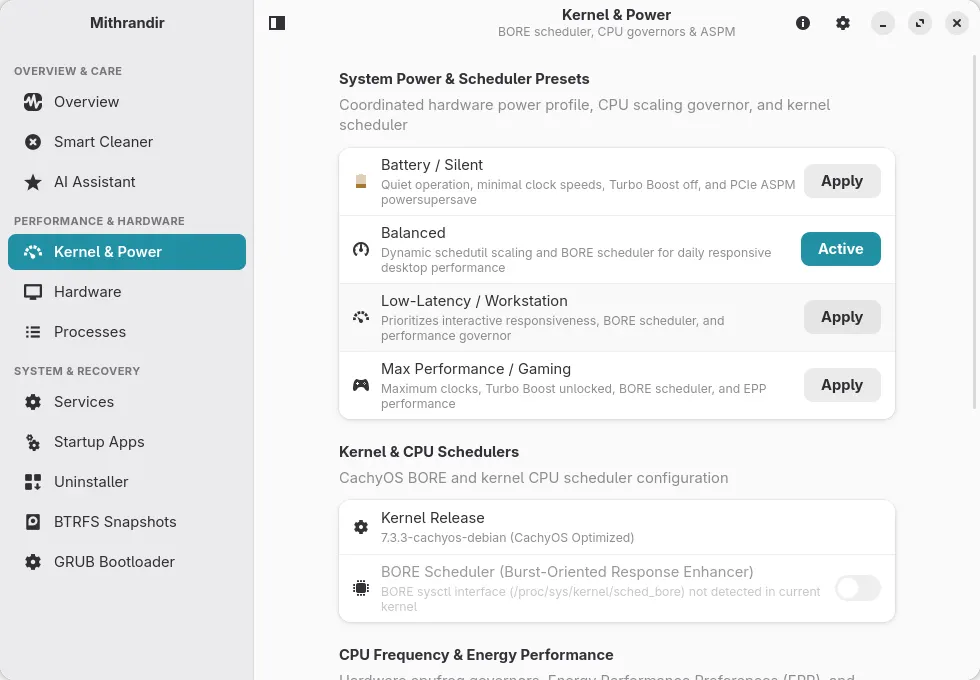
- Kernel & BORE Scheduler Control: Runtime and persistent sysctl management for the BORE CPU scheduler
- Hardware Power Profiles: Coordinated CPU Turbo Boost, scaling governors, EPP power profiles, and PCIe ASPM management
- Pure Rust System Tray: StatusNotifierItem and DBusMenu panel integration adapting automatically to Light and Dark desktop themes
- Zero-Sleep Real-Time Telemetry: Instant CPU delta calculation, dual GPU metrics, and battery health reporting
- Debounced Smart Boost: Safe one-click memory optimization and temporary file reclamation
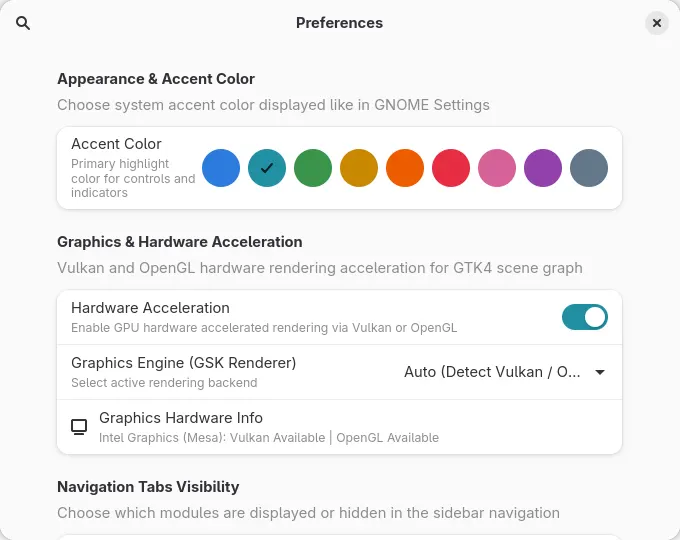
- Adaptive Libadwaita Interface: Responsive layout conforming to GNOME HIG on desktop and mobile screens
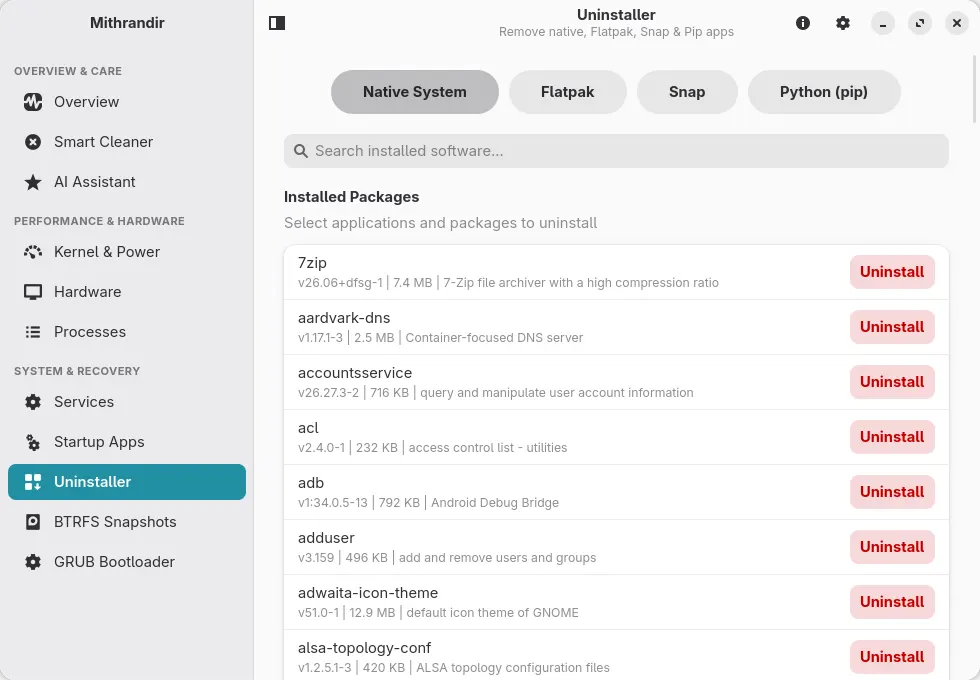
Permissions: Mithrandir manages the system it runs on, so this package does not keep it in a sandbox. It runs every action (cache cleaning, systemd services, GRUB, BTRFS snapshots, power and kernel settings, uninstalling software) on your computer through flatpak-spawn, with your normal user privileges, and asks for your password through polkit when an action needs root. It can read and write your whole home directory and the data of your other Flatpak apps in ~/.var/app, so it can clean their caches.
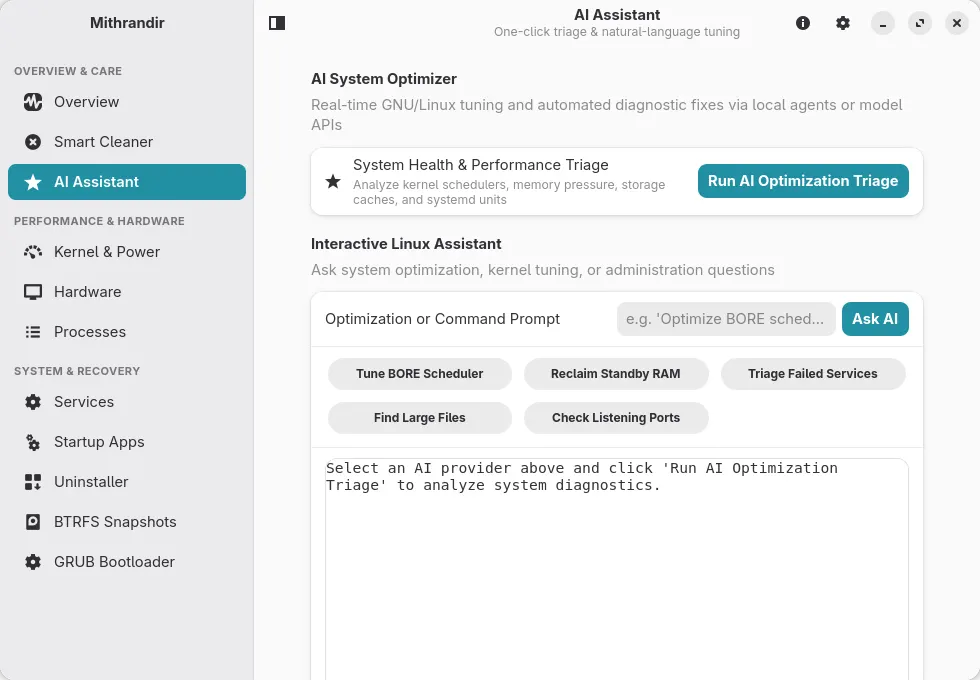
The AI assistant sends a summary of your system to the provider you choose (a cloud API, or a local model server) and can propose a shell command. When you click Execute Fix or Apply Fix, that command runs on your computer the same way, and as root after a password prompt when it uses sudo. Read a proposed command before running it.
详情
权限
8 项需确认文件:~/.var/app
存放私钥、已保存的密码或登录会话
与 org.freedesktop.secrets 通信
可读取主机密钥环;多数密钥环解锁后其他应用保存的密码也会暴露
网络访问
可访问互联网和本地网络
主目录
与 org.freedesktop.Flatpak 通信
可通过 flatpak-spawn 在主机上执行命令
系统服务:org.freedesktop.systemd1
系统服务:org.freedesktop.UPower.PowerProfiles
系统服务:net.hadess.PowerProfiles
进程间通信
与主机共享 IPC 命名空间
X11(回退)
与 org.kde.StatusNotifierWatcher 通信
Wayland 显示
GPU 加速
打包方式
隔离降低在你的系统上执行命令
应用的所有操作(清理、服务、GRUB、快照、电源设置)都通过宿主命令桥(flatpak-spawn)在你的系统上、沙箱之外运行。AI 助手建议的命令在你点击 Execute Fix 或 Apply Fix 后也这样运行;命令里带 sudo 时,输入密码后以 root 身份运行。