

Software Next
Developer-approvedgnome-software-next
A faster GNOME Software, with full-screen screenshots (unofficial fork)
Copied! Paste it into a terminal and press Enter to install.
About
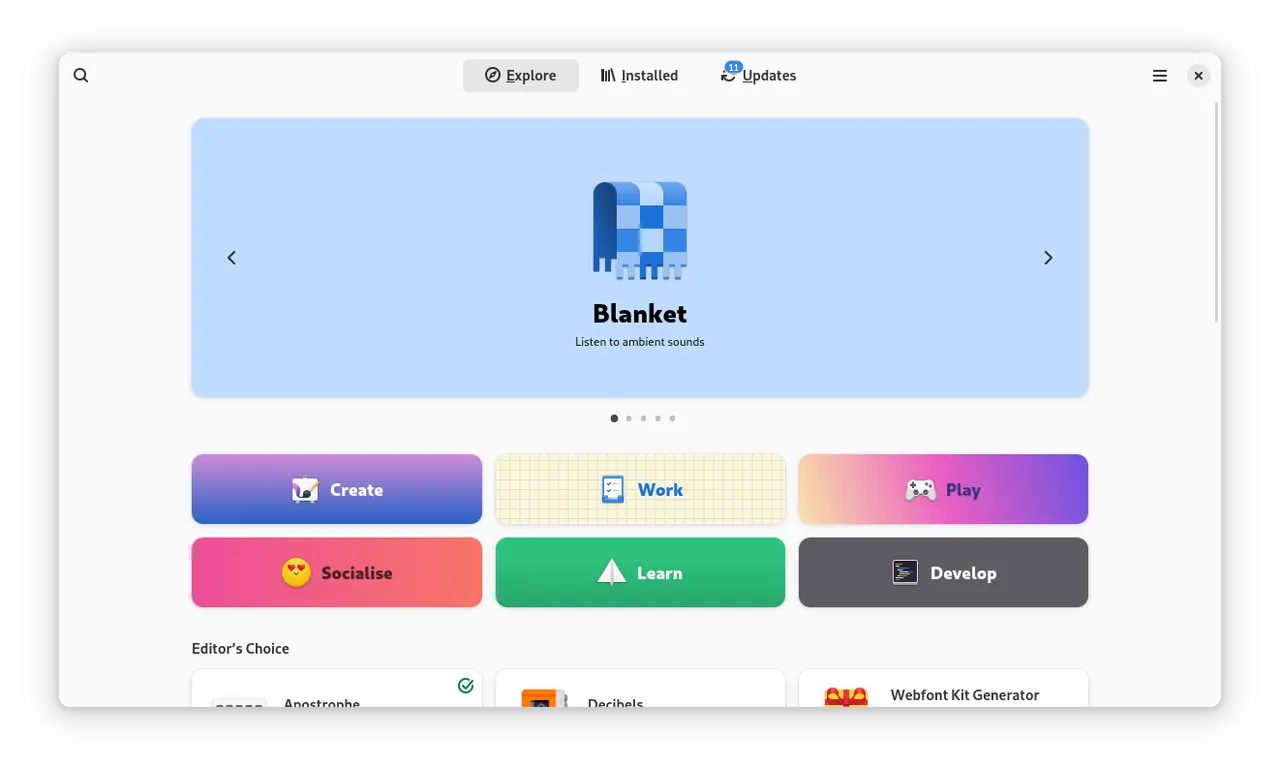
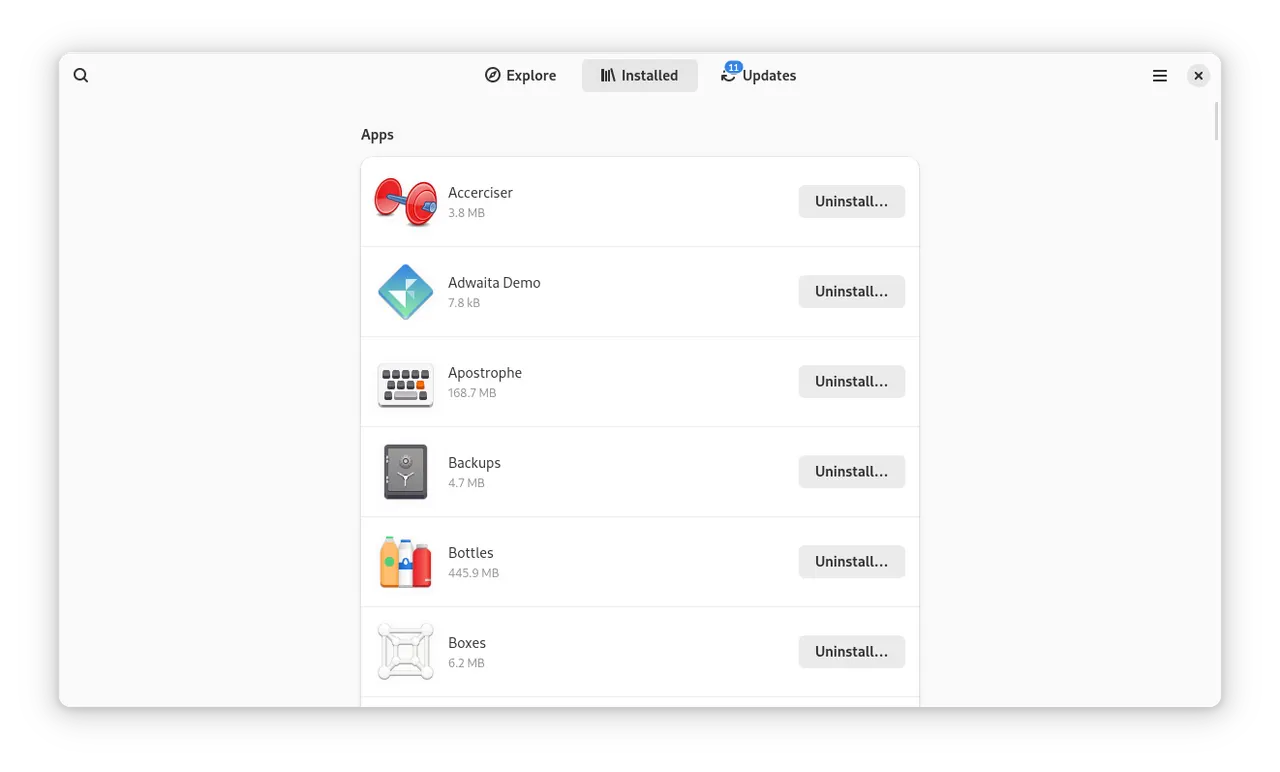
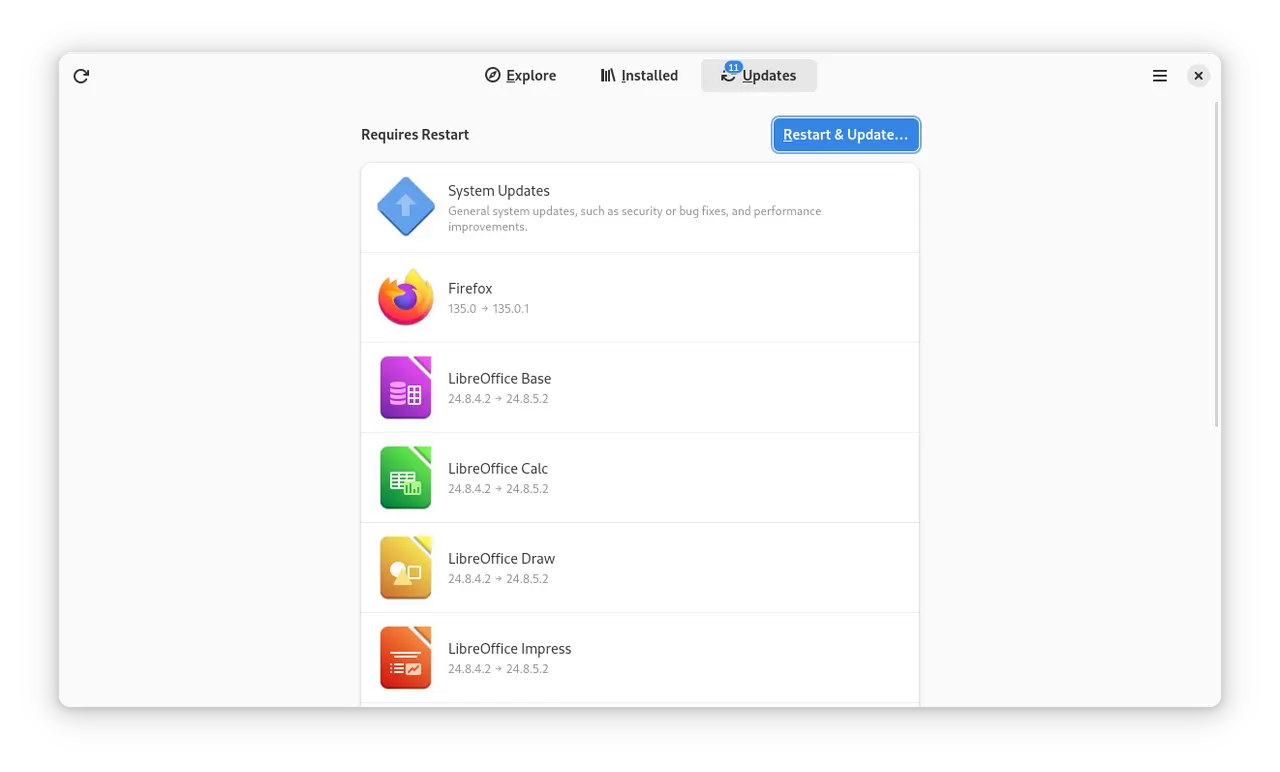
Software Next is an unofficial, experimental fork of GNOME Software that puts speed first. It finds, installs and updates the same software as GNOME Software (Flatpak apps, your distribution's packages through PackageKit, dnf5 or rpm-ostree, snaps and firmware), but its pages open almost at once.
Why use it instead of GNOME Software:
- Pages open much faster. In the fork's measurements the overview shows its apps in about 0.6 s instead of 3 s, a category's apps and icons appear in a fraction of a second instead of several seconds, and an app's details page is ready right away instead of after 2–3 s.
- Search results appear as you type, in about 0.15 s.
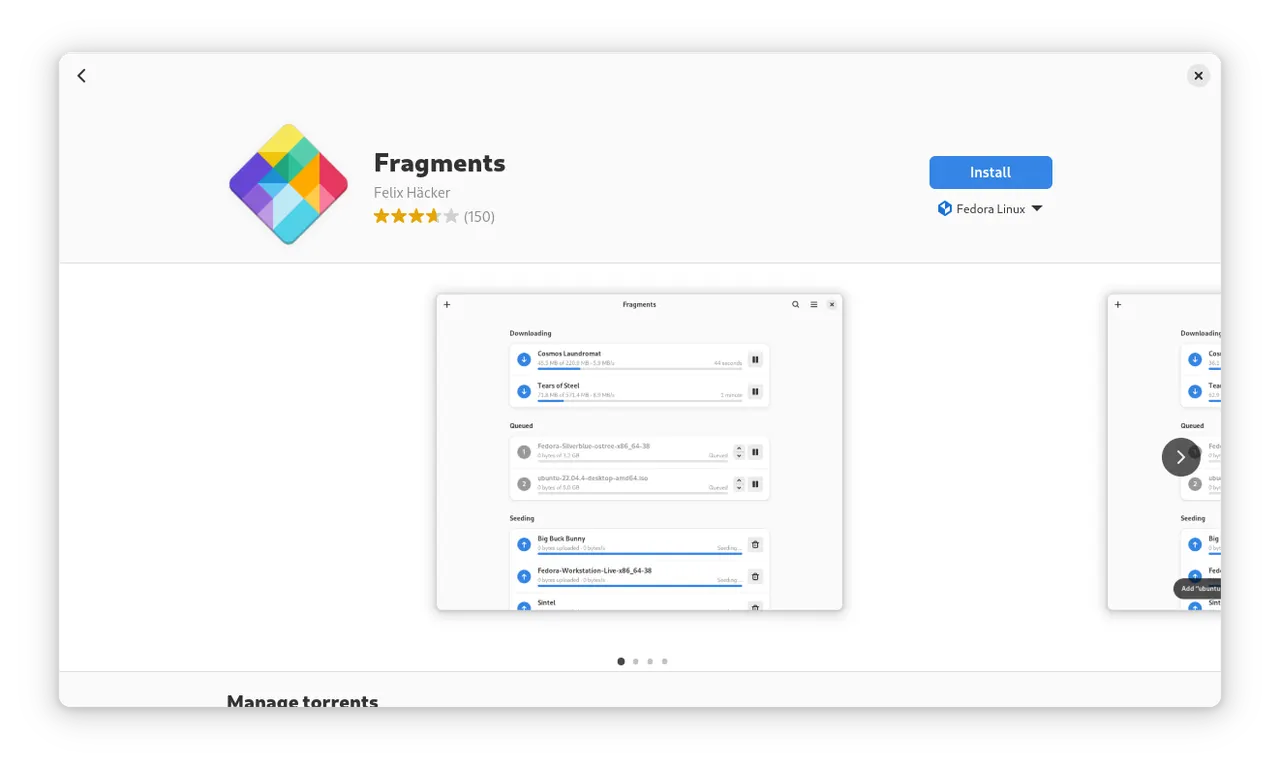
- Screenshots open full screen. Click a screenshot to see it over the whole window, zoom in on the details and move to the previous or next one.
- It stays smooth. Long category lists scroll without stutter, and swiping back from a details page lands where you came from.
- It is consistent. Every page shows the same state and progress of an app, and lists update in place instead of reloading.
It is not made or supported by the GNOME Software developers or the GNOME project, and its changes were developed with the help of generative AI. Please report problems to the fork.
It replaces the Software of your system: the desktop opens it for app details and search, and it checks for updates in the background once you turn that on. Your settings are shared with the system's Software.
Background updates replace the system's Software service with a user unit, ~/.config/systemd/user/gnome-software.service, which stays after the app is uninstalled and then starts the system's Software again. To go back, delete that file and run systemctl --user daemon-reload.
Details
- Developer
- gnome-software-next
- License
- GPL-2.0-or-later
- Runtime
- GNOME 51
- Architectures
- x86_64
- Version
- 51.1.822.g4587eab25 · 2026-11-18
- Website
- Homepage
- Source
- Software Next
- Packaging
- flatpark/registry
Permissions
34 to reviewFiles: ~/.var/app
Holds private keys, saved passwords or login sessions
Host OS files (read-only)
Host /etc (read-only)
Network access
Can reach the internet and local network
Files: xdg-run/dconf
Files: ~/.config/dconf:ro
Files: /var/lib/flatpak
Files: xdg-data/flatpak
Files: /var/tmp
System service: org.freedesktop.Flatpak.SystemHelper
Talk to org.freedesktop.Flatpak
Can run commands on the host via flatpak-spawn
Files: /sys/module:ro
Files: /var/lib/swcatalog:ro
Files: /var/cache/swcatalog:ro
Files: /var/lib/app-info:ro
Files: /var/cache/app-info:ro
Files: /var/lib/apt/lists:ro
Files: /var/lib/PackageKit:ro
System service: org.freedesktop.PackageKit
System service: org.rpm.dnf.v0
System service: org.rpm.announce
System service: org.projectatomic.rpmostree1
System service: org.freedesktop.fwupd
Files: /run/snapd.socket
Files: ~/snap:ro
Files: ~/.snap:ro
System service: org.freedesktop.Accounts
System service: org.freedesktop.PolicyKit1
System service: org.freedesktop.login1
System service: org.freedesktop.UPower
System service: org.freedesktop.locale1
Files: xdg-config/systemd/user:create
Files: xdg-config/autostart:create
Files: ~/.cache/gnome-software:ro
Inter-process communication
Shares the IPC namespace with the host
X11 (fallback)
Talk to ca.desrt.dconf
Talk to org.flatpak.Authenticator.*
Owns service org.freedesktop.PackageKit
Talk to org.gnome.SessionManager
Talk to org.freedesktop.systemd1
Talk to org.gnome.Epiphany.WebAppProvider
Talk to org.gtk.vfs.*
Wayland display
GPU acceleration
Packaging
Reduced isolationRuns commands on your system
Software itself runs some commands on your system through flatpak-spawn, as part of managing it: it launches the apps you open from it (flatpak run, gio launch, snap run), queries rpm-ostree and fedora-third-party, mounts Flatpak downloads with the host's fusermount, and stops the system's own Software when it takes over checking for updates. Two small helpers of its build run outside the sandbox from the app's files: one passes the FUSE mount of a Flatpak download back to Software, the other relays rpm-ostree's transaction socket. Turning on background updates writes ~/.config/systemd/user/gnome-software.service (and, before GNOME 49, an autostart entry), which takes the place of the system's own Software service; it stays after you uninstall the app, then starts the system's Software again. To undo it, delete that file and run systemctl --user daemon-reload. The package adds no commands of its own; its launcher only sets the paths of the build.