

Software Next
官方授权gnome-software-next
A faster GNOME Software, with full-screen screenshots (unofficial fork)
已复制!粘贴到终端并按回车即可安装。
关于
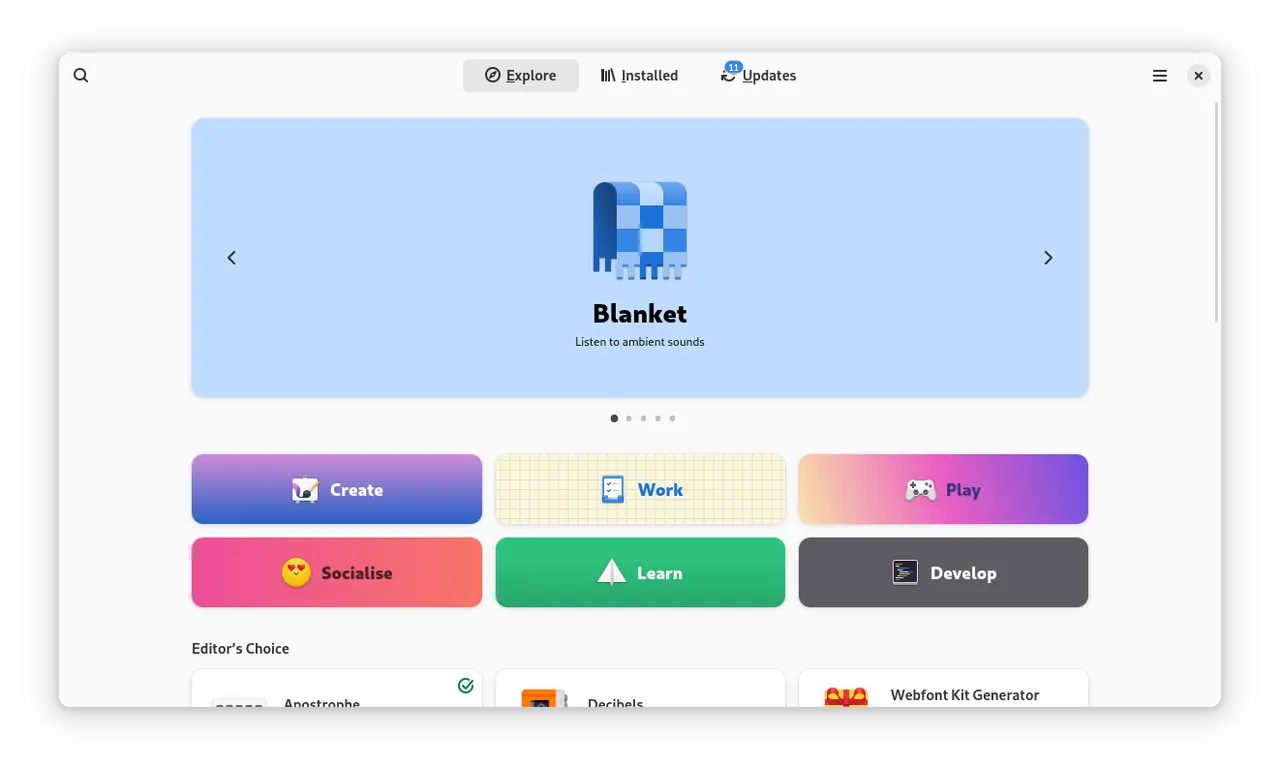
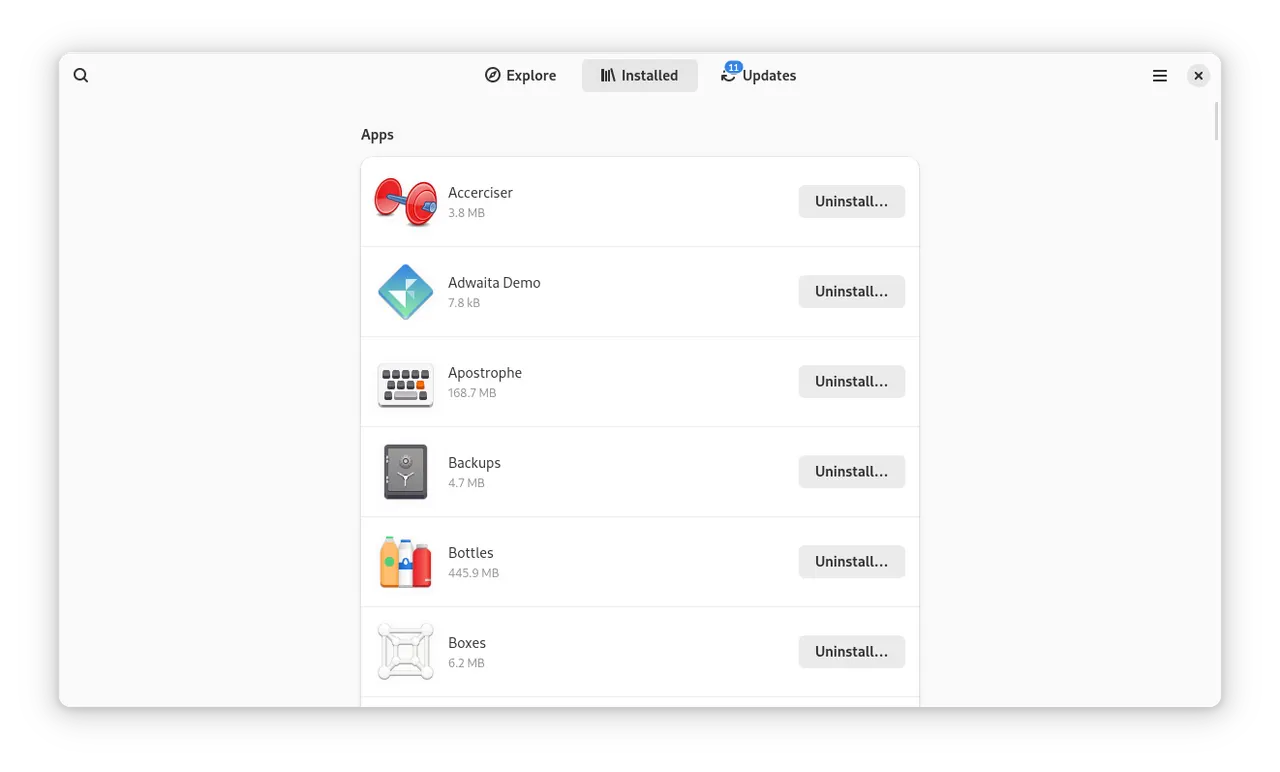
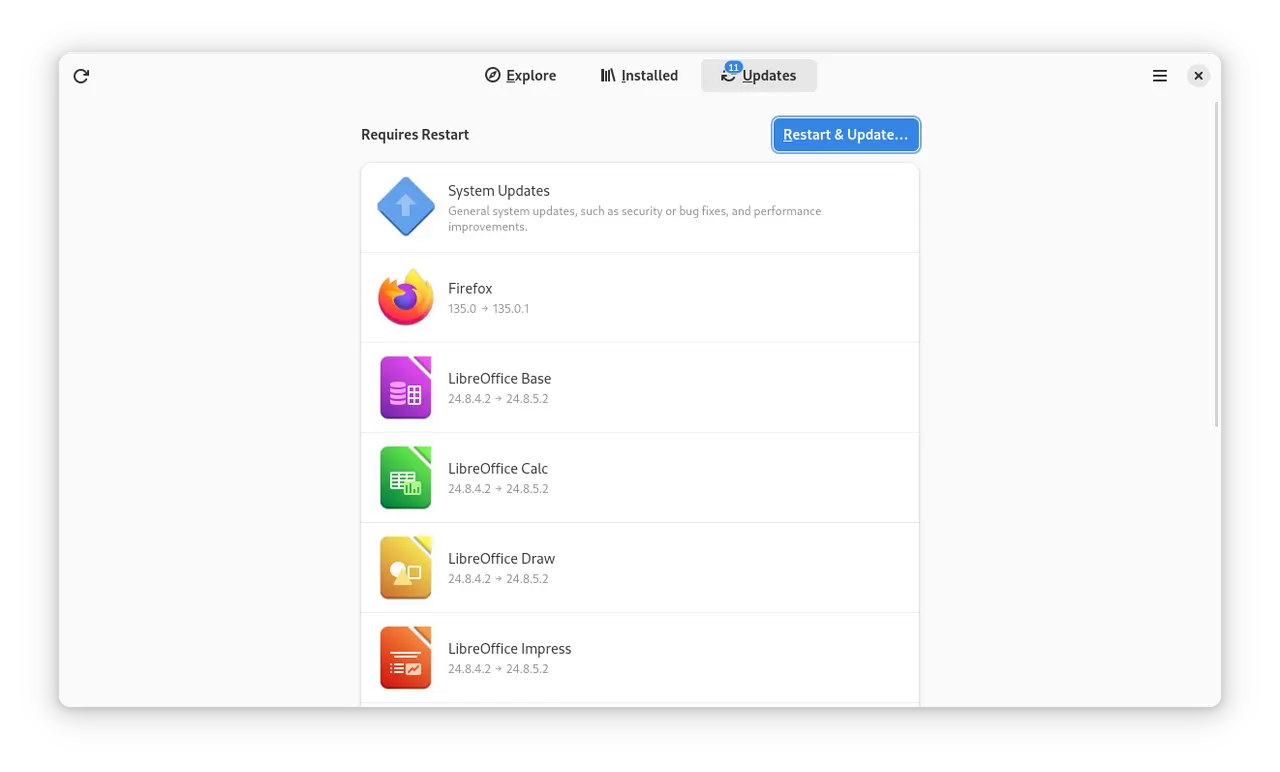
Software Next is an unofficial, experimental fork of GNOME Software that puts speed first. It finds, installs and updates the same software as GNOME Software (Flatpak apps, your distribution's packages through PackageKit, dnf5 or rpm-ostree, snaps and firmware), but its pages open almost at once.
Why use it instead of GNOME Software:
- Pages open much faster. In the fork's measurements the overview shows its apps in about 0.6 s instead of 3 s, a category's apps and icons appear in a fraction of a second instead of several seconds, and an app's details page is ready right away instead of after 2–3 s.
- Search results appear as you type, in about 0.15 s.
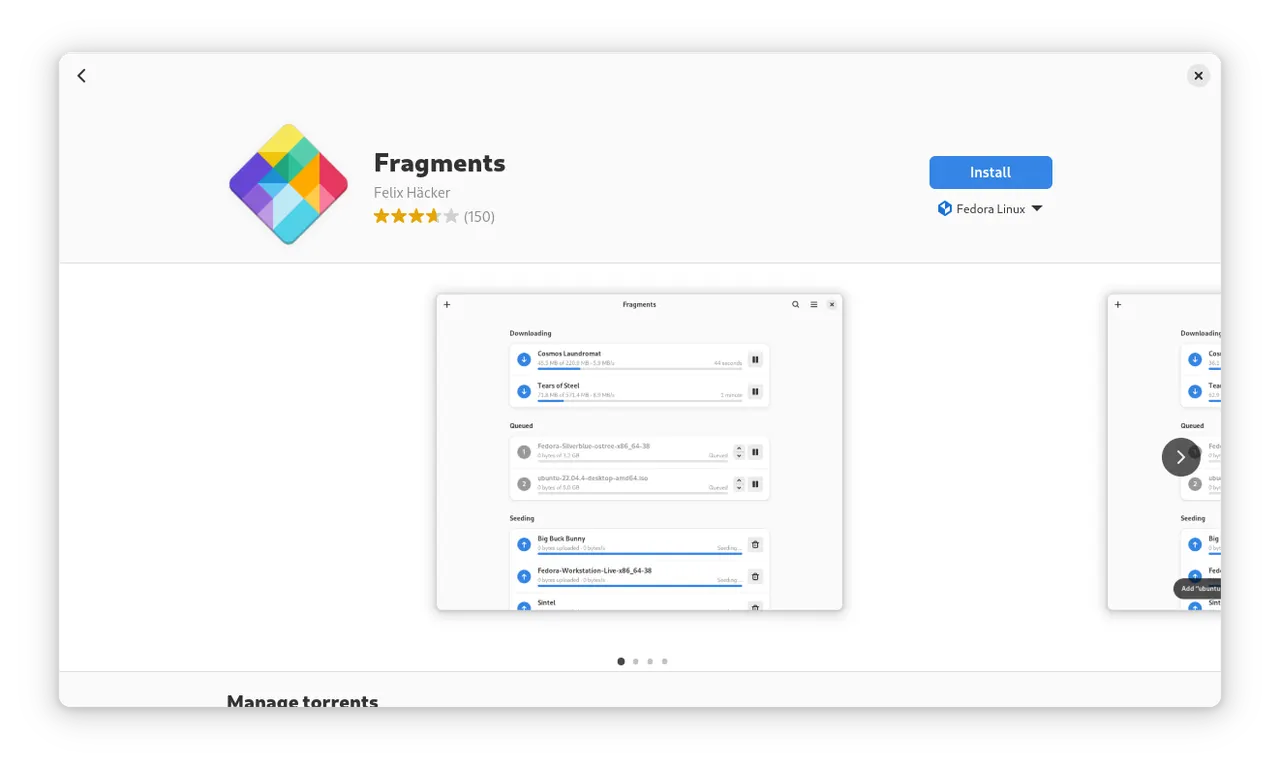
- Screenshots open full screen. Click a screenshot to see it over the whole window, zoom in on the details and move to the previous or next one.
- It stays smooth. Long category lists scroll without stutter, and swiping back from a details page lands where you came from.
- It is consistent. Every page shows the same state and progress of an app, and lists update in place instead of reloading.
It is not made or supported by the GNOME Software developers or the GNOME project, and its changes were developed with the help of generative AI. Please report problems to the fork.
It replaces the Software of your system: the desktop opens it for app details and search, and it checks for updates in the background once you turn that on. Your settings are shared with the system's Software.
Background updates replace the system's Software service with a user unit, ~/.config/systemd/user/gnome-software.service, which stays after the app is uninstalled and then starts the system's Software again. To go back, delete that file and run systemctl --user daemon-reload.
详情
- 开发者
- gnome-software-next
- 许可证
- GPL-2.0-or-later
- 运行时
- GNOME 51
- 架构
- x86_64
- 版本
- 51.1.822.g4587eab25 · 2026-11-18
- 网站
- 主页
权限
34 项需确认文件:~/.var/app
存放私钥、已保存的密码或登录会话
主机系统文件(只读)
主机 /etc(只读)
网络访问
可访问互联网和本地网络
文件:xdg-run/dconf
文件:~/.config/dconf:ro
文件:/var/lib/flatpak
文件:xdg-data/flatpak
文件:/var/tmp
系统服务:org.freedesktop.Flatpak.SystemHelper
与 org.freedesktop.Flatpak 通信
可通过 flatpak-spawn 在主机上执行命令
文件:/sys/module:ro
文件:/var/lib/swcatalog:ro
文件:/var/cache/swcatalog:ro
文件:/var/lib/app-info:ro
文件:/var/cache/app-info:ro
文件:/var/lib/apt/lists:ro
文件:/var/lib/PackageKit:ro
系统服务:org.freedesktop.PackageKit
系统服务:org.rpm.dnf.v0
系统服务:org.rpm.announce
系统服务:org.projectatomic.rpmostree1
系统服务:org.freedesktop.fwupd
文件:/run/snapd.socket
文件:~/snap:ro
文件:~/.snap:ro
系统服务:org.freedesktop.Accounts
系统服务:org.freedesktop.PolicyKit1
系统服务:org.freedesktop.login1
系统服务:org.freedesktop.UPower
系统服务:org.freedesktop.locale1
文件:xdg-config/systemd/user:create
文件:xdg-config/autostart:create
文件:~/.cache/gnome-software:ro
进程间通信
与主机共享 IPC 命名空间
X11(回退)
与 ca.desrt.dconf 通信
与 org.flatpak.Authenticator.* 通信
占用服务名 org.freedesktop.PackageKit
与 org.gnome.SessionManager 通信
与 org.freedesktop.systemd1 通信
与 org.gnome.Epiphany.WebAppProvider 通信
与 org.gtk.vfs.* 通信
Wayland 显示
GPU 加速
打包方式
隔离降低在你的系统上执行命令
Software 本身会通过 flatpak-spawn 在你的系统上运行一些命令,这是管理系统软件的一部分:启动你从它打开的应用(flatpak run、gio launch、snap run),查询 rpm-ostree 和 fedora-third-party,用宿主的 fusermount 挂载 Flatpak 下载,并在接管后台检查更新时停掉系统自带的 Software。它的构建里有两个小助手程序会从应用文件中在沙盒外运行:一个把 Flatpak 下载的 FUSE 挂载传回给 Software,另一个转发 rpm-ostree 的事务 socket。开启后台更新会写入 ~/.config/systemd/user/gnome-software.service(GNOME 49 之前还会写一个自启动项),取代系统自带的 Software 服务;卸载应用后这个文件仍会保留,届时它会重新启动系统自带的 Software。要撤销,删除该文件并运行 systemctl --user daemon-reload。打包本身不添加任何命令,启动脚本只设置构建的路径。